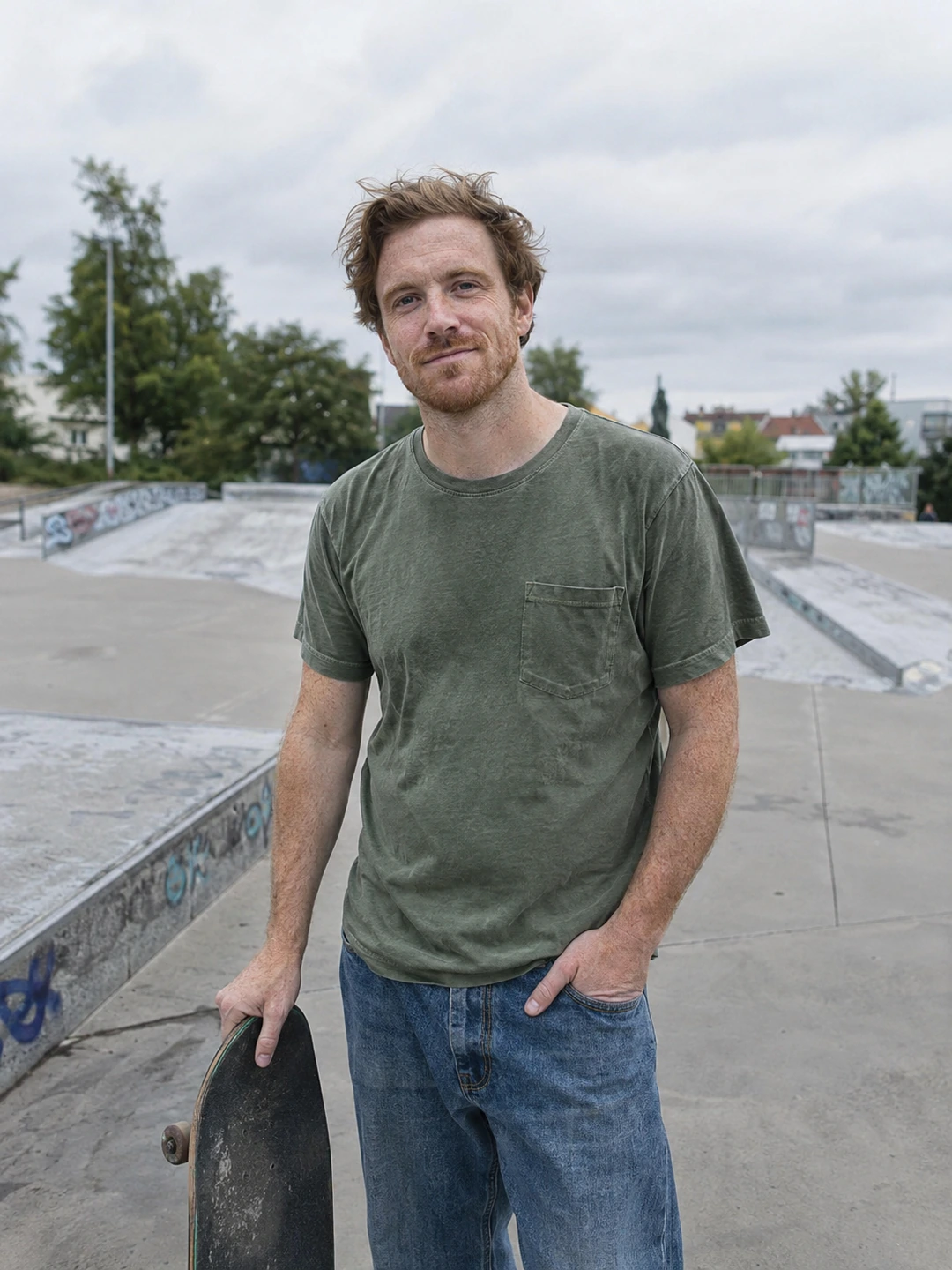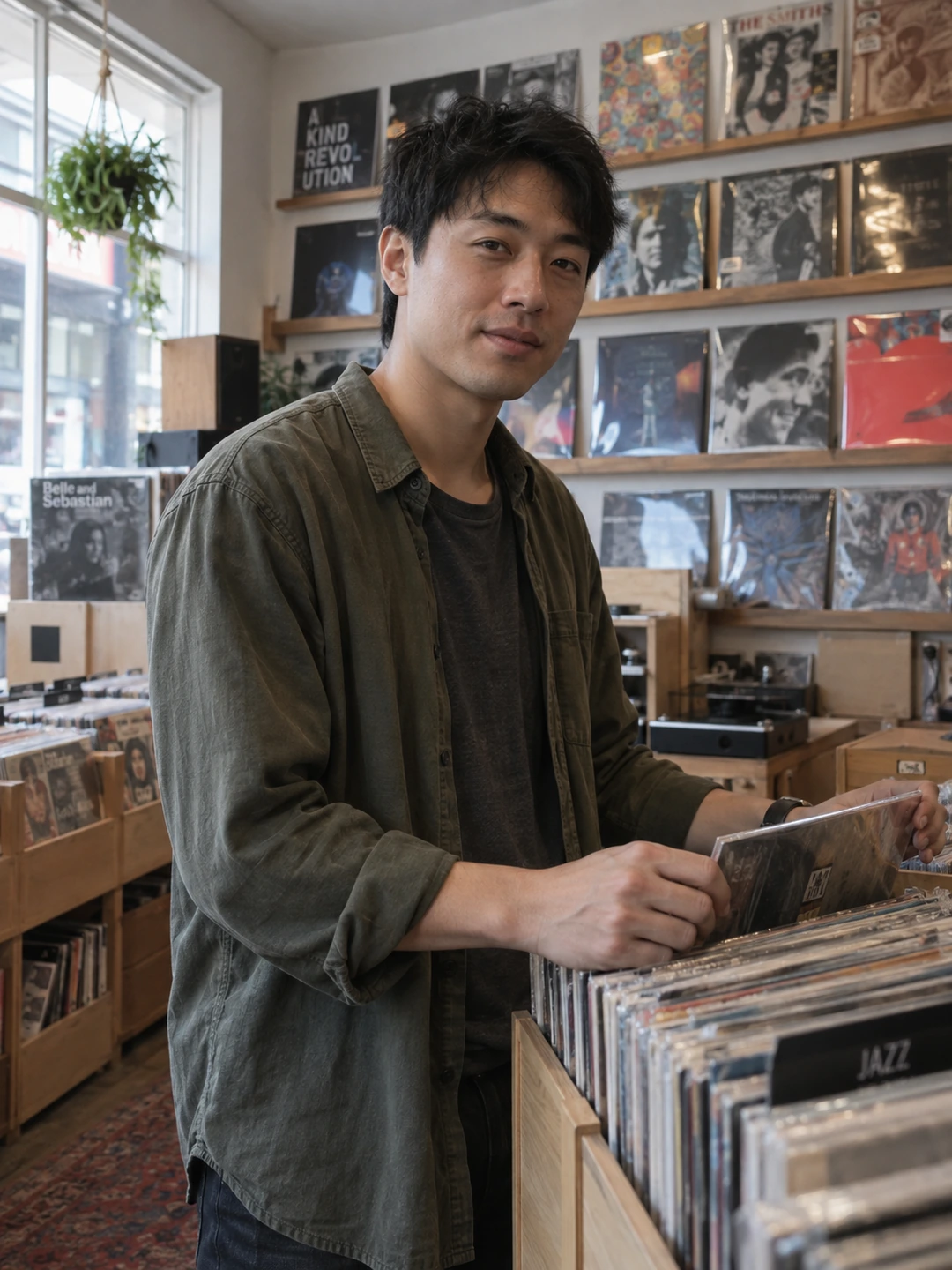
Choose source selfies that show how you actually look now. The most flattering picture in your camera roll is not automatically the clearest reference. Start with readable facial detail and a consistent current appearance. Keep the originals available so you can compare generated results with something more reliable than your memory of your own face.
Make a current reference set
PhotoDating.ai’s upload flow asks for three to five selfies. Follow the current instructions shown in the product when you upload. Choose a small set of your own photographs, with a clear face and a few ordinary angles. Do not combine pictures from markedly different hairstyles or periods simply because each one is attractive in isolation. The reference should describe one current person.
- Keep the face readable. Prefer images where eyes, mouth and the outline of the face are visible. Set aside strong obstructions and very distant pictures.
- Avoid heavy appearance edits. A smoothed or reshaped selfie is a less dependable reference for your real features. Use an unfiltered original when available.
- Use only yourself. Avoid group pictures and other people’s faces. A source set should not require guessing which person the portrait is meant to represent.
- Keep meaningful current details. Your usual glasses, hairstyle and facial hair should be considered when choosing and later reviewing the pictures.
Inspect each source before uploading
- 1Open the actual file. Check the photograph itself rather than relying on a small gallery thumbnail. Look for soft facial detail or a screenshot that has already lost quality.
- 2Compare with the other sources. Ask whether the set presents a coherent current appearance. Replace a conflicting old picture rather than adding more images to compensate.
- 3Keep ordinary variation. Slightly different angles can show more than several near-duplicate frames. You do not need extreme expressions or unusual camera positions.
- 4Check the upload preview. Confirm that you selected the intended files and that any required crop keeps the relevant face detail. Follow the product’s displayed file and upload requirements.
Define what a successful result must preserve
Before generation, note the details you will check afterwards: face shape, eye spacing, hairline, apparent age and any visible glasses or facial hair. This helps prevent a polished image from distracting you from a changed identity. The notes are a review aid, not a technical guarantee that a model will preserve every feature correctly.
If you do not have suitable sources, take a few new ordinary selfies instead of uploading old pictures from different eras. Use a comfortable position and clear light, then review the files. Better references do not eliminate the need to inspect the output. You should still reject an inaccurate result even when every source image was appropriate.
Start with a small, clear source set
PhotoDating.ai generates portrait options from your own selfies. Use the current upload instructions and keep only results that represent you accurately. Do not treat generation as a guarantee of identity fidelity or dating outcomes.
Continue with the AI portrait review checklist before publishing. Use the dating profile photos guide to decide which generated portraits, if any, belong beside your real photographs. Keep a simple photo library so sources and finished exports remain easy to distinguish.