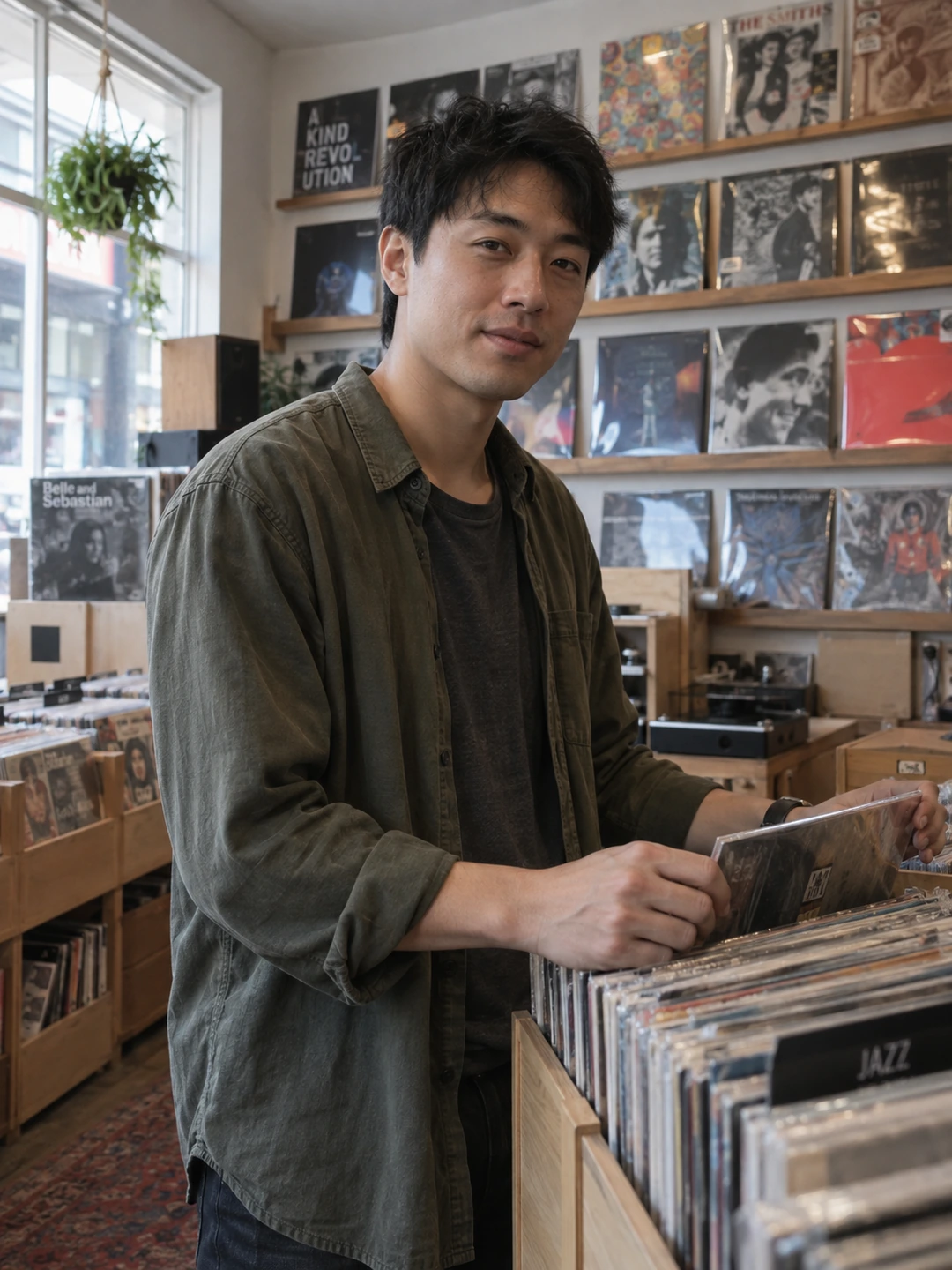
Judge a filter by what it changes, not by whether the preset has a reassuring name. Some treatments mainly alter colour or contrast; others smooth skin, change features or reshape the body. Your dating photo should remain a recognisable introduction. Keep the original beside the edited version and inspect the actual difference before publishing.
Separate style from altered appearance
A warmer colour treatment and a narrower jaw are not the same kind of edit. The first changes presentation; the second changes the person the image depicts. Even a colour preset can go too far if it makes skin, hair or eyes look materially different. You do not need a blanket rule that every adjustment is wrong. You need a clear boundary around recognisability.
- Look for automatic extras. Check whether a tool applied smoothing, eye enlargement or other adjustments alongside the named effect. Do not assume the preview contains only the change you selected.
- Check current likeness. Compare with an ordinary recent photograph, not only a favourite heavily edited image you have become used to seeing.
- Preserve meaningful details. Freckles, lines, scars and other recognisable features do not need to disappear for the picture to be clear.
Run a controlled visual comparison
- 1Use the same crop. Hold the composition constant while you compare the original and filtered image. Otherwise a better crop may make the filter seem more useful than it is.
- 2Check the whole face first. Ask whether the edited version looks like you in ordinary life. Then inspect eyes, teeth, skin and the outline of the face.
- 3Review at normal size. A treatment that looks smooth when zoomed out may become unnatural at profile size. A tiny blemish that bothers you enlarged may be irrelevant in the actual display.
- 4Reduce or remove the effect. Keep only adjustments that solve a specific problem. If you cannot explain what the filter improves, try the original.
- 5Check the saved upload. Preview the image in the destination app. Its crop and display can make a strong treatment more noticeable than it was in your editor.
Keep the profile visually coherent
A set that alternates between heavy smoothing, dramatic monochrome and highly saturated colour can make you look like several different versions of yourself. You do not need identical editing on every image, but you should remain consistently recognisable. Use a clear current colour portrait as an anchor and compare supporting images against it.
If you like a playful filter, consider whether it adds information that the profile actually needs. A novelty image can be fun without being a good introduction. Do not use it to avoid showing your current face across the rest of the set. The aim is not to eliminate personality from the pictures; it is to keep personality from being confused with an altered appearance.
Generated portraits need the same scrutiny
PhotoDating.ai creates new portraits from your own selfies. Review them against current real photos and reject changed features, age or proportions. A polished result is only useful if it still represents you accurately.
Use the appearance-preserving edit guide for a more specific workflow, and the dating profile photos guide for the final lineup. For monochrome choices, compare the trade-offs in the black-and-white photo guide.