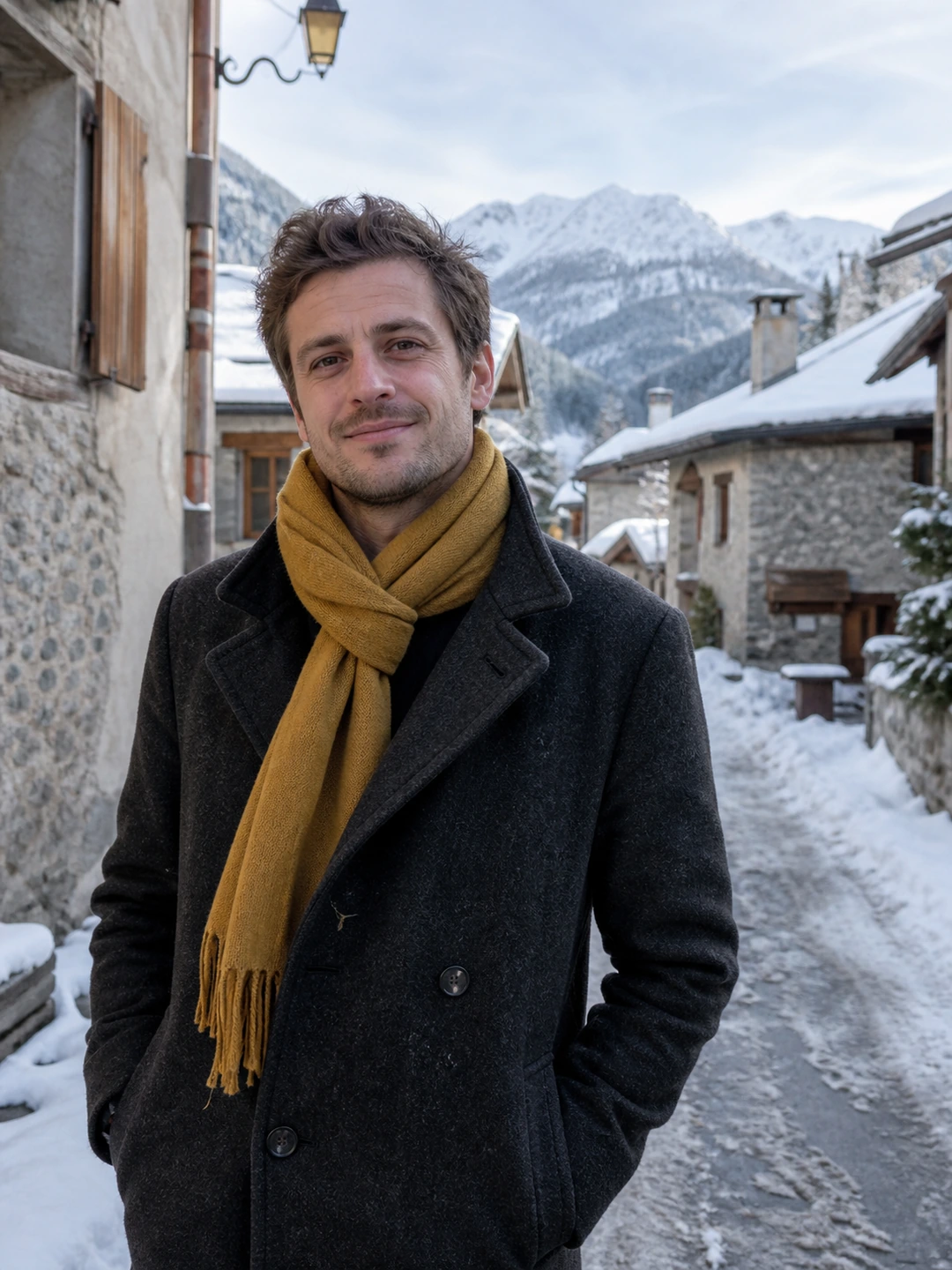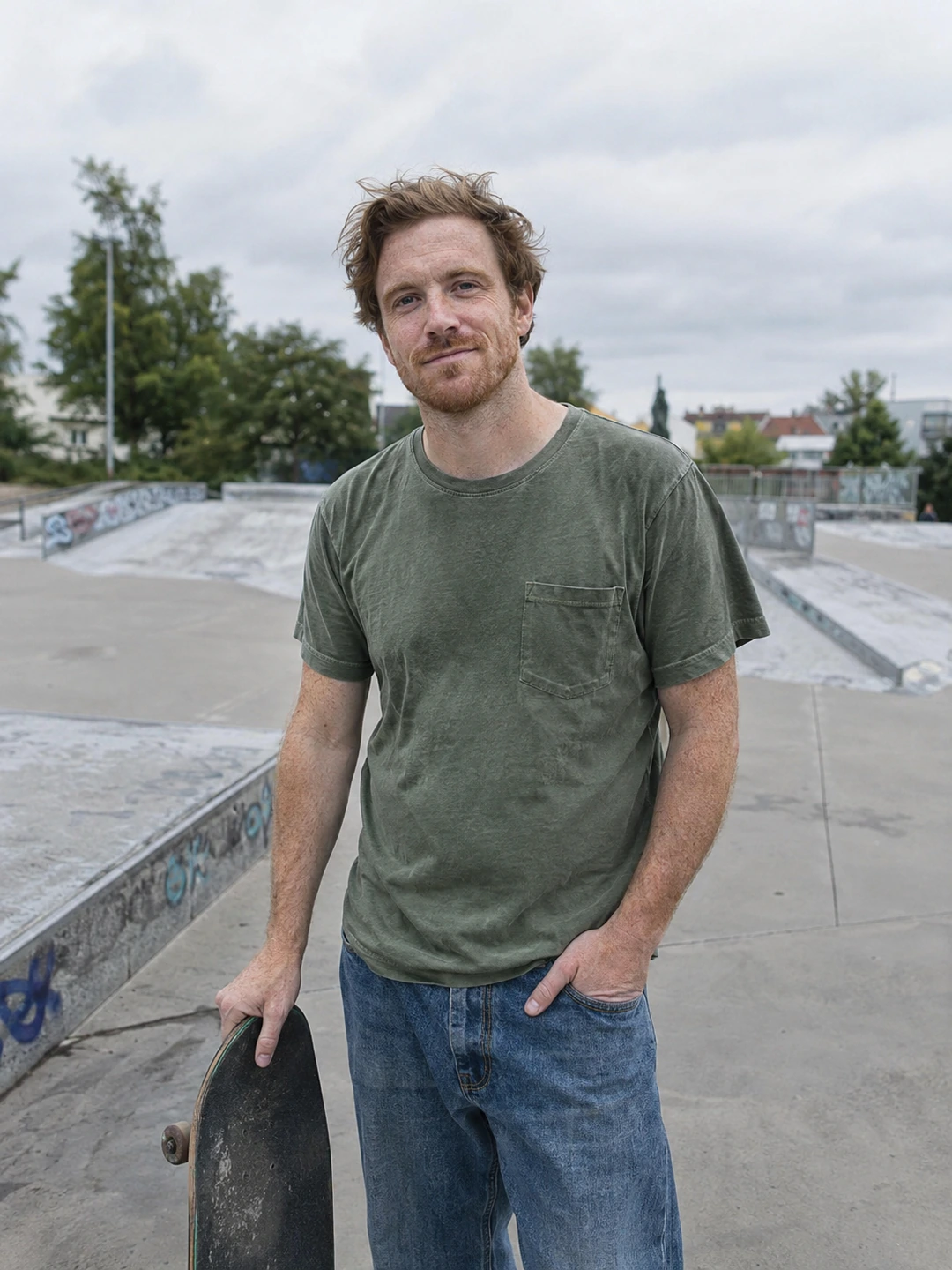
A generated portrait can look convincing while depicting the wrong version of you. Review likeness before style. Keep current real photographs beside the result and assess the image in three passes: identity, visible detail and the story implied by the setting. Rejecting an inaccurate image is part of selecting useful output, not a reason to rationalise it.
First pass: does the person look like you?
- Face structure. Compare the outline, eye spacing, nose, mouth and chin with current real references. Do not accept a different face because the lighting is appealing.
- Current appearance. Check hairstyle, hairline, facial hair, glasses and apparent age. A result that restores an old look may still be inaccurate today.
- Body proportions. Review any visible body rather than assuming the face is the only relevant feature. Reject changes that make the picture unrepresentative.
- Recognisable details. Look for changed freckles, scars, tattoos or other features you consider part of your appearance. Do not treat erased detail as an automatic improvement.
Second pass: inspect the parts people notice
- 1Look at normal size first. Ask whether the whole image feels coherent and whether you recognise yourself without searching for familiar fragments.
- 2Inspect eyes and teeth. Compare shape, alignment and visible detail with your references. A plausible-looking feature is not necessarily your feature.
- 3Check hands and objects. Look at fingers, jewellery, glasses frames and anything held near the body. Reject obvious distortions rather than hoping the crop hides them everywhere.
- 4Review boundaries. Hair, ears, clothing edges and background transitions should not create distracting inconsistencies. Choose another result if the image needs extensive repair.
- 5Return to the whole frame. Detail inspection can make you overlook the overall resemblance. Finish this pass by comparing the complete portrait again.
Third pass: what does the scene claim?
A portrait in a generated setting is not evidence of a real experience. A mountain, instrument, pet or workplace can imply an activity or status that is not yours. Ask what a reasonable viewer might infer and whether you could explain the image honestly. Use real photographs when the point of the picture is a trip, hobby, performance or other event that actually happened.
Do not use this checklist as a detector for other people’s photos. It is a way to compare your own output with references you possess. It cannot prove how another image was made, certify a person’s identity or predict whether an app’s verification process will accept it. Follow the current rules of the service where you intend to publish and use real captures when a workflow requires them.
Choose accuracy over the most polished result
PhotoDating.ai generates portrait options from your selfies. You decide which results accurately represent you. Keep a real current portrait available and reject outputs that fail the likeness or context checks.
Save only the approved candidates in your finished photo library, keeping them distinct from real event photographs. Use the dating profile photos guide to choose a balanced set. If the sources were outdated or unclear, review the selfie selection checklist before trying again.