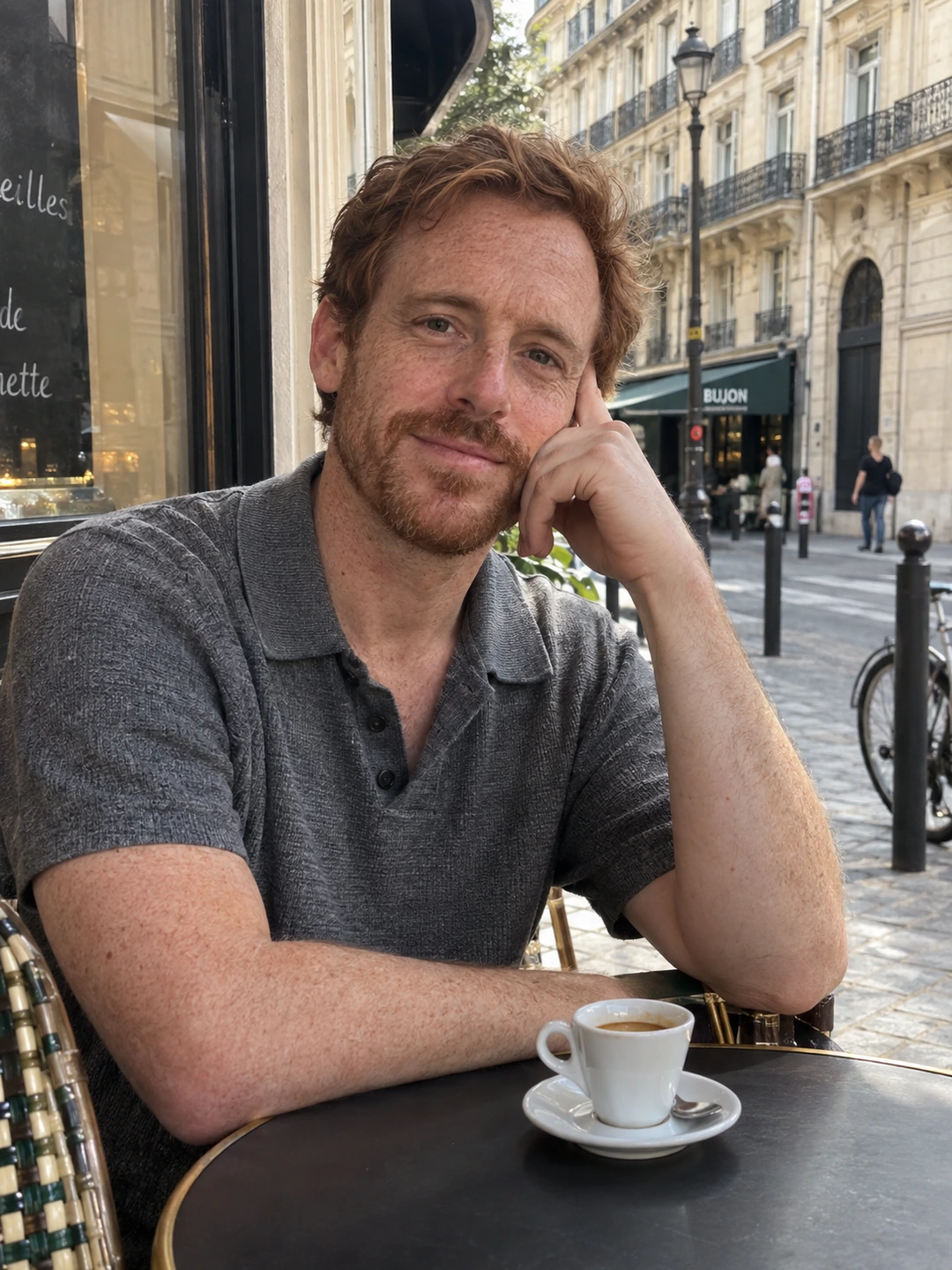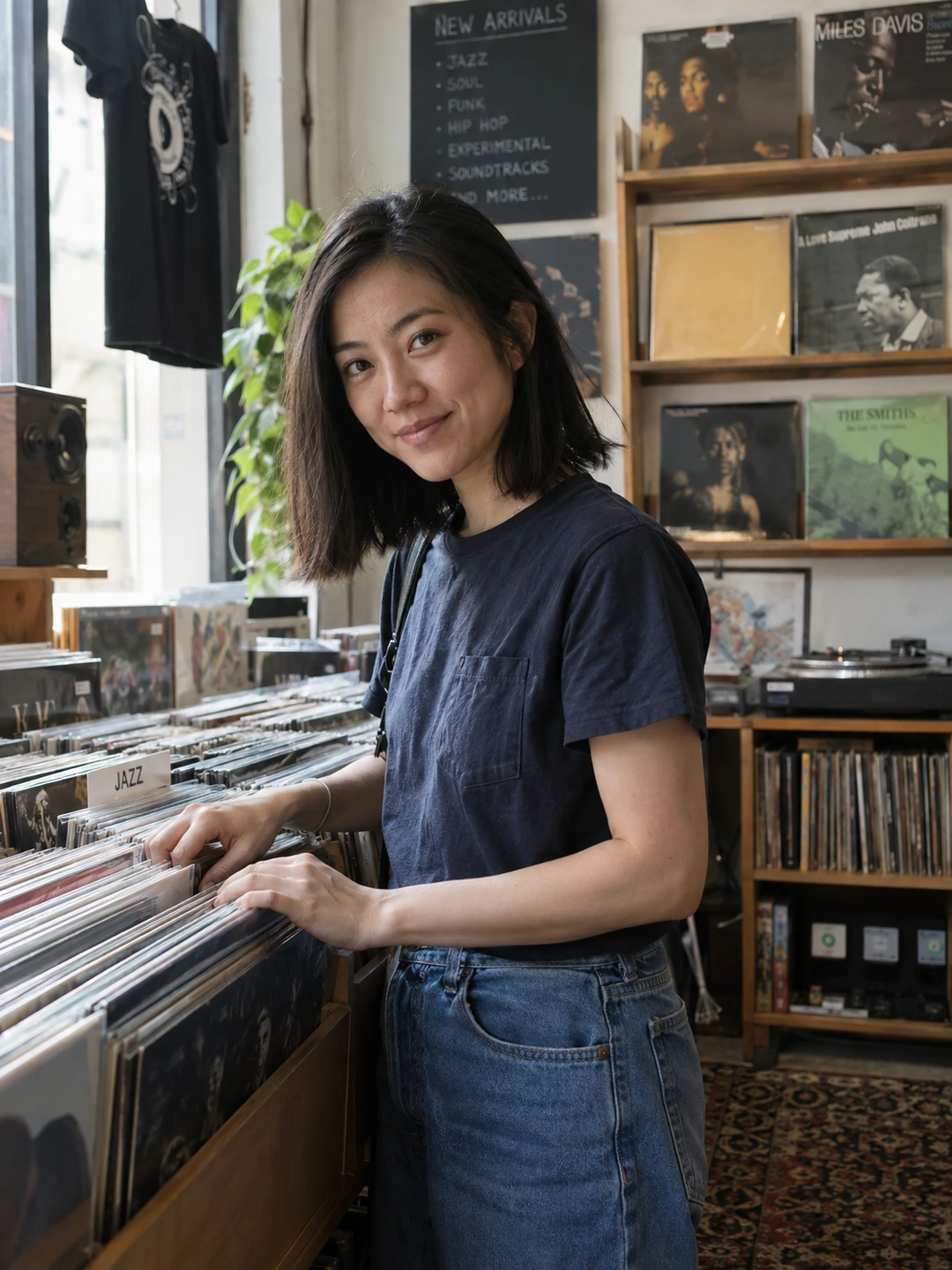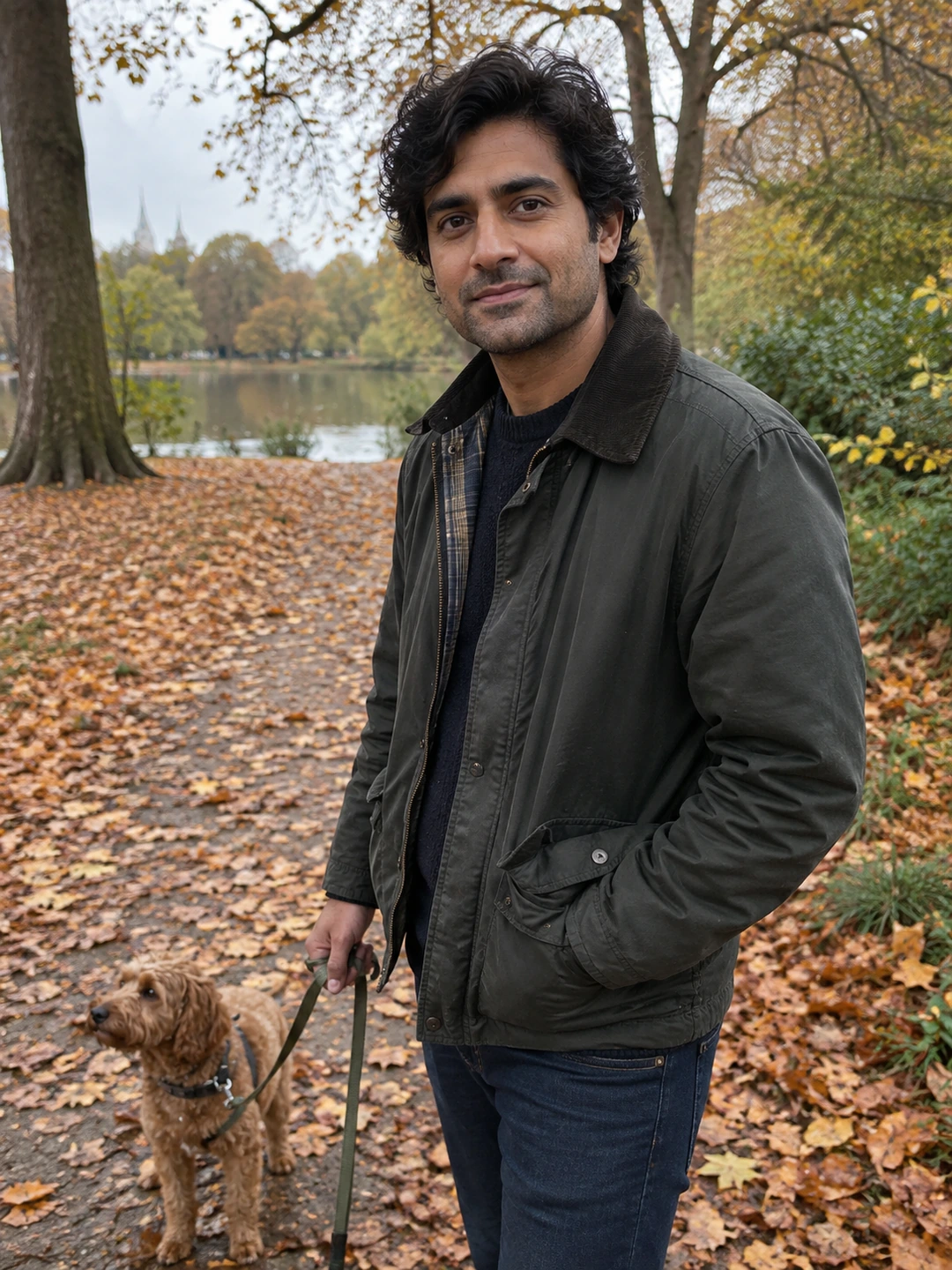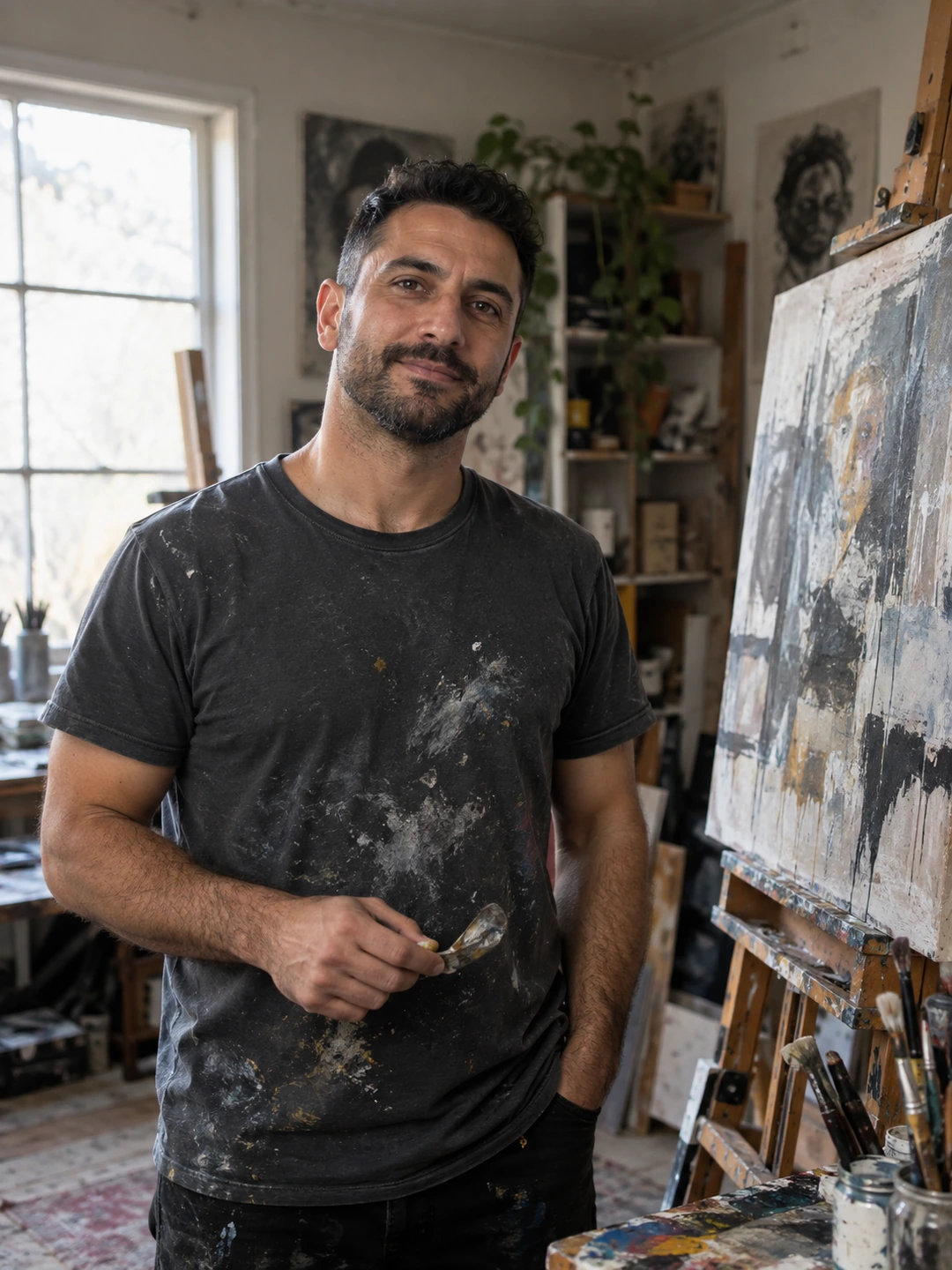
Crop around what the image needs to communicate. A lead portrait needs a readable face; an activity picture needs enough context to explain the activity. Tightening every image to the same close-up can remove the variety you were trying to build. Preserve the original so you can try different crops without losing your starting point.
Name the detail the crop must preserve
- For a portrait. Keep the expression, a comfortable amount of headroom and enough shoulders to make the frame feel intentional.
- For a wider view. Preserve the body view you meant to show. Avoid trimming at an awkward point merely to make the image fit a guessed template.
- For an activity. Keep the object or setting that explains what you are doing. Removing the instrument, dish or trail can turn an informative image into an ambiguous pose.
- For a group memory. Make sure the crop does not imply a different scene or leave a distracting fragment of another person. A solo source is often a clearer alternative.
Try two crops from the same source
In iPhone Photos, Apple’s crop instructions describe opening Edit, selecting Crop and adjusting the frame manually or with a ratio preset. Other editors offer similar controls. Use the tool available on your device and keep a copy of the original. The exercise below is about composition, not a claim that one ratio is required by every dating app.
- 1Make a conservative version. Remove obvious empty space or accidental clutter while preserving the image’s original purpose.
- 2Make a closer version. Tighten around the person, then ask what context disappeared. If the closer image loses the story, the first version may be better.
- 3Compare at the same display size. View both as small portraits rather than judging one zoomed in and the other zoomed out. Check face clarity and whether the crop feels deliberate.
- 4Upload the candidate and inspect the preview. The app may display the source in a different frame. Adjust within its available controls and check the saved result, not just the editing screen.
Know when cropping cannot solve the photo
A crop cannot recover detail that was never captured. If your face occupies a tiny part of a landscape, making it fill the frame may expose how little detail the source contains. Choose another image or take a new portrait rather than expecting a close crop to turn it into a sharp photograph. For file-quality diagnosis, use the blurry dating photos guide.
Cropping also changes context. Removing another person, a relevant object or part of an activity can make a photograph suggest something different. Ask whether you would be comfortable explaining the original scene. The most useful crop is one that clarifies an accurate image, not one that makes a misleading story easier to believe.
Use a new portrait when the source is unsuitable
PhotoDating.ai generates portrait options from your own selfies. It does not recover the exact missing content outside a crop. Inspect any generated result for current likeness and keep real images when the original event matters.
If the issue is the shape of the upload rather than composition, read the aspect ratio guide. Arrange your final crops with the dating profile photos guide, keeping the originals available for future profile layouts.