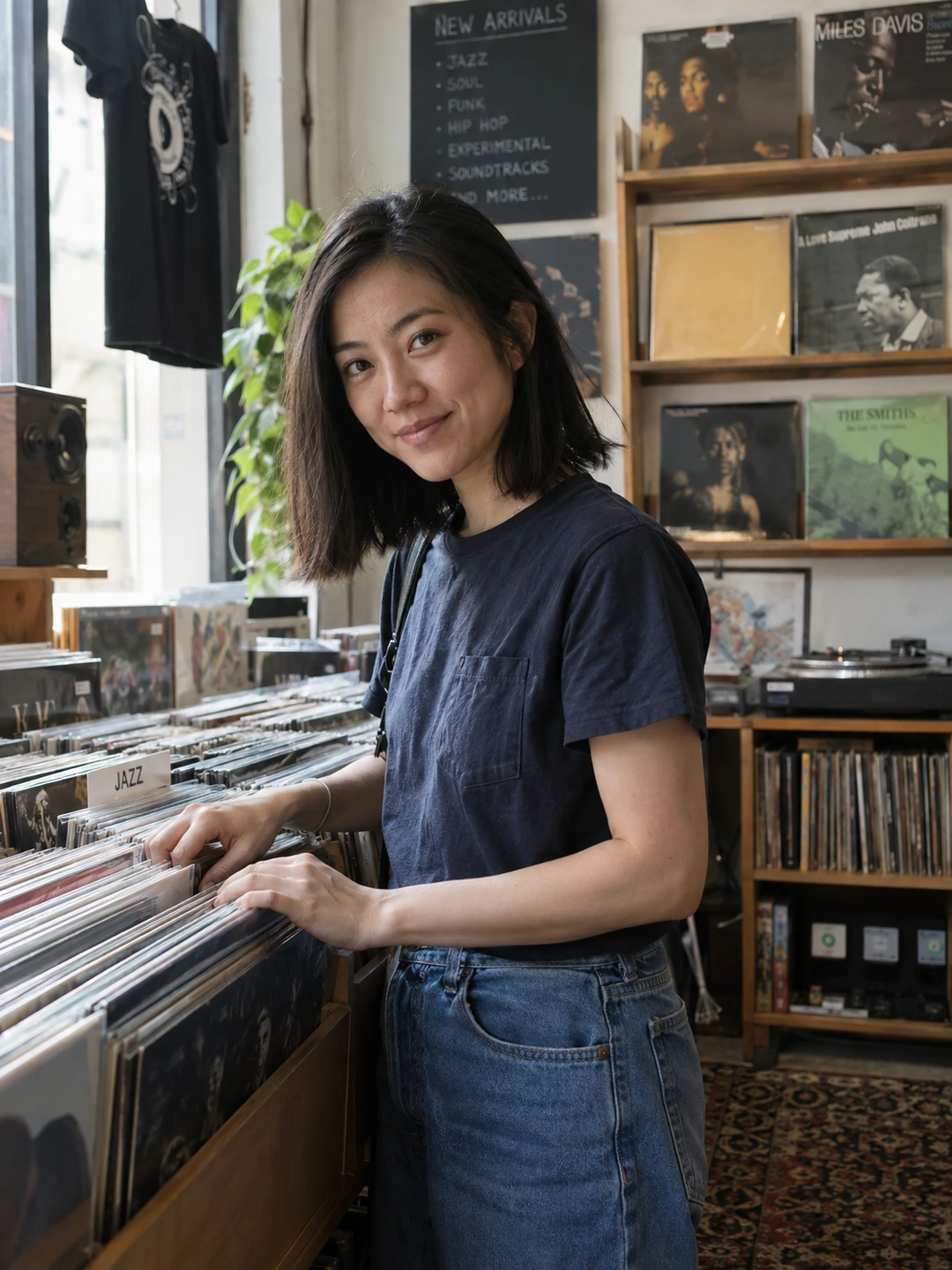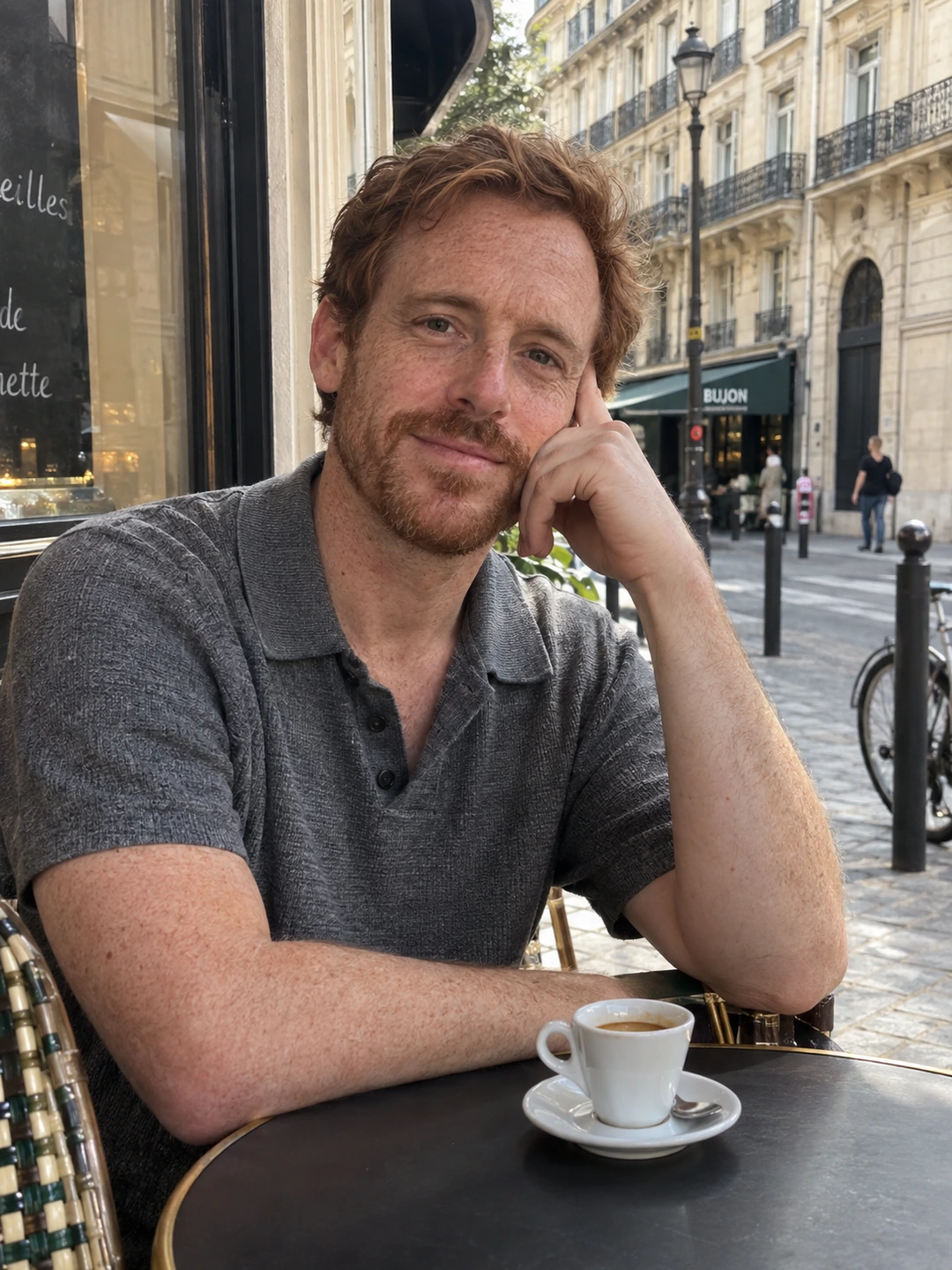
Aspect ratio describes a photo’s shape, not how much detail it contains. A square image is 1:1 whether it is small or large. Before exporting dating pictures, separate three questions: what shape you need, how much useful detail remains and how the app displays the upload. A single ‘perfect size’ cannot answer all three.
Read the ratio as width to height
A 1:1 image has equal width and height. A portrait-oriented 4:5 image is narrower than it is tall; a 3:4 image is taller relative to its width. For a simple example, 1,200 by 1,500 pixels and 800 by 1,000 pixels both reduce to 4:5. They have the same shape but different pixel counts. These are arithmetic examples, not upload requirements for a particular dating app.
Adobe’s crop-tool documentation distinguishes aspect-ratio choices from width, height and resolution controls. That distinction is useful even if you edit on a phone: a ratio preset controls the frame’s proportions, while exporting or resizing affects the output dimensions. Keep these decisions separate so you do not stretch a portrait merely to fit a box.
Prepare flexible source images
- 1Start with the original. Use the clearest available source rather than a screenshot from another app. Keep a copy before making platform-specific versions.
- 2Leave some room around the subject. A photograph cropped to the edge of your hair or shoulders gives you little flexibility when a destination uses another frame.
- 3Try a square and a portrait crop. Compare what each retains. You are exploring composition, not assuming those two shapes cover every app or every display surface.
- 4Use the destination preview. Check the actual app’s current upload instructions and saved profile view. If it crops differently from the source, adjust there or export another version.
- 5Name the versions clearly. Use a filename or album note that records the intended destination and crop. This helps you avoid uploading an old small export when the original is available.
Avoid stretching and false precision
- Do not force dimensions by distortion. Changing width independently of height can change the shape of your face and body. Crop or fit within the destination’s options instead.
- Do not confuse a display frame with a requirement. The shape you see in a feed may differ from what the app accepts as an uploaded file.
- Do not assume more pixels fix a poor source. Enlarging an image does not by itself recover exact facial detail. Start with a better original when the crop reveals softness.
If an upload looks wrong, identify which problem you have. Missing headroom is a composition issue. A soft face may be a source-detail issue. A distorted face suggests stretching or another transformation. Solving the correct problem is more useful than repeatedly exporting larger files with a different number in the size field.
Inspect exported portraits too
PhotoDating.ai generates portrait options from your own selfies. Check the likeness before export, then review the final crop in the app. A polished generated image still needs suitable framing for its destination.
Use the cropping guide for composition and the blurry-photo checklist for quality problems. The dating profile photos guide helps you decide which views the finished set actually needs.