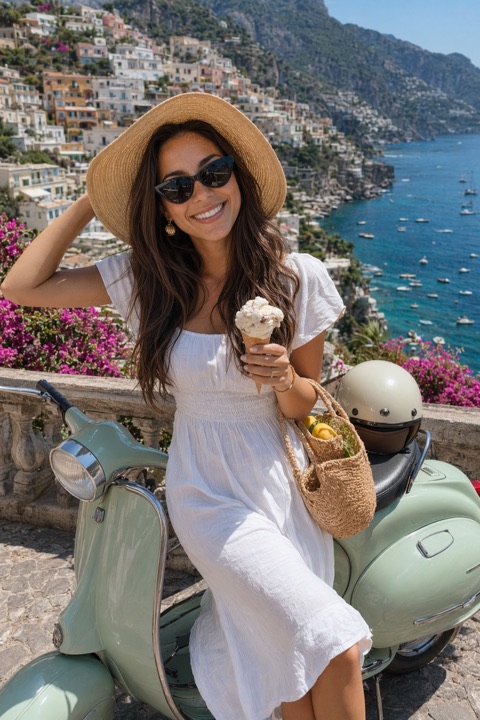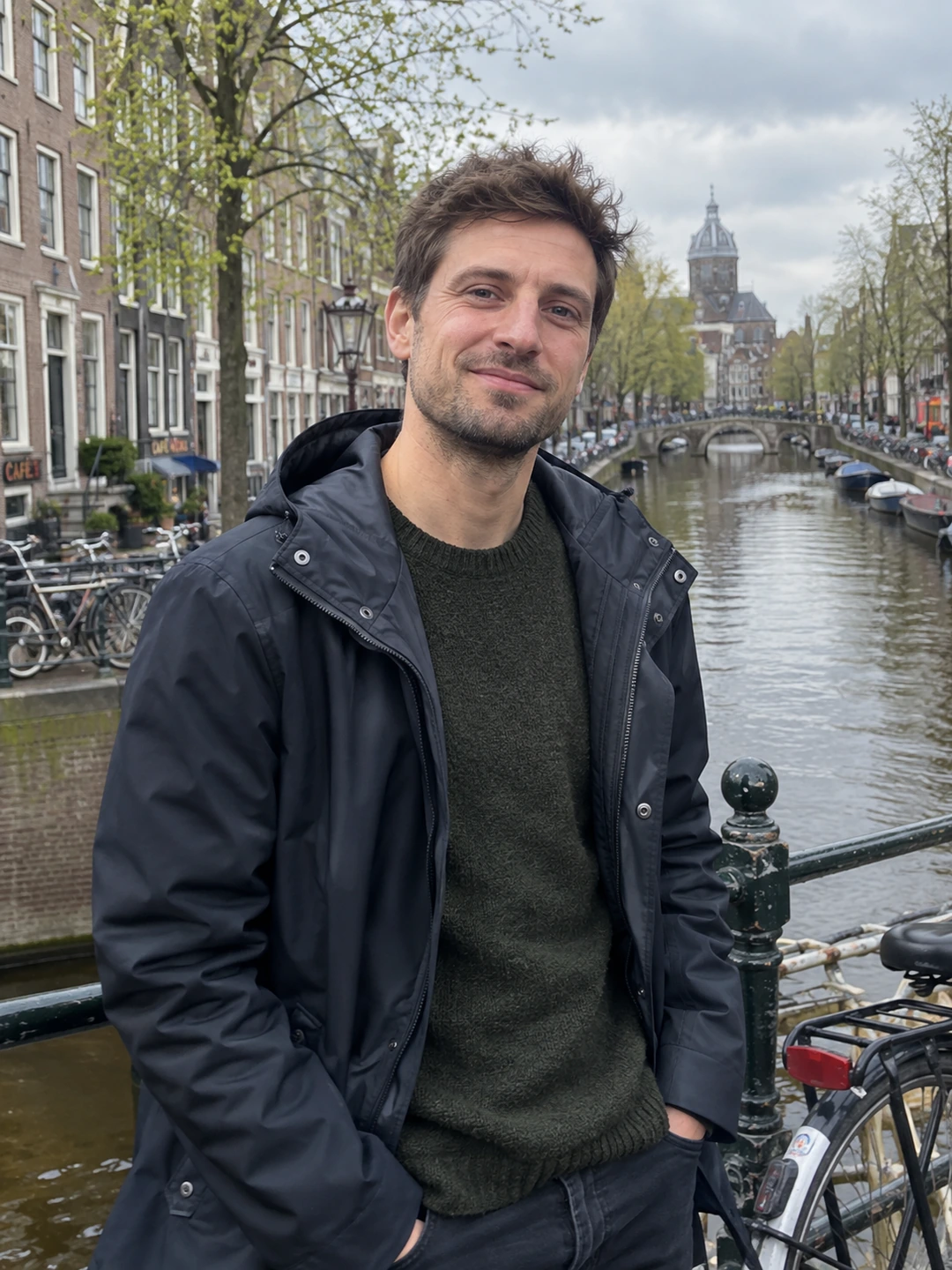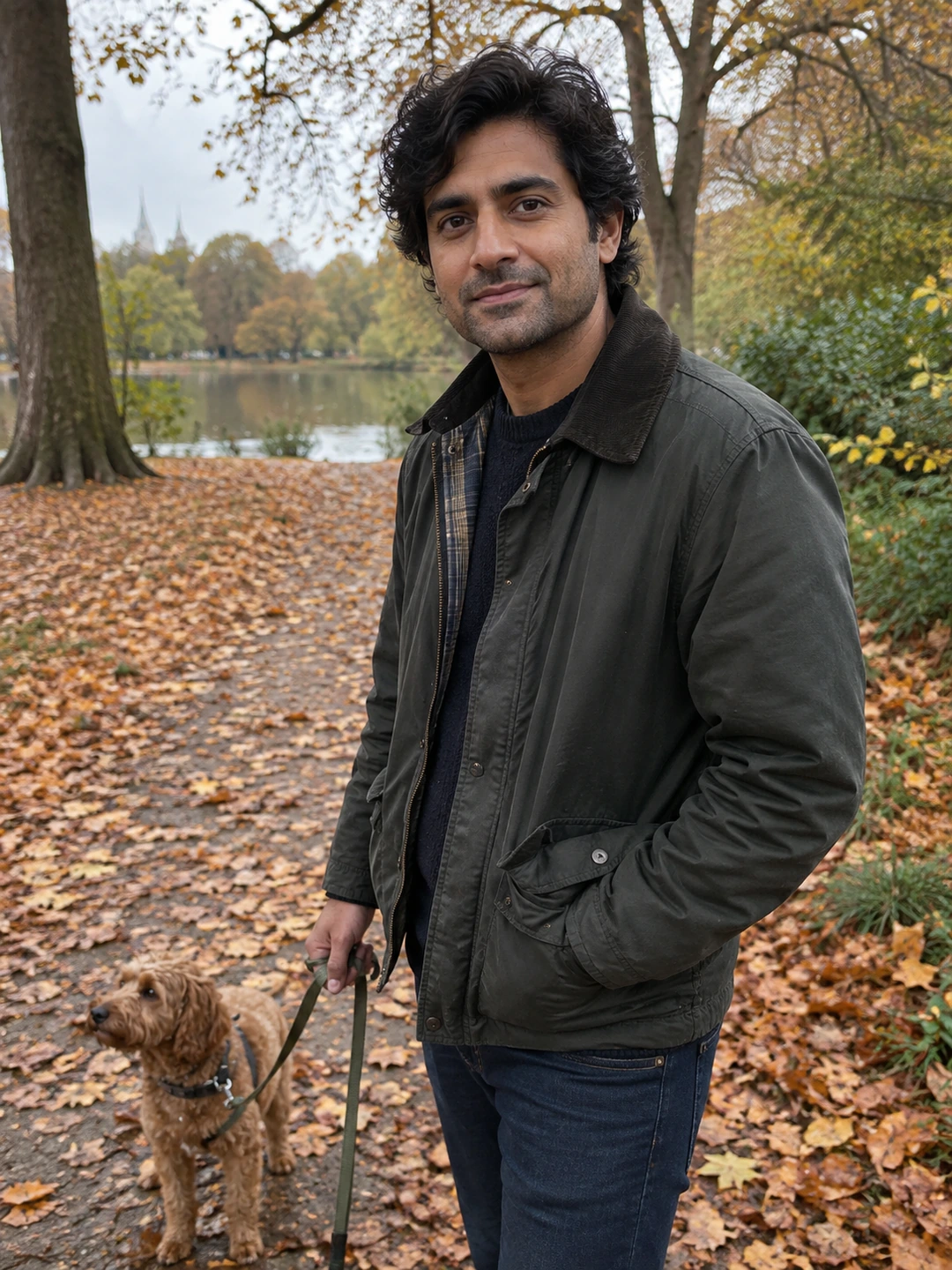
A useful photo audit tells you what to change, not what you are worth. Skip a vague attractiveness score and ask whether each image does its job. You can run this review yourself or ask someone who knows how you look today. The output should be a short list of actions: keep, recrop, replace or take a missing picture.
Ask the same five questions of every photo
- 1Can I identify you immediately? Check whether a stranger could tell which person owns the profile. If a group image needs an explanation, it is a poor introduction even when it is a favourite memory.
- 2Does it look like you now? Compare hairstyle, facial hair and overall appearance with a recent ordinary photo. Accuracy matters more than whether the old picture was taken by a professional.
- 3Is the important detail visible? Inspect your face and expression at the size used in the app. A beautiful landscape with a tiny person may contribute less than you expected.
- 4What new information does it add? Give the photo a one-line job description. If three pictures have the same job, consider keeping only the clearest example.
- 5What impression would need correcting? A borrowed pet, a misleading crop or an invented background can suggest something untrue. Prefer an image you can discuss without explaining away its premise.
Turn observations into actions
Write an observation before a verdict. ‘My face is small in the frame’ is actionable; ‘I look bad’ is not. A useful audit note might read: ‘Keep the expression; try a closer crop; replace if the remaining file looks soft.’ Another might say: ‘Good travel memory, but duplicates the other hiking picture.’ This approach separates a technical or editorial decision from your feelings about being photographed.
- Keep. The image is current, clear and contributes a distinct view. Stop editing it unless you notice a specific problem.
- Recrop. The original has useful detail, but the composition gives too much space to something unimportant. Preserve the original and preview the new crop in the app.
- Replace. The photo no longer represents you, hides the essential detail or requires substantial reconstruction. Find another source rather than repeatedly editing around the problem.
- Shoot the gap. The set lacks a type of view altogether. Add that purpose to a short shot list before taking more pictures.
Ask a friend for evidence, not a ranking
Show the images without announcing which one you dislike. Ask which looks most like you now, where their attention goes and which pictures repeat the same information. If they prefer a different image, ask what they noticed. You do not need a vote from a large group, and one friend cannot speak for everyone on an app. Use the feedback to clarify decisions, not to predict how strangers will respond.
Generate options, then review them
PhotoDating.ai generates portraits from your own selfies. Apply the same clarity and likeness checks to those results. The product does not give this worksheet an objective attractiveness score or guarantee matches.
Finish with no more actions than you can reasonably complete. One retake may solve the largest gap. Use the refresh checklist for the wider profile and the dating photo guide for the finished lineup. Keep your notes so the next review starts with a concrete question instead of repeating the whole exercise.