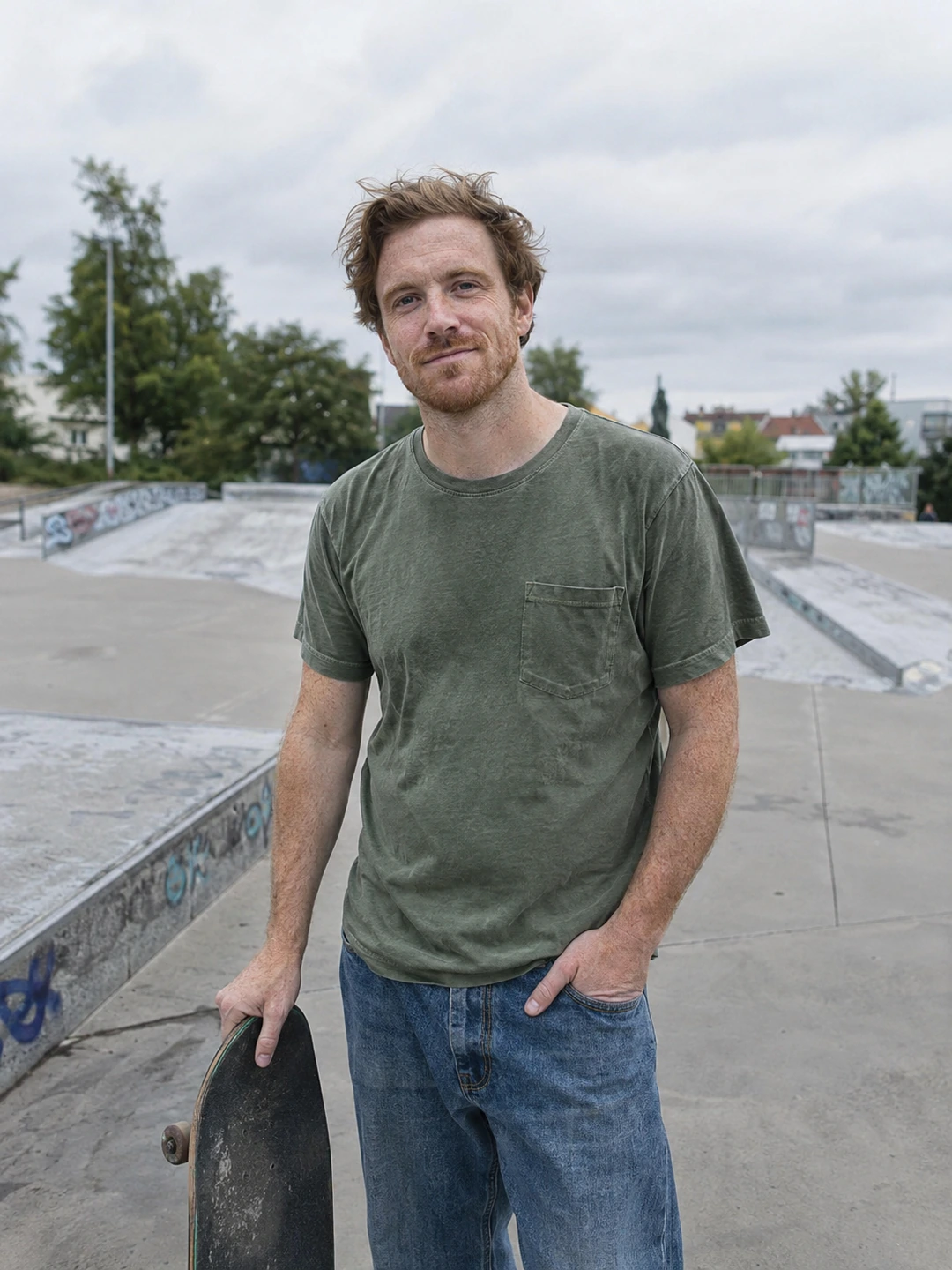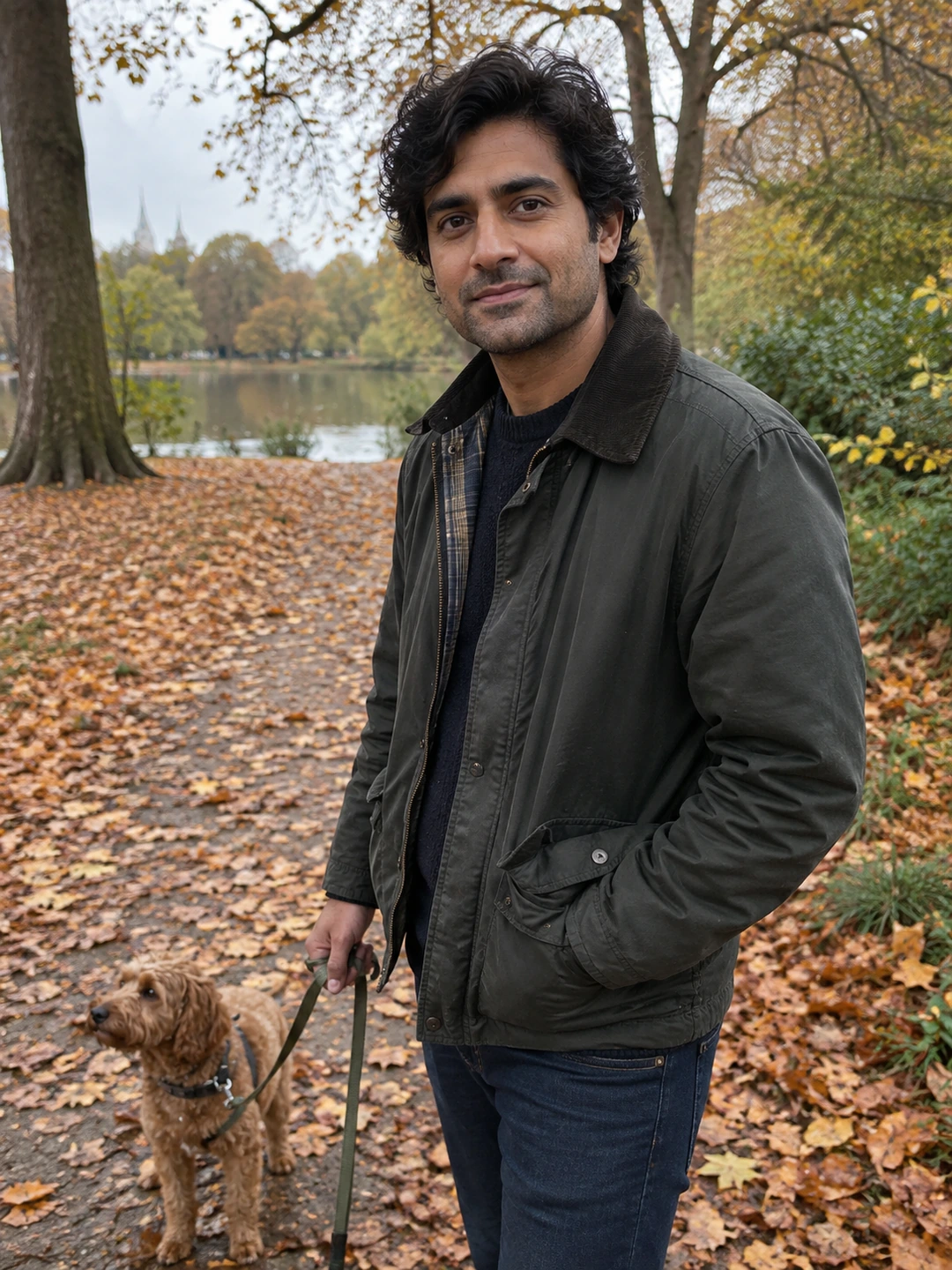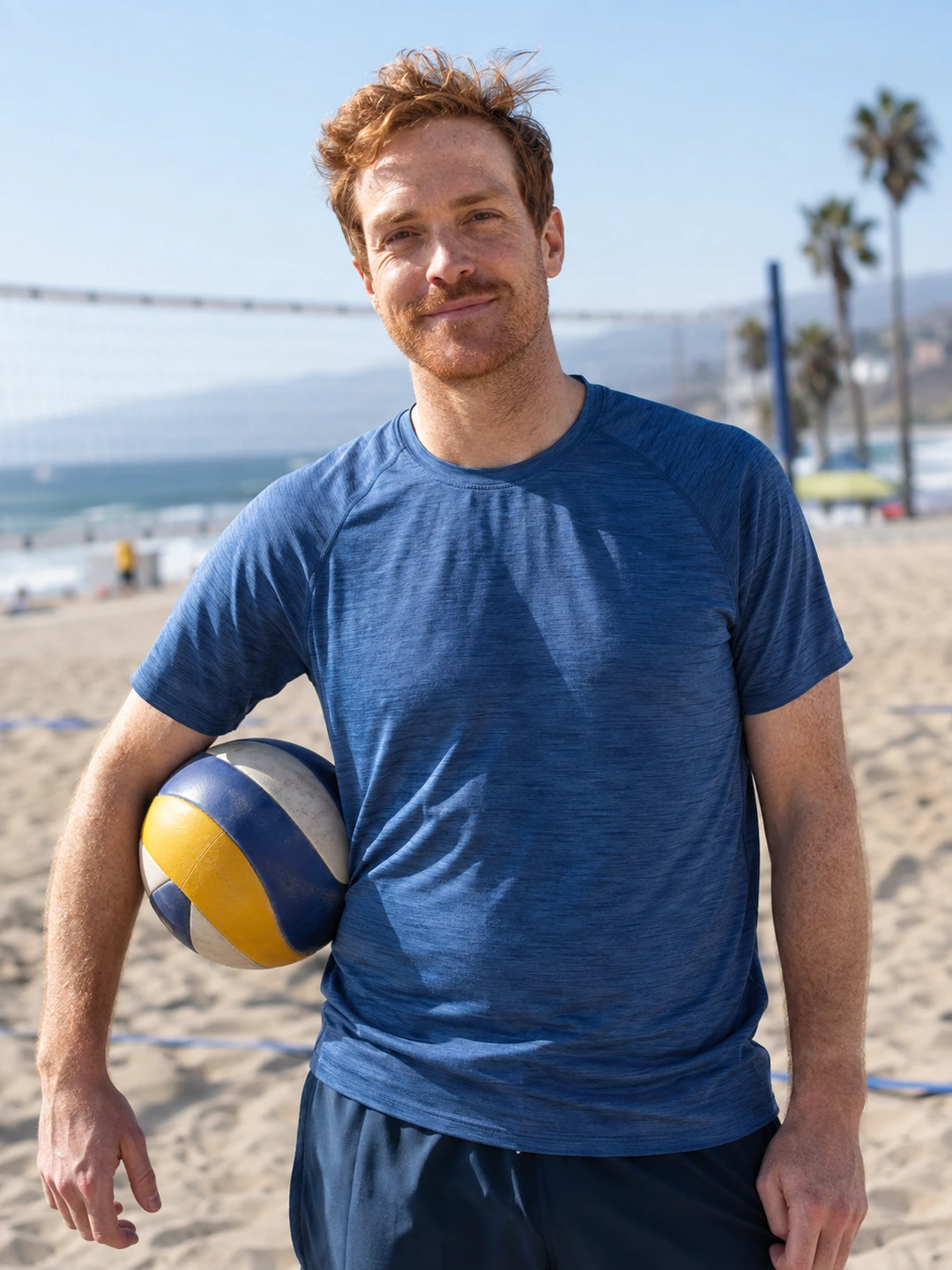
Your tattoos can appear in dating photos without becoming the whole profile. Wear clothes you would normally wear and let the image show you comfortably. There is no universal rule that tattoos should be hidden or emphasised. Decide what the photograph contributes: a clear portrait, an everyday activity or a detail somebody could ask about.
Choose framing for the person first
A close-up of an arm may show artwork clearly but say little about who owns the profile. Start with a recognisable face and use a wider supporting picture if visible tattoos are part of your usual appearance. You do not need to expose every tattoo, explain private meanings or select an outfit you would not otherwise wear. Your comfort is a reasonable boundary for the photograph.
- Use ordinary clothing. If your tattoos usually show in a T-shirt, that is enough context. A forced pose designed to display every piece may distract from the expression.
- Let a detail be optional. A tattoo can invite a question, but it does not obligate you to discuss a personal story with a stranger. A short answer such as ‘I liked the artwork’ is valid if true.
- Keep the image balanced. Look at the photo at phone size. If the only readable detail is the tattoo and your face is tiny, it may suit a supporting role rather than the opener.
Check editing before uploading
- 1Compare with the original. Inspect visible lines, lettering and placement after any edit. Smoothing or reconstruction can change an important detail while making the image appear cleaner overall.
- 2Avoid selective body reshaping. Altering the surrounding body can also distort the tattoo. Choose a different photograph if you are trying to rescue a pose that does not represent you comfortably.
- 3Use a clear source. If a tattoo is unreadable because the entire image is soft, sharpening cannot be assumed to restore the original artwork accurately. A fresh photograph gives you a more dependable record.
- 4Check the final crop. A partial tattoo is not inherently wrong. What matters is whether the crop feels intentional and the whole picture still communicates the intended scene.
Choose a caption only if it adds something
A caption can connect an image to a real interest without narrating every detail. For example, a photograph from a drawing workshop might lead to a conversation about illustration. Do not fabricate a dramatic tattoo story because you think the photo needs one. If you prefer not to discuss it, put the conversation cue somewhere else: a book you are reading, a meal you cook or a plan you would enjoy.
Review the set for variety before adding another similar picture. A clear portrait, a wider view and an activity can all show the same tattoo naturally. The question is whether each photograph adds something beyond displaying it. You can have a profile with visible tattoos and still lead the conversation with completely different parts of your life.
Check generated artwork carefully
PhotoDating.ai creates portrait options from your selfies. Inspect visible tattoos in each result; reject invented, removed or altered artwork. Use a real photograph when exact tattoo detail is important to the picture.
Use the photo audit to check what each image contributes, then arrange the set with the dating photo guide. For editing decisions, follow the guide to preserving your face and appearance.