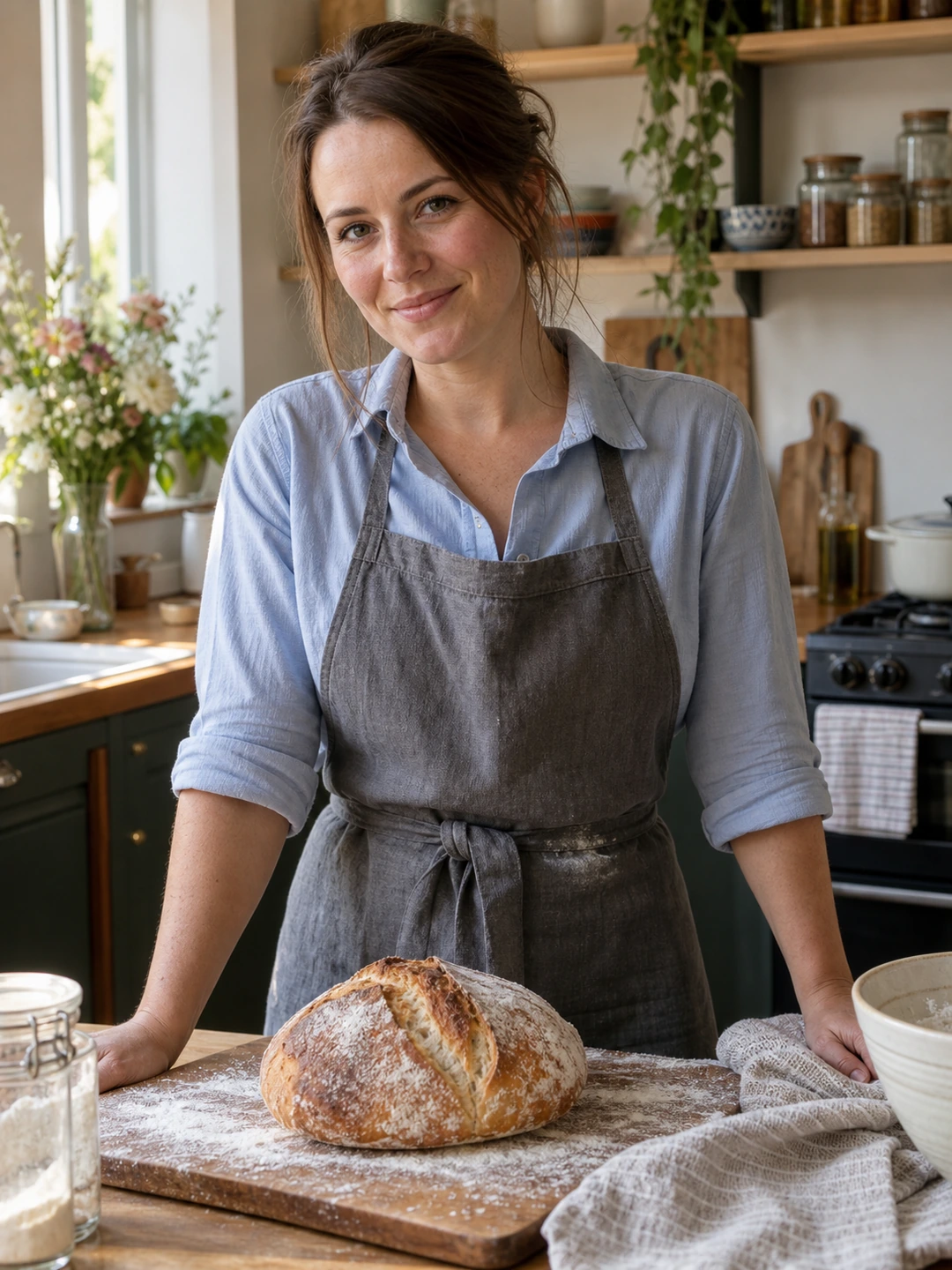
If your body has changed, update your dating photos to represent you comfortably now. This applies in either direction and does not require a transformation story. You do not owe strangers a reason for the change, a number or an apology. The task is simply to choose accurate pictures and clothes in which you feel at ease.
Treat this as an accuracy update
Compare the profile with your current appearance without ranking your past and present body. If an old wider photograph is no longer representative, replace it. A new face portrait alone may not update the overall impression if the remaining pictures show a noticeably different body. You can make the set current gradually, beginning with a clear portrait and one comfortable wider view.
- Choose clothes that fit now. Use something you can move and sit in comfortably. The photo does not need to demonstrate whether an older outfit still fits.
- Use a natural position. Stand or sit as you normally would. Avoid a pose whose only purpose is to hide or exaggerate a change.
- Keep the framing neutral. Give the picture enough room to show its intended view without stretching the body, using an extreme angle or cutting away every point of reference.
Make a small, specific request for help
You can say, ‘I need a current full-body picture for my profile. Could you take a few while we are at the park?’ You do not have to discuss the reason. Tell the person helping you what kind of feedback is useful: clear framing, comfortable expression and whether the image looks like you. You can also ask them to avoid comments about weight or comparisons with older photographs.
- 1Take a plain reference first. Choose a stable camera position and an ordinary stance or seated pose. Check whether the image shows your proportions as you recognise them.
- 2Try a second setting or moment. A short pause during a walk or another familiar activity can provide a less formal option. You are looking for comfort, not a pose that conceals the update.
- 3Review only the useful criteria. Is the image current, clear and representative? If not, identify a concrete camera or framing issue before taking more pictures.
- 4Replace the outdated role. Swap an old wider view for the new one and review the entire profile. Avoid leaving a confusing before-and-after sequence unless that is a story you intentionally want to tell.
Keep editing and captions straightforward
A modest brightness adjustment or crop can improve readability, but body reshaping changes what the picture communicates. Reject edits that alter your outline or proportions. The same applies to generated photographs. If a tool gives you a different body, it is not a successful profile picture merely because the result is polished. Use a real current image when that is the more accurate option.
Your caption can describe the actual scene: a weekend walk, a friend’s celebration or a hobby. It does not need to explain your body. If you choose to discuss a change later, that is a separate personal conversation. The profile’s job is to introduce you as you are, while your interests and intentions give people other things to connect with.
Check proportions in generated options
PhotoDating.ai generates portraits from your selfies. Inspect face and body accuracy, and reject results that make you smaller, larger or otherwise different from your current appearance. Generation is not a body measurement or a substitute for a faithful wider photograph.
For framing, follow the full-body photo guide. Use the dating profile photos guide to build a varied set and the refresh checklist to finish the update without repeatedly revisiting it.