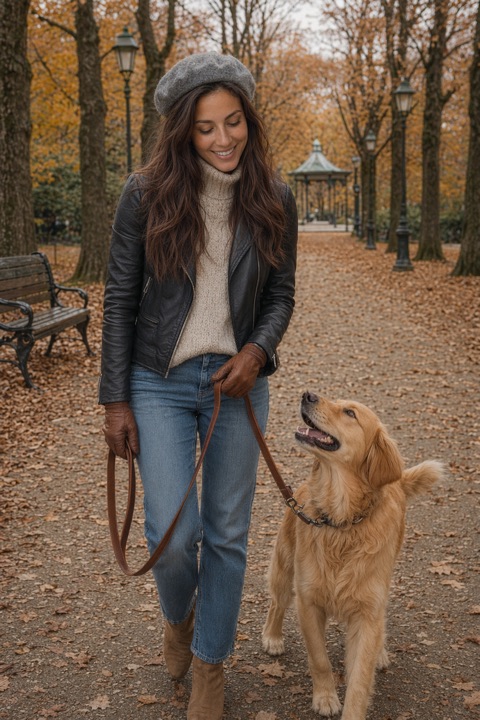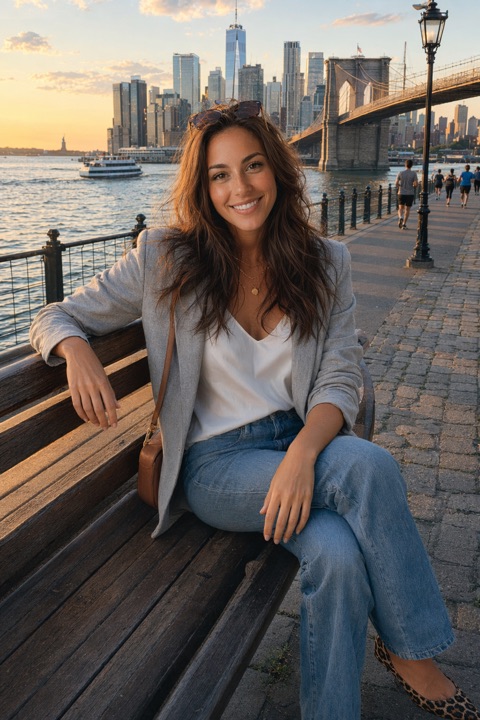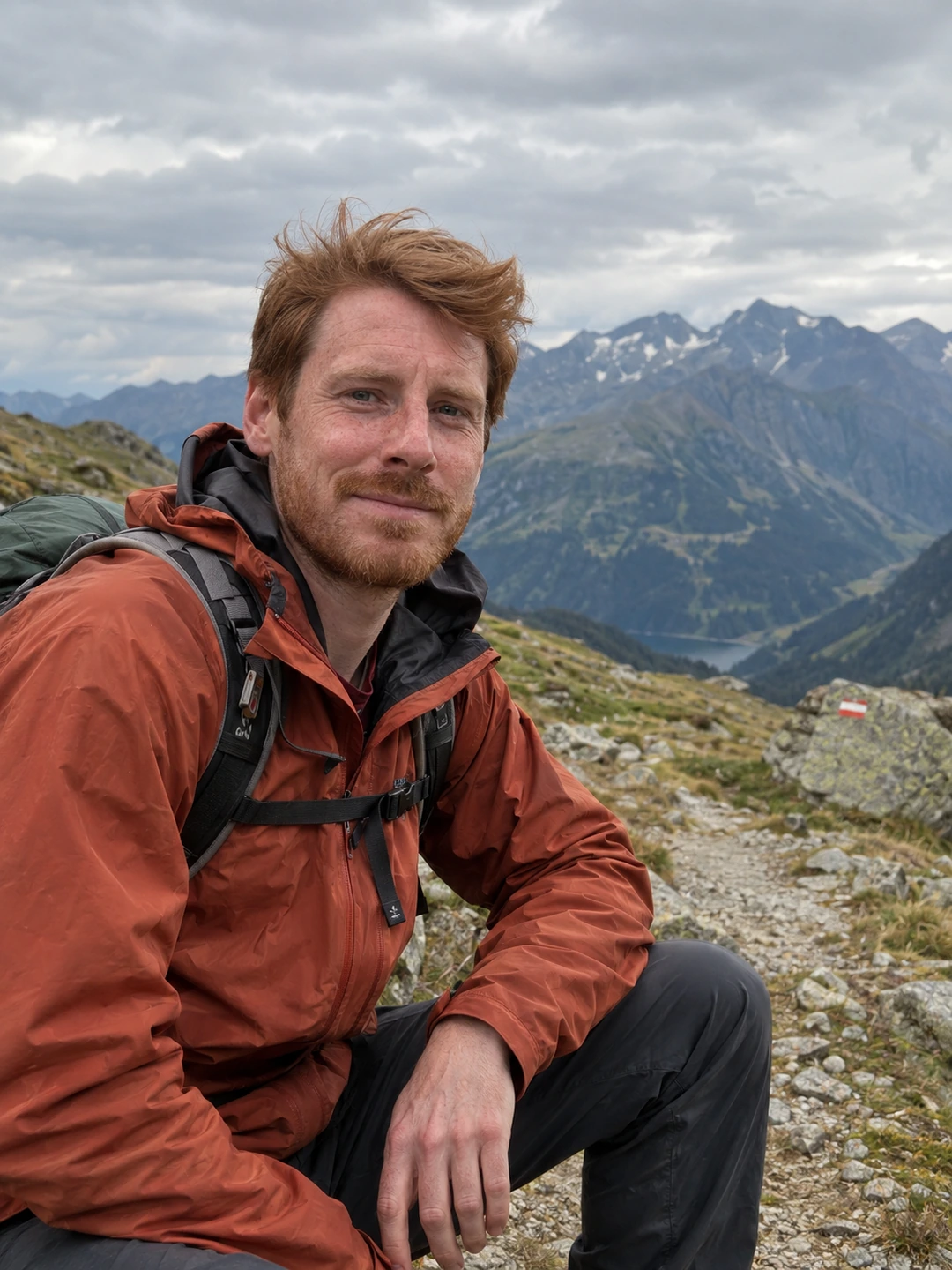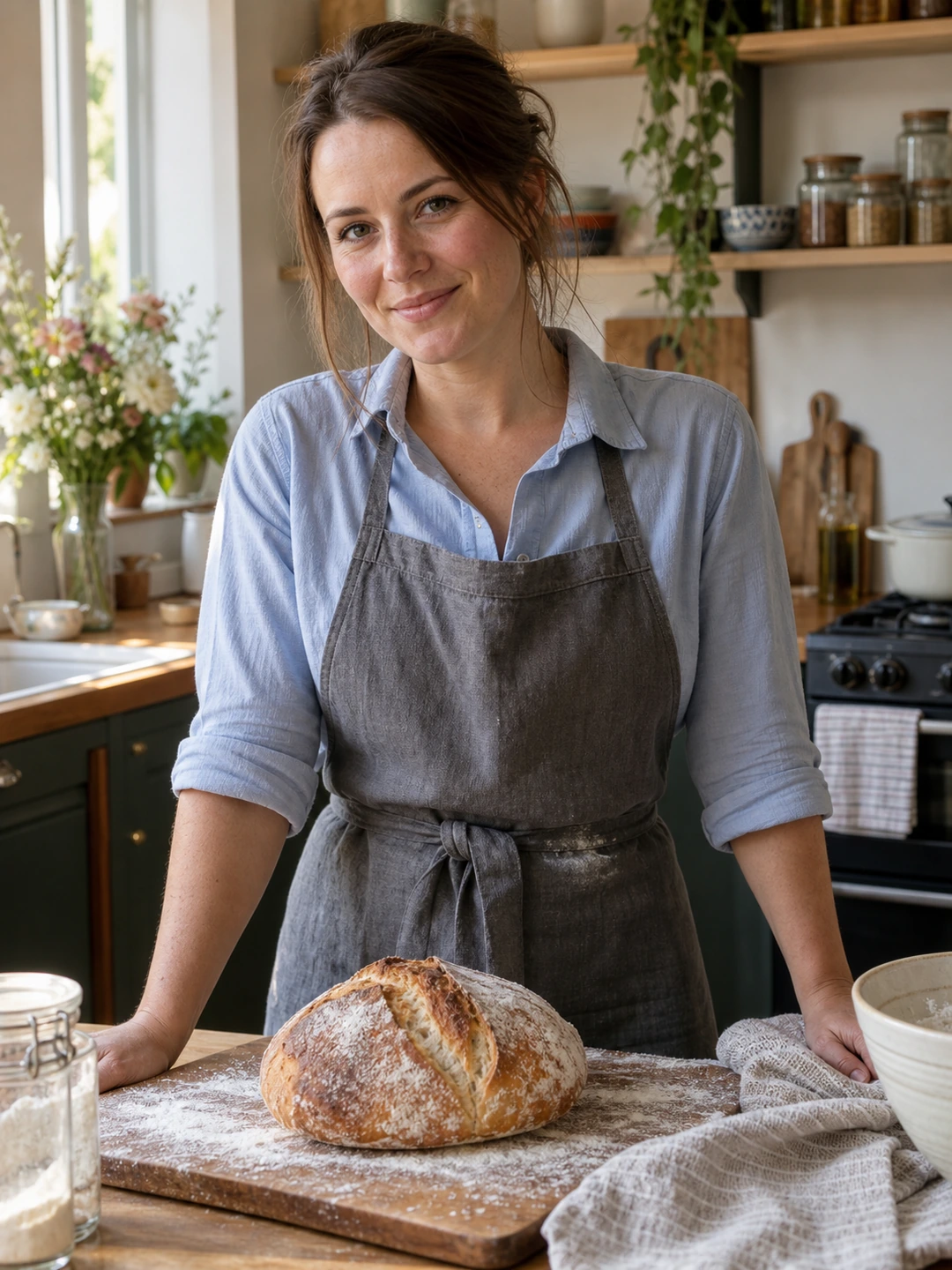
A useful full-body dating photo shows your current appearance, clothes and posture in one readable frame. You do not need a particular body type, a revealing outfit or a professional shoot. If you want to include one, an ordinary picture taken on a walk or before meeting friends can do the job. This guide is a practical shooting plan, not a claim that a particular pose or photo slot will increase matches.
What a full-body photo adds to your profile
A face portrait helps someone recognise you. A wider photo adds the way you dress, stand and move through a setting. It is particularly useful if every image on your profile currently stops at your shoulders. You can include a clear head-to-toe view without treating the picture as a body inspection. Wear something you enjoy wearing on a normal date, and choose a setting you are comfortable showing. You decide how much of your life to share.
| Photo option | What it adds | What to check |
|---|---|---|
| Standing outdoors | An easy view of your outfit and posture | Your face is visible and both feet fit in the crop |
| Walking towards a friend | Movement and an everyday setting | Your face is in focus and the pose looks comfortable |
| A hobby or activity | Something a match can ask about | You are large enough in the frame to recognise |
| A mirror photo | A convenient way to photograph yourself | The phone, reflection and background do not obscure you |
A simple setup with your phone
- 1Start with the main camera. Clean the lens and try the standard 1× view. Place the phone upright on a stable support or ask a friend to hold it. An ultra-wide view close to you can make proportions look unusual; begin with a little more distance and compare the preview before shooting.
- 2Fit yourself comfortably inside the frame. Leave space above your head, below your shoes and at either side. Move the phone back until your whole body fits. There is no universal distance because phones and locations differ. Keep the camera approximately level rather than pointing sharply up from the ground.
- 3Find light you can face comfortably. Try open shade outdoors, or stand where a large window lights your face. Take one picture and inspect your eyes and skin before taking twenty more. If you are squinting or your face is lost in shadow, change your position first.
- 4Give your hands an ordinary task. Rest one hand loosely in a pocket, hold a jacket or walk a few steps. Turn slightly if that feels natural and let your shoulders relax. Take a straight-on version too. Choose the one that looks like you rather than forcing a pose you would never use.
- 5Take a few frames, then review. A timer or a friend can help you avoid reaching towards the phone. Check your expression, focus and the edges of the picture. Keep the original file so you can try another crop later without repeatedly editing a compressed copy.
If you use a tripod in public, keep the setup close and choose a place where you can photograph yourself without blocking other people. At home, a clear wall and stable phone support are enough to start. You do not need to expose your address, workplace badge or another person’s face to make the image feel real. For a more detailed solo setup, see how to take photos of yourself.
Choose the frame that looks like you now
- Check the image at phone size. Your face should still be recognisable when the whole picture is visible. If you are a tiny figure in a dramatic landscape, keep that as a travel image and take a closer full-body shot for this role. If cropping makes it soft, follow the blurry dating photo checklist.
- Keep your proportions believable. Compare the photo with how you look in person. If the camera angle stretches your legs or makes your head seem very small, change the camera position and retake it. Avoid reshaping your waist, changing your height or generating a different physique.
- Prioritise comfort in your clothes. An outfit that fits comfortably lets you move without repeatedly adjusting it. Choose something you actually wear rather than buying a costume for the photo. The dating photo clothing guide can help if you are unsure where to start.
- Inspect the background. Check mirrors, windows, house numbers and people behind you. A simple change of angle is often easier than editing distractions afterwards. Ask before including someone else, and keep the frame centred on you.
- Choose a recent representation. If your hair, mobility, body or everyday appearance has changed substantially, a current photo is more useful than an old favourite. You do not need to explain or apologise for the change. The aim is to make meeting you feel consistent with your profile.
Leave room for the app’s crop
Save your original, then try a copy in your phone’s photo editor. Keep your head and shoes away from the edges and check the uploaded preview inside your dating app. If you also use PhotoDating.ai for generated portrait options, pair accurate results with current real photos. Use a real full-body image to show your proportions; an AI-generated body is not evidence of how you look.
Where to put it, and what to do if you skip it
Our suggested starting order is a clear solo face photo, a wider photo, then images that show your interests and everyday life. This is an editorial recommendation, not a platform requirement or a proven ranking tactic. Move the full-body image later if another picture introduces you more clearly. One usually fills the information gap; several similar standing shots can repeat the same information. Build the rest around the complete dating profile photo guide.
You can also choose not to use a full-body picture. A seated portrait or a comfortable three-quarter view may suit you better, and the same principles of clear framing and current appearance apply. If your only available option is a mirror shot, use our mirror selfie checklist to assess it. Your next task is small: take a few recent frames, select one you recognise yourself in, and preview it alongside the photos already on your profile.