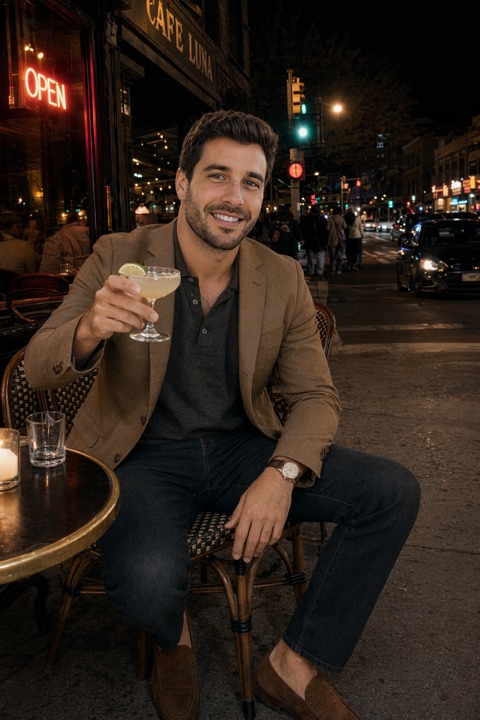
Some do, some don't — and the difference is almost entirely the tool and the input, not AI itself. The photos that look fake share a few obvious tells. Avoid those and the result reads as a real photograph of you.
Why bad AI photos look fake
- Over-smoothing — plastic skin with no pores or texture.
- Poor likeness — a face that resembles you but isn't quite you.
- Warped details — hands, ears, teeth or backgrounds that don't hold up.
- Too-perfect lighting that looks rendered rather than photographed.
How the best tools avoid it
- 1They learn your face from several clear selfies, so likeness stays accurate.
- 2They keep natural skin texture instead of airbrushing it away.
- 3They generate real-world scenes with believable, imperfect lighting.
- 4They give you a set to choose from, so you can drop the few odd frames.
Choose from a set
Even great tools produce the occasional off frame. The fix is simple — generate a batch and keep only the shots that look unmistakably like you.
Give your uploads good input (clear, front-facing selfies in decent light) and pick a tool that applies its best identity model. Then review every result at full size for likeness and odd details before you use it.