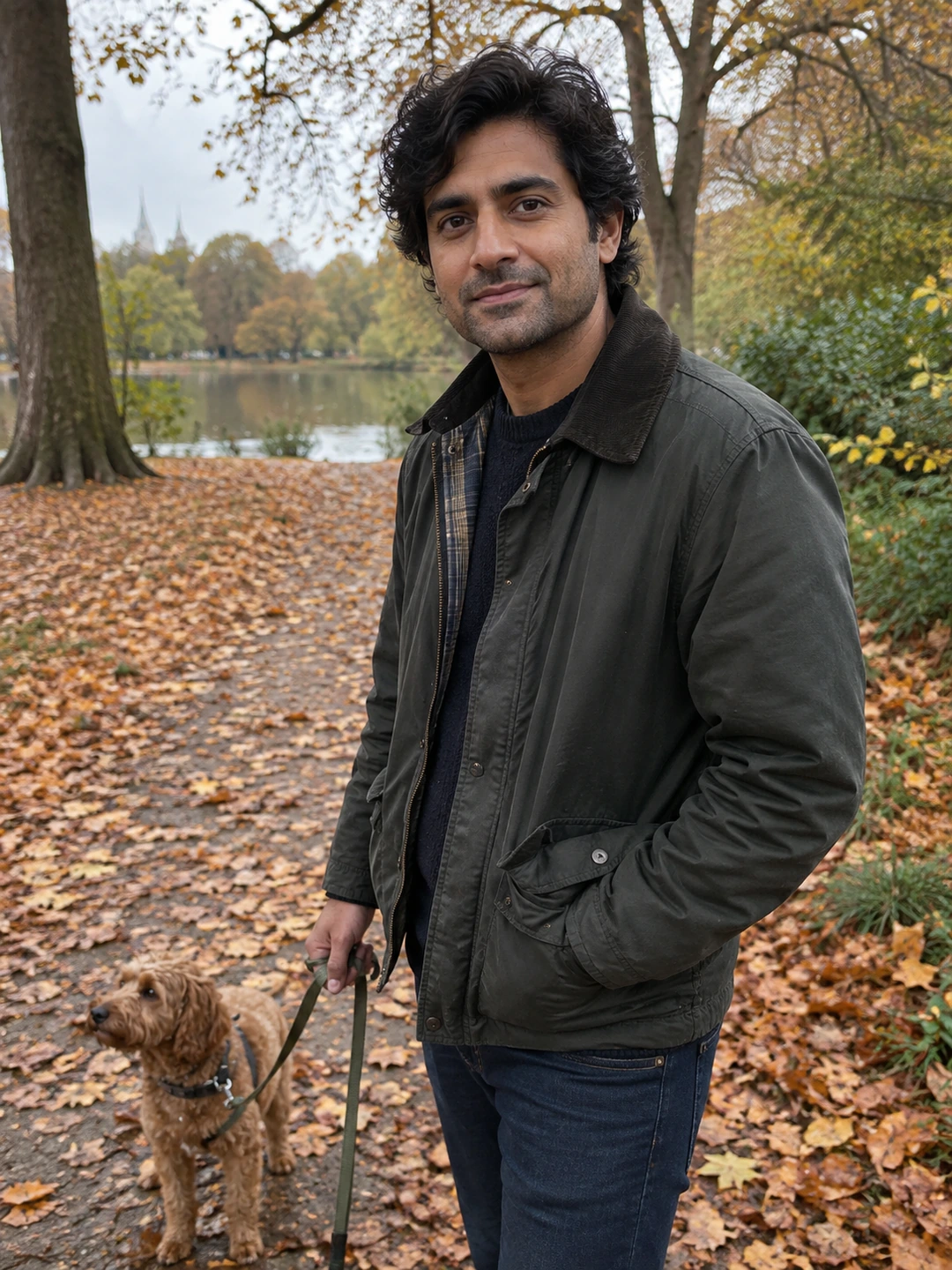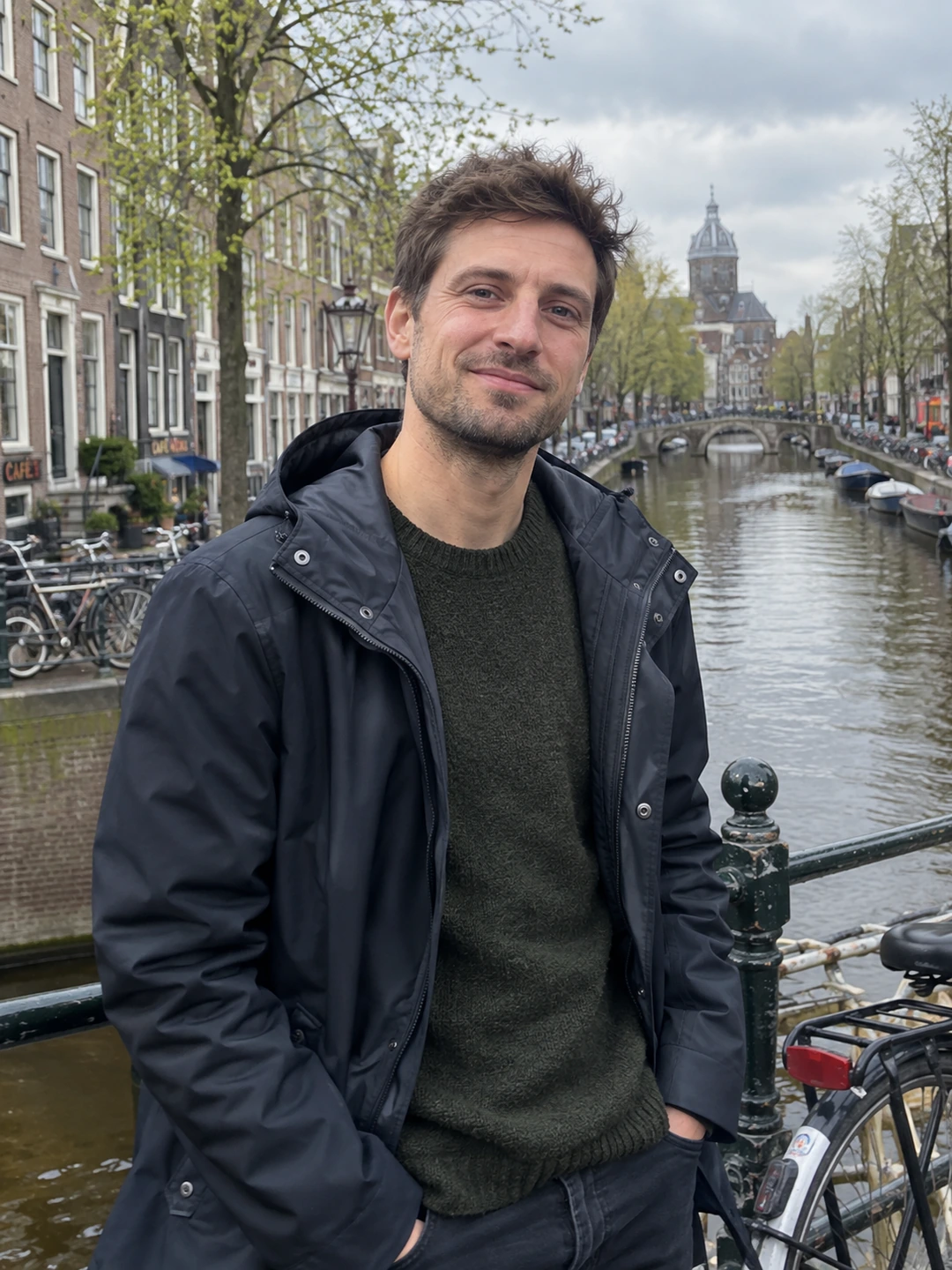
Refresh your dating profile around one concrete reason. Your appearance may have changed, your photos may repeat the same scene or your written answers may describe a routine you no longer have. Name that reason before replacing anything. A refresh is a maintenance task, not evidence that your previous profile failed or that an app will reward you for changing it.
Separate accuracy from presentation
First read the profile as a person meeting you this week. Check your appearance, location, interests and relationship intentions. Correct anything outdated before worrying about style. Then make a second pass for presentation: an awkward crop, three similar selfies or an answer that says very little. These are different problems. Rewriting a witty prompt cannot make an old portrait current, and a new photograph cannot explain a change in what you want.
- Keep what still works. Save a copy of the current set before editing. A clear recent portrait does not expire simply because you are refreshing the rest.
- Replace a specific gap. Write a short note such as ‘need a current outdoor picture’ or ‘remove repeated travel answer’. This keeps the task smaller than rebuilding everything.
- Check the whole story. If your bio describes quiet weekends but every image shows a special occasion, consider adding a normal day. The aim is balance, not proving your entire personality.
Work through the refresh in order
- 1Correct the facts. Update information that would otherwise need explaining in a first conversation. Keep private details, such as your exact routine or address, out of public answers.
- 2Replace inaccurate photos. Prioritise recognisability over novelty. Use the photo recency guide if you are unsure whether an older image still belongs.
- 3Remove repetition. Look for pictures and prompts doing the same job. Keep the clearest version, then use any freed space for something genuinely different.
- 4Add one answerable detail. Replace ‘I enjoy cooking’ with a dish you actually make or a skill you are learning. Do not invent a more interesting life for the profile.
- 5Preview the saved result. Open your public-facing preview and read it from the beginning. Check crops, spelling and whether any text now refers to an image you removed.
Keep a useful record of the change
A simple note with the date, what you changed and why is enough. For example: ‘Replaced the old wedding photo because my hair is different; kept the same prompts.’ That record helps you avoid repeatedly undoing a sensible decision. It is not a controlled experiment. Changes in likes can reflect who saw you, when you were active and other factors you cannot isolate from a small personal sample.
Fill a portrait gap
PhotoDating.ai generates portrait options from your own selfies. Review each for accurate current likeness before using it. Generated scenes do not replace real photographs of the activities you describe.
Stop when the profile is current, readable and varied enough to introduce you. If you still need pictures, make a dating photo shot list rather than improvising another round of edits. Use the complete dating photo guide to check how the finished images work together.