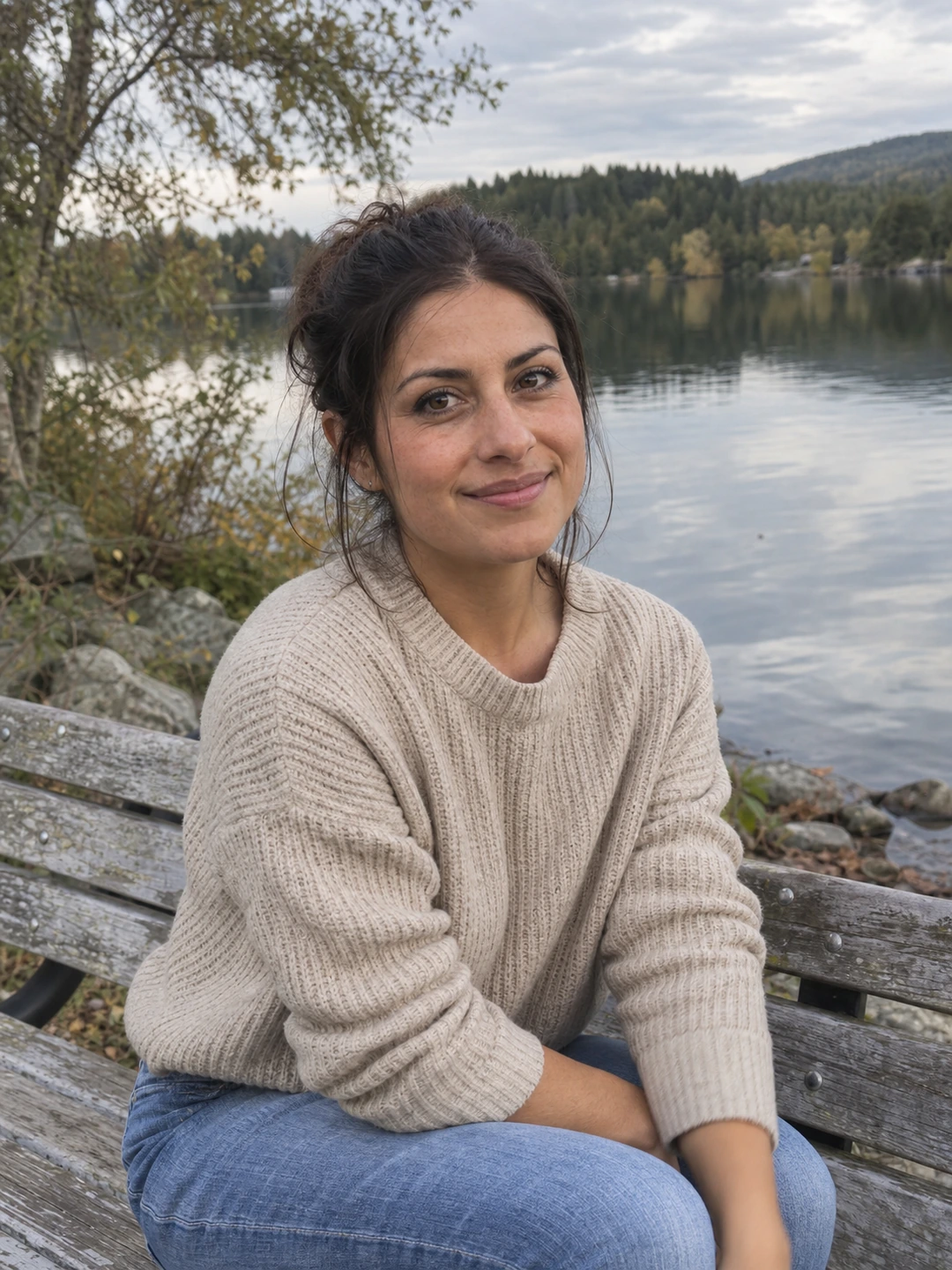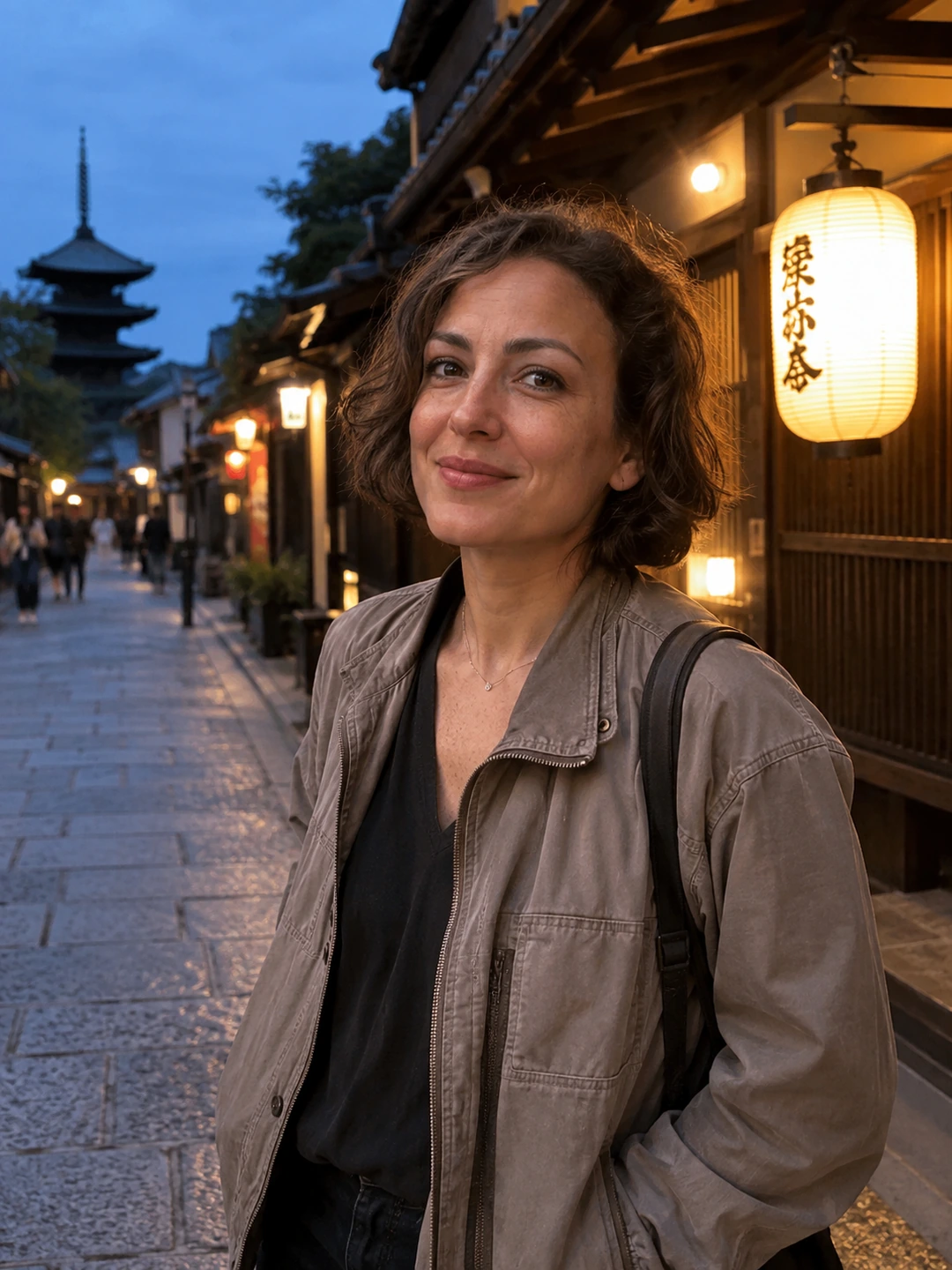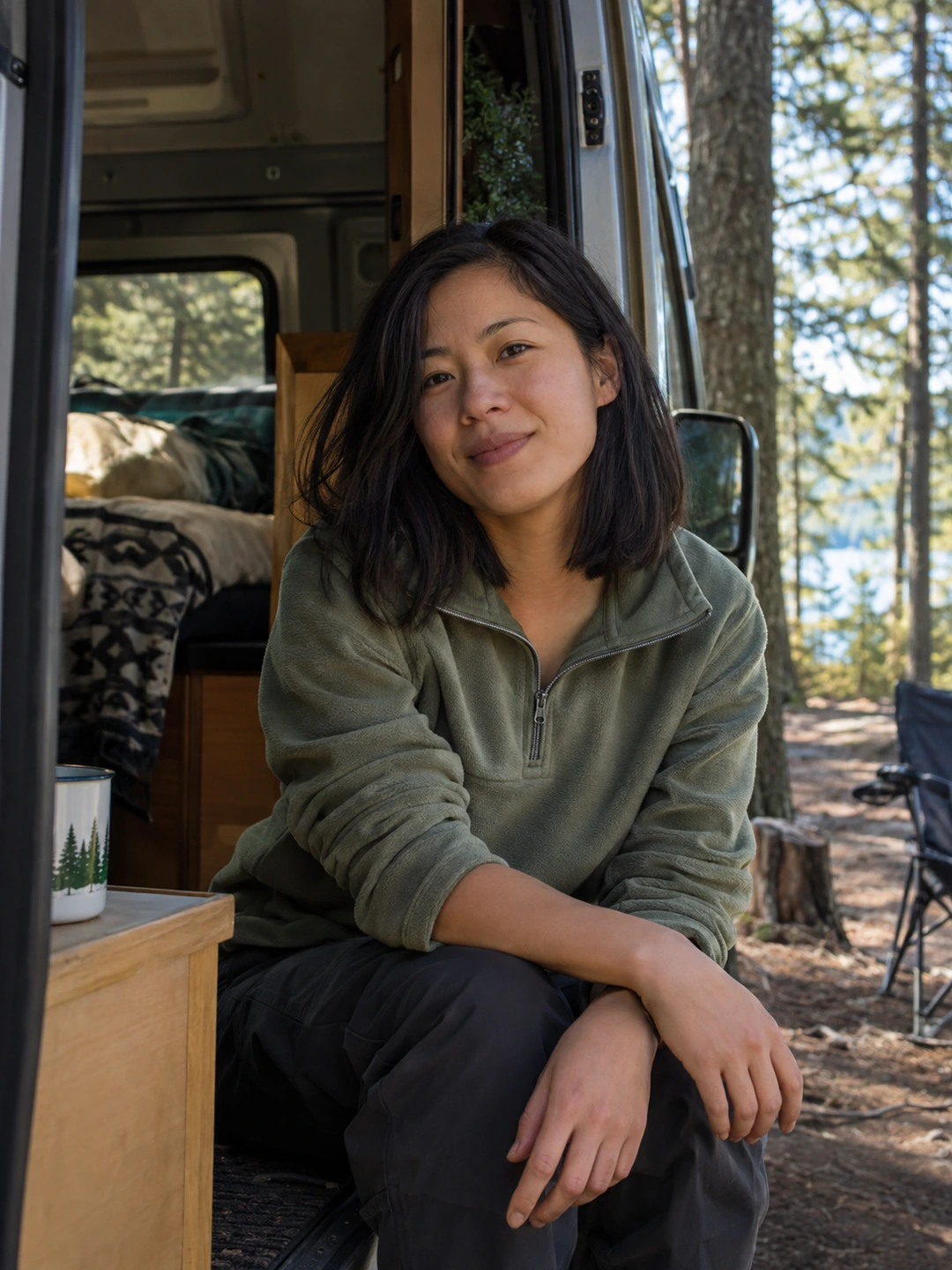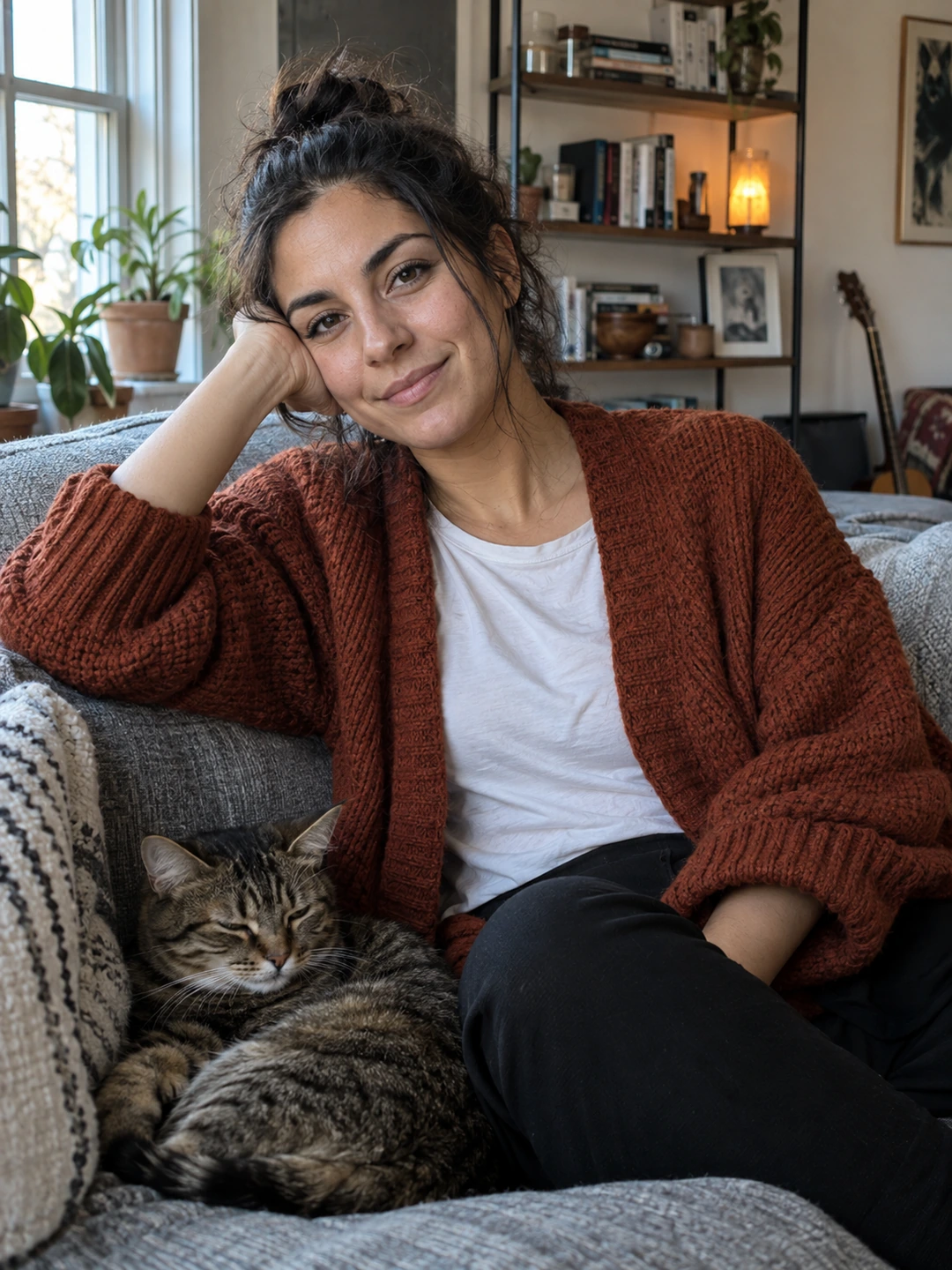
Frame a headshot for its final display, then keep a wider original. A portrait that looks balanced in a tall rectangle may lose hair or shoulders inside a small circle. Prepare the destination version deliberately rather than assuming every upload will preserve the composition you chose. The source should leave you room to adapt.
Separate the master from the delivery crop
Keep a clear portrait with some space around your head and shoulders as the master. Make separate exports for the places that need them. A company card, a speaker page and a profile avatar may use different shapes. Follow any exact requirements the recipient provides; the examples here are composition exercises, not universal submission specifications.
- Square card. Check whether your face is centred comfortably and whether the crop leaves enough room for hair and shoulders.
- Circular avatar. Preview the circle itself rather than judging only the square file beneath it. Corners disappear, and the visible outline can change substantially.
- Portrait rectangle. Decide how much clothing and body context the destination needs. More height does not always mean you should include more of the torso.
- Landscape layout. Ask whether the design needs empty space beside you for text. Do not tightly crop the source before understanding that requirement.
Test the crop at the size people will see
- 1Use the real layout or a simple mock-up. Place the image where it will appear rather than relying on the full-screen editor.
- 2Compare head size. For a team set, check whether faces occupy a similar share of each card. Matching file dimensions alone does not create consistent framing.
- 3Inspect edges. Look for clipped hair, glasses, shoulders or a crop that ends awkwardly through clothing. Adjust using the master if space is available.
- 4Check recognition. Reduce the display to the intended size and ask whether the face and expression remain clear.
- 5Save the destination version separately. Name it by use so you do not accidentally submit the tight avatar crop where a wider portrait is required.
Know when the source is too tight
If the original already cuts through the hair or shoulders, another crop cannot recover what is outside the frame. Artificially extending the image may invent clothing, body shape or background detail. For an accurate professional portrait, a better source or retake can be the simpler choice. Do not stretch the width or height independently to make the file fit.
When sending a portrait to a designer, include a short note about the intended use and whether a wider source is available. This prevents repeated requests for a version with more space. If somebody else will crop it, ask to review the final placement when practical, especially for a small directory or speaker card where a subtle change has a large effect.
Check likeness before preparing crops
PhotoDating.ai headshots generates portrait options from your selfies. Approve the person’s current likeness first, then prepare destination crops. A suitable frame cannot make an inaccurate generated face representative.
Use the headshot delivery checklist to package the files and the team style guide for consistent cards. For dating profiles, use the separate dating photo guide, where wider real-life context has a different role.