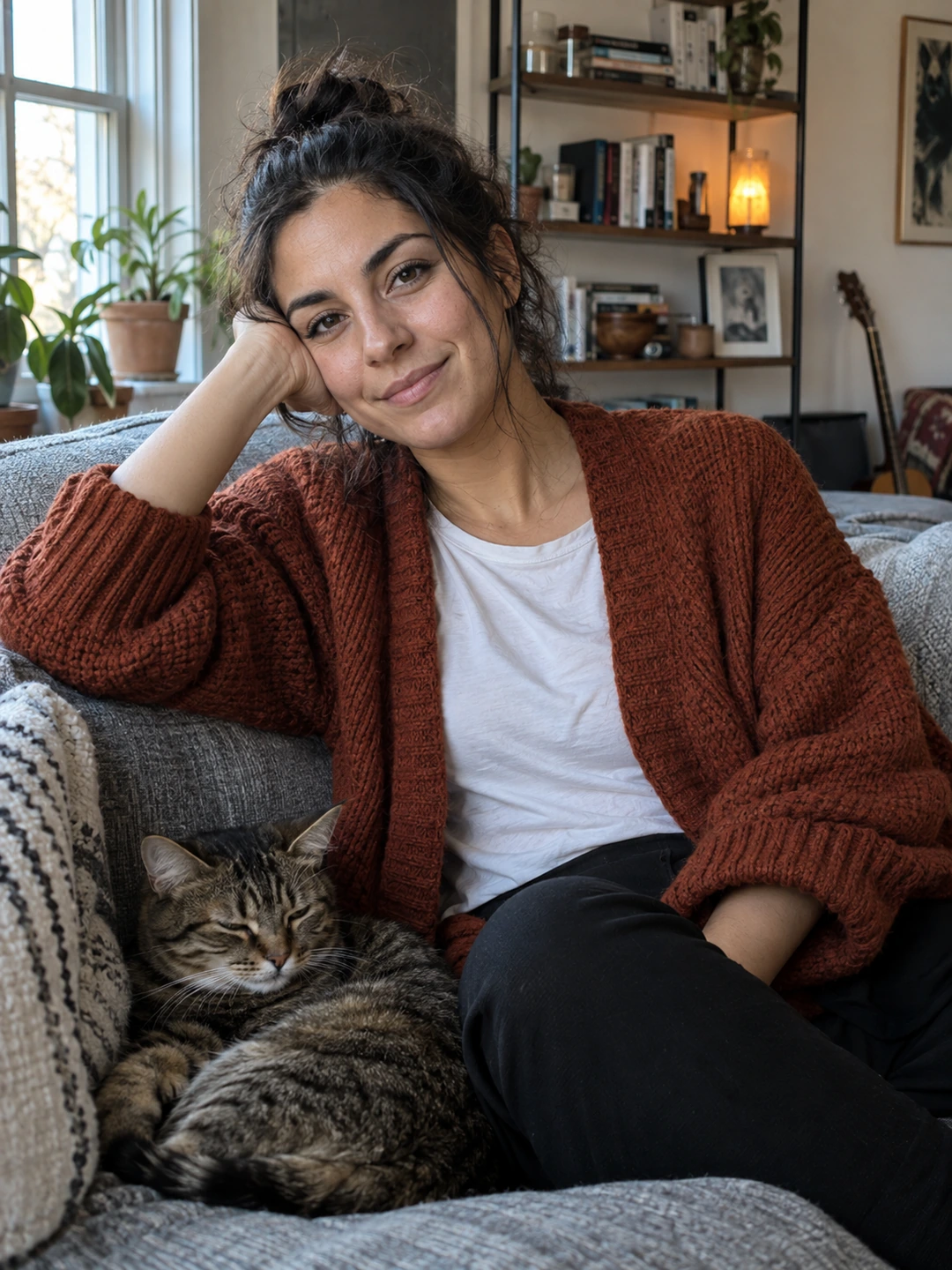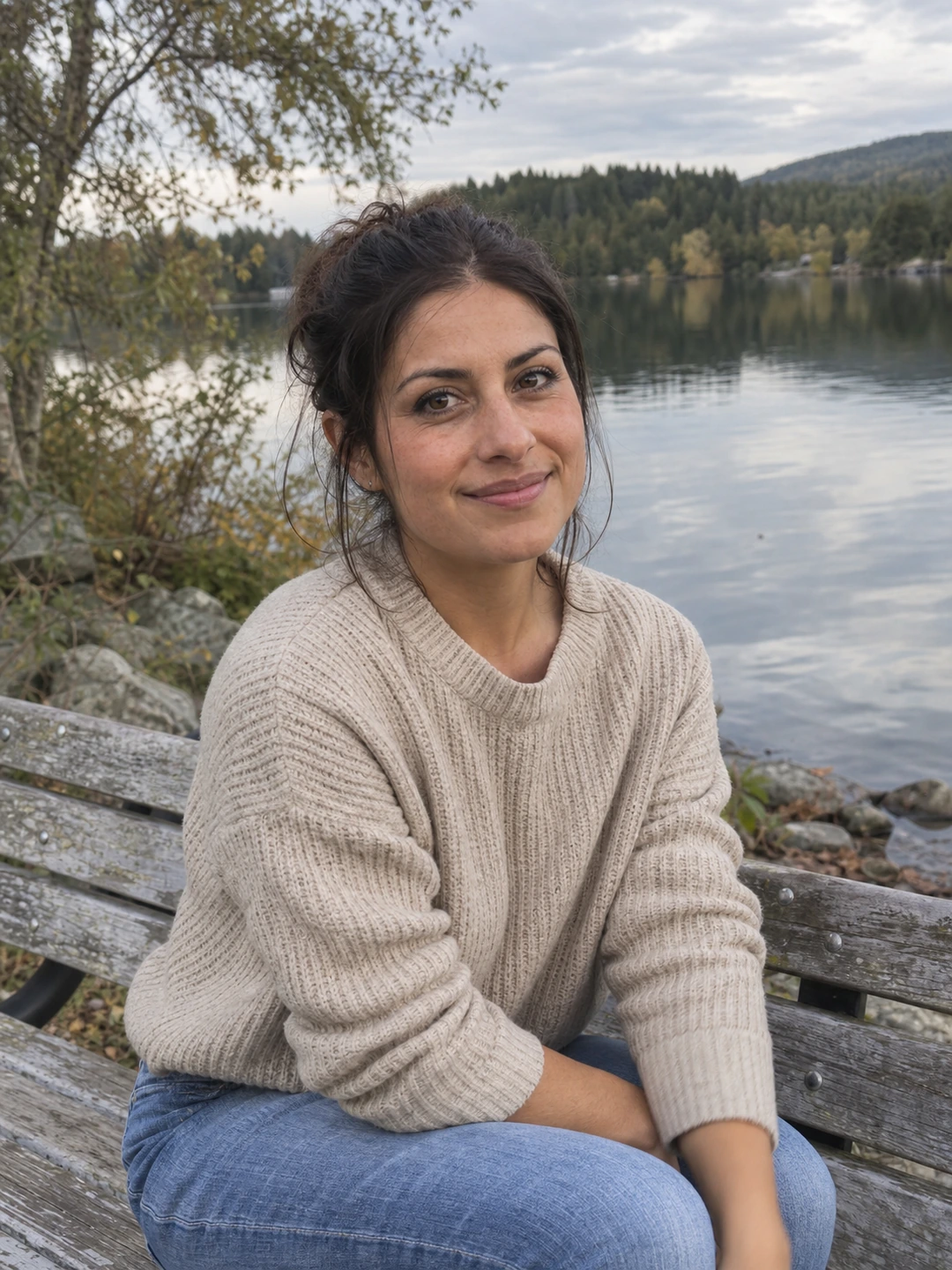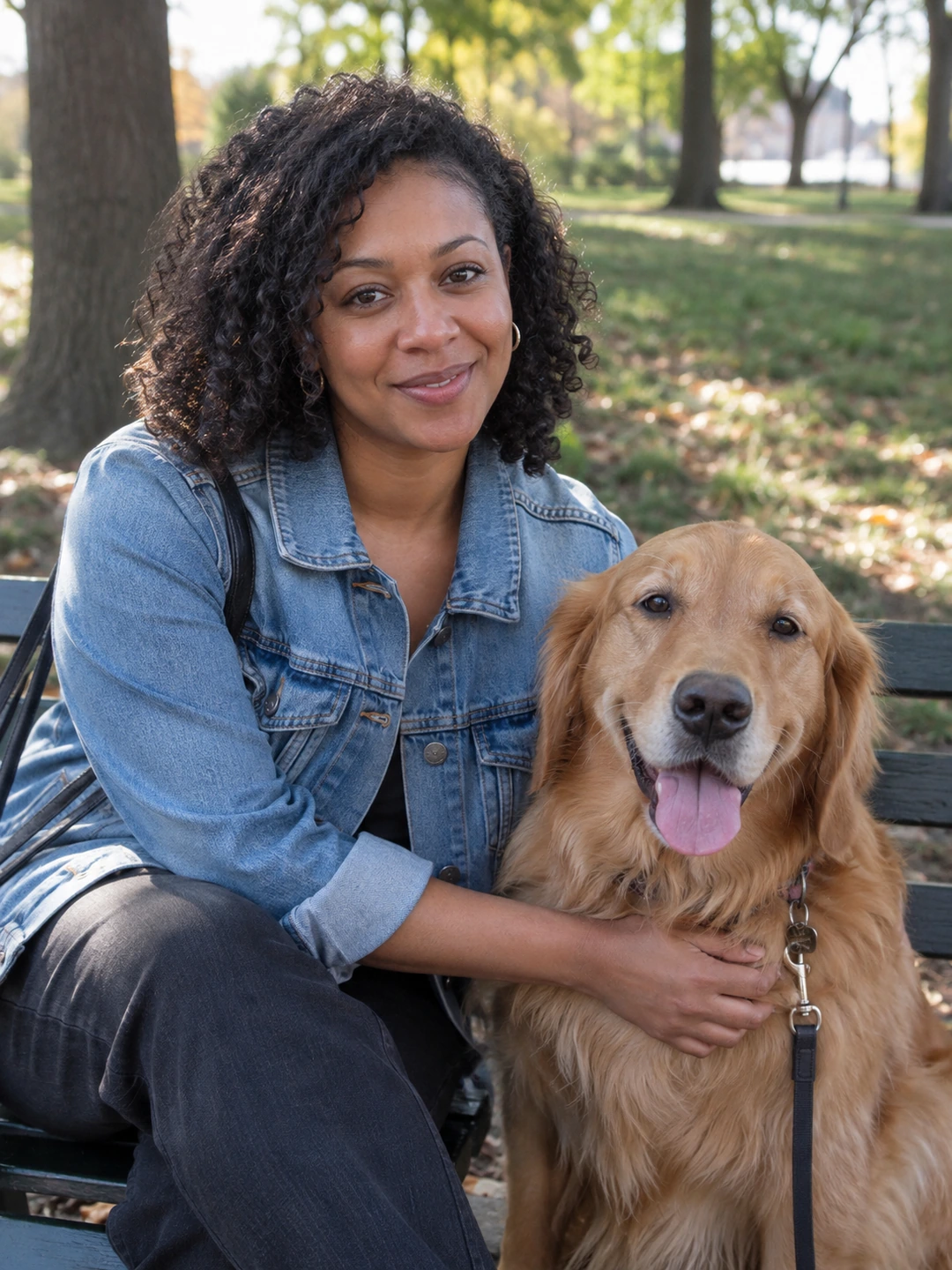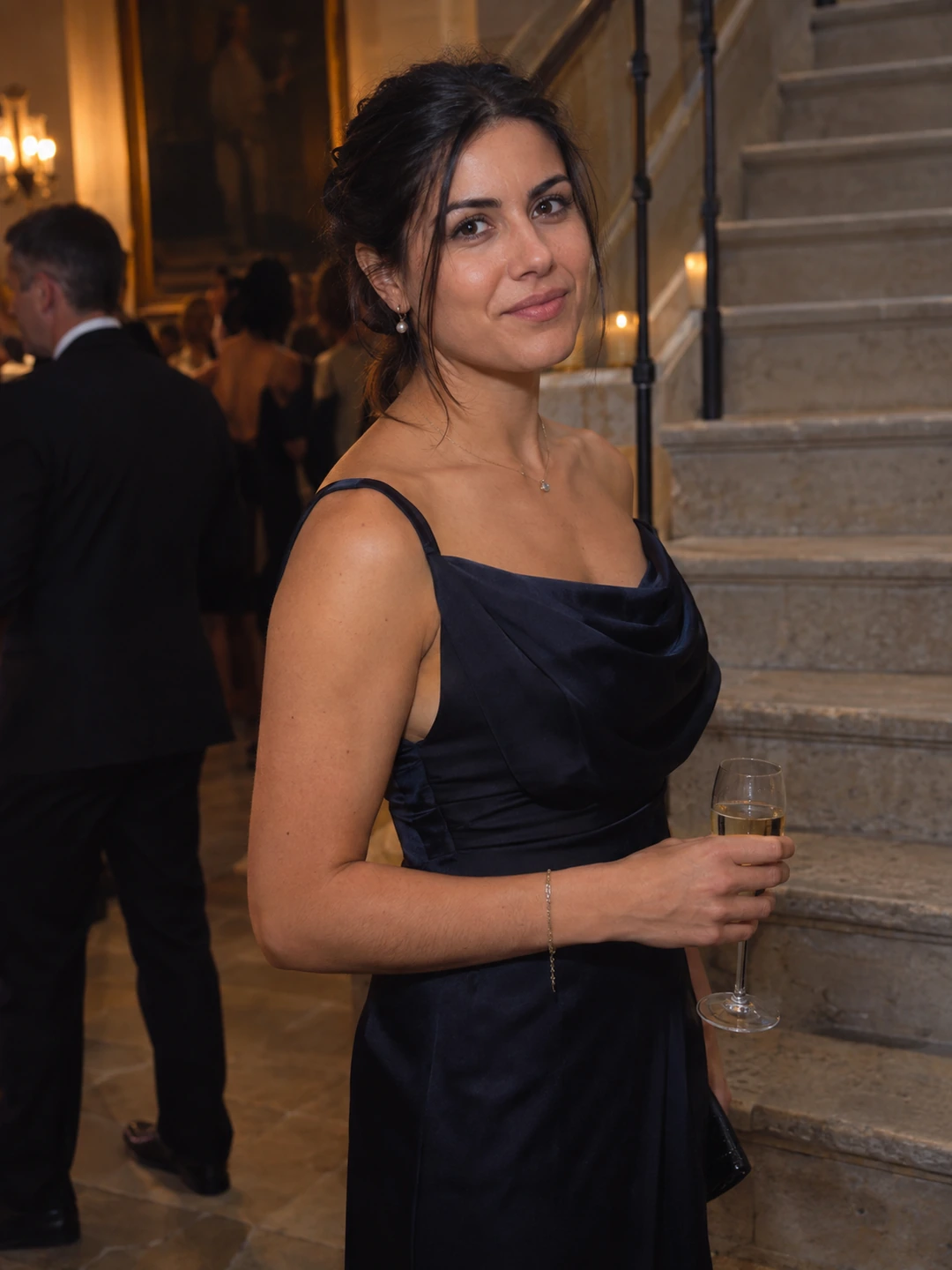
A freelancer headshot helps a client recognise the person they may work with. It is not evidence of expertise on its own. Choose a clear current portrait, then let your portfolio, experience and communication explain the work. You do not need an expensive-looking office background or a costume associated with a role you do not hold.
Choose the first destination
Start with the profile you use most: your own website, a professional network or a marketplace. Read its current image requirements and preview the actual crop. A small avatar places more emphasis on the face than a large biography image. Once you have a suitable master, you can prepare other versions without repeatedly editing an already compressed upload.
- Recognition. Use the appearance clients will see on a call or at a meeting, including your ordinary glasses or facial hair.
- Clarity. Choose an image where your face remains readable at the destination’s small display size.
- Context. A simple background can be more flexible than a setting that implies a specific workplace or affiliation.
- Consistency. Using the same current portrait across related professional profiles can make the identity easier to follow, provided each destination permits the image.
Prepare the portrait without inventing authority
- 1Choose normal professional clothing. Match the context you actually work in rather than an imagined universal uniform for freelancers.
- 2Keep the expression approachable and accurate. Compare several natural frames. You do not need an exaggerated smile or a severe expression to signal competence.
- 3Check backgrounds and props. Avoid client logos, confidential work, credentials or locations you do not have permission to publish or a truthful connection to.
- 4Review the small crop. Make sure the frame does not cut through your hair or glasses and that the face is still recognisable.
- 5Keep the source. Store a wider version for a future website biography or a different profile layout.
Let the work provide the proof
Place the portrait beside accurate information about your services and examples you are allowed to show. Do not rely on visual polish to imply results, client relationships or qualifications. A headshot can make the page coherent, but it cannot establish that you have done the work described. Keep the claims in the portfolio specific and supported.
Review the image when your appearance changes or when it no longer fits the main destination. You do not need to refresh it every time you add a project. If you use different crops across platforms, label them by destination so the wrong version does not become your new default source.
An optional source of portrait candidates
PhotoDating.ai headshots generates portraits from your own selfies. Check current likeness and the platform’s requirements. A generated portrait should not invent workplace access, credentials or proof of client work.
Use the headshot crop guide for avatars and the delivery checklist for reusable files. For a dating profile, use the separate dating photo guide rather than relying on a professional portrait alone.