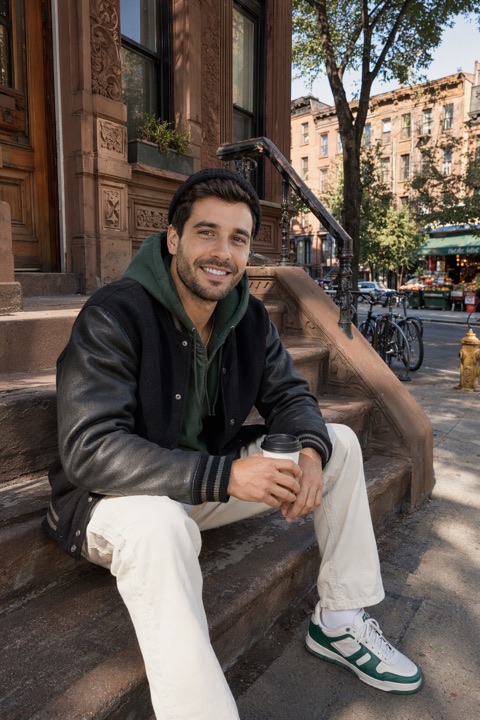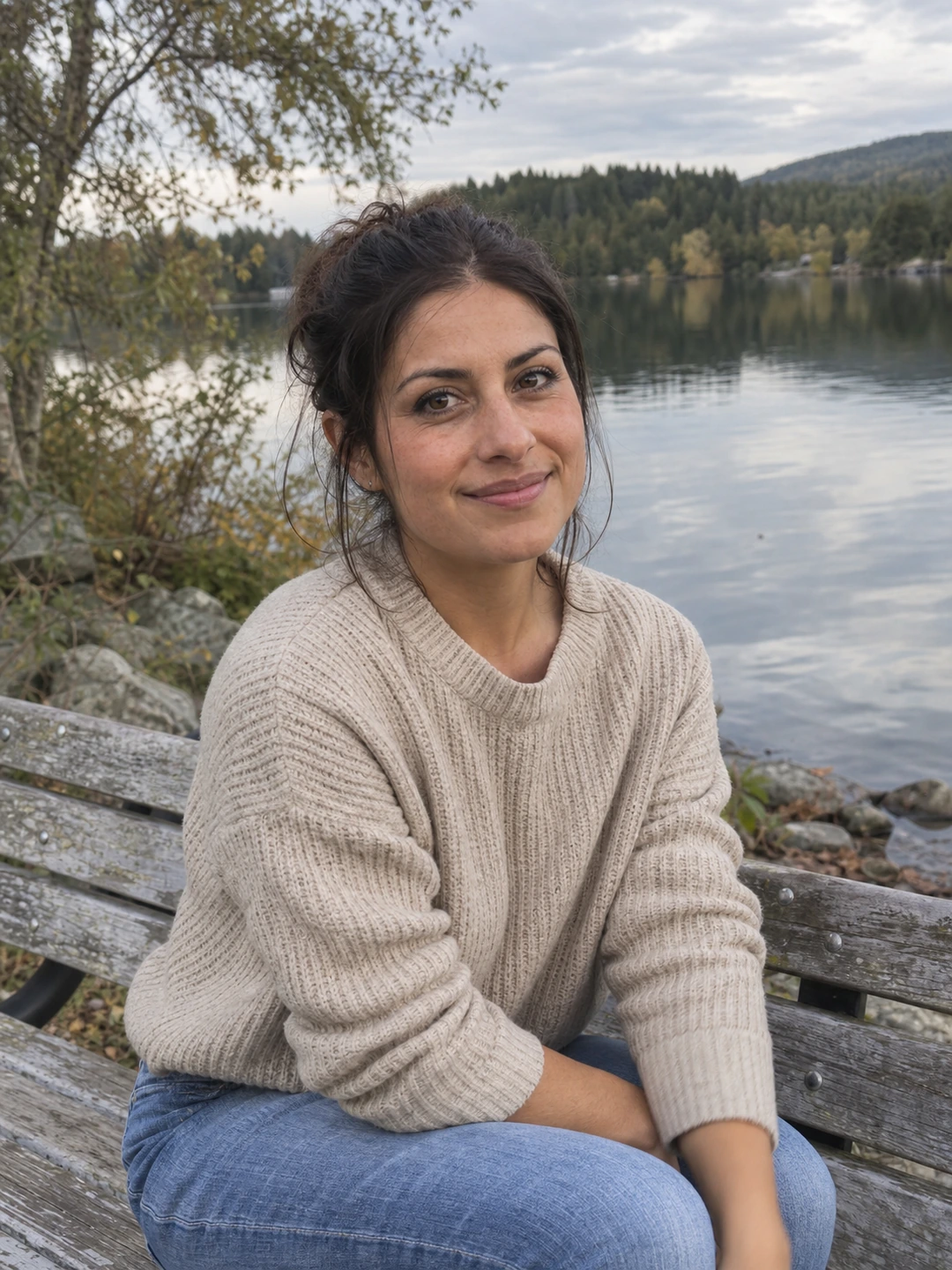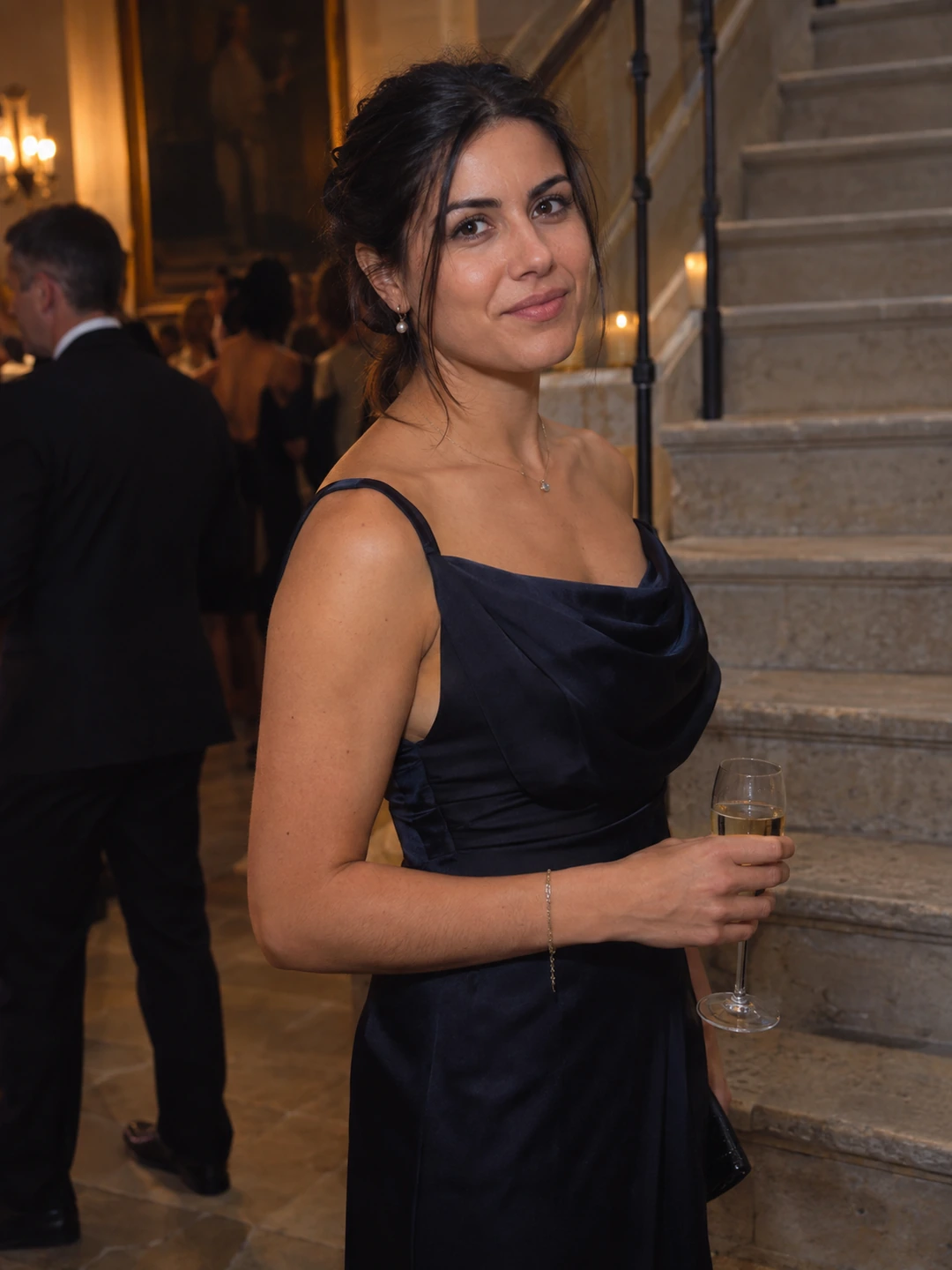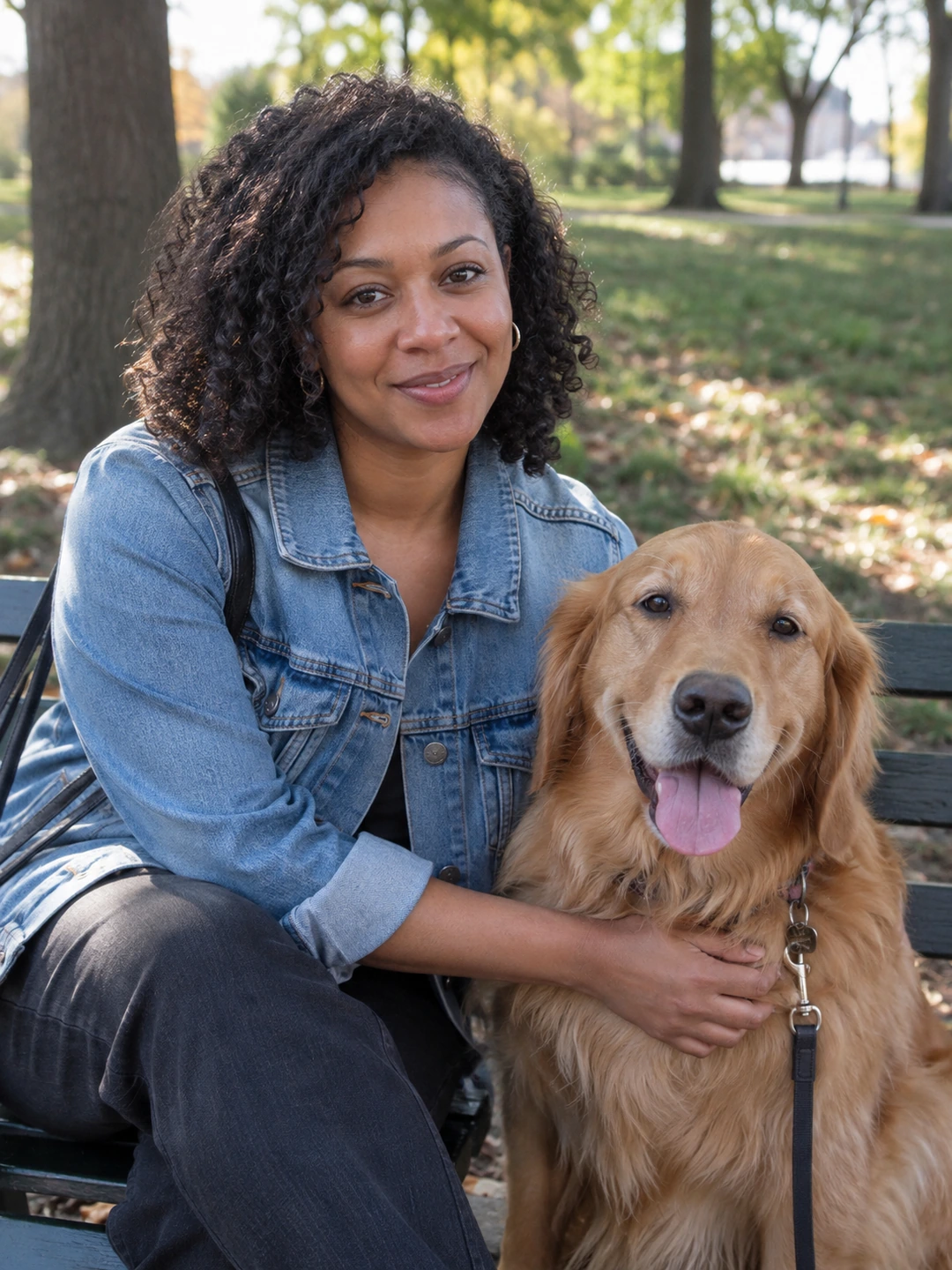
Prepare a job-search headshot for a specific destination, not for every document by default. A professional networking profile, a personal portfolio and an application form can have different expectations. Read the recipient’s instructions before adding an image. The portrait should represent you clearly; it cannot promise an interview or compensate for inaccurate experience claims.
Separate profile use from application instructions
You may want a current photograph on a professional profile while an application does not request one. Do not assume a headshot belongs on every CV or résumé. Follow the actual employer, platform or submission brief. If the requirement is unclear, ask the recipient rather than relying on a general image guide to decide it for every country or role.
- Professional profile. Check the platform’s current requirements and preview the image at the size viewers will see.
- Personal portfolio. Choose a portrait that works with the page and introduces the same person as the work and biography.
- Requested application image. Follow the stated format and purpose. Do not substitute an edited or generated portrait where a process requires a specific real capture.
- No image requested. Keep the portrait available separately rather than adding it automatically to every document.
Choose a current, straightforward portrait
- 1Use your present appearance. Choose current hair, glasses and facial hair rather than an older favourite that no longer represents you.
- 2Wear something appropriate to your real context. You do not need to infer a universal dress code from the word professional. Aim for a presentation you would be comfortable using in a work-related introduction.
- 3Keep the background accurate. Avoid logos, credentials or office settings that imply an affiliation you do not have.
- 4Review the face at small size. A busy background or a distant crop can make a suitable full-size picture less useful as an avatar.
- 5Save a flexible source. Keep a wider version and label platform-specific exports so future requirements are easier to handle.
Keep the portrait in proportion to the job search
Once the image is current and fits its destination, move on to the information that explains your work. A photograph does not establish qualifications or show the quality of a project. Use accurate experience, relevant examples and clear writing for those tasks. Repeatedly changing the portrait is unlikely to answer a problem you have not identified in the application itself.
If someone helps you select a headshot, ask which image looks like you and reads clearly, not which one guarantees that you look employable. Feedback should identify practical differences in framing or presentation. It should not pressure you to alter your age, identity or recognisable features.
Check requirements before using generated headshots
PhotoDating.ai headshots creates portraits from your own selfies. Use only accurate results and check the destination’s rules. Generated portraits are not substitutes for identity documents or a required live capture.
Use the LinkedIn photo guide for that particular profile and the headshot delivery checklist to organise exports. Keep personal dating imagery separate with the dating photo guide.