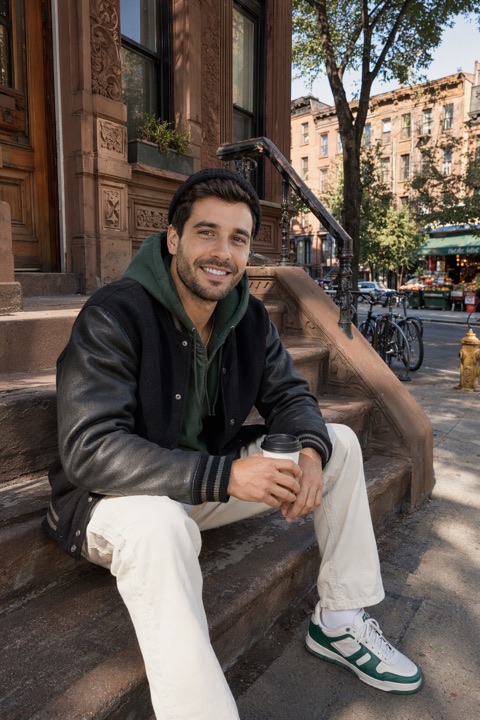
A professional-looking headshot comes down to three things you can control at home: even light on your face, a clean background, and correct framing. Here's how to get all three with a phone.
The setup
- Light: face a large window for soft, even light — no harsh overhead or direct sun.
- Background: a plain, uncluttered wall a few feet behind you keeps the focus on you.
- Camera: rear camera, propped at eye level a few feet away — sharper and no distortion.
- Wardrobe: solid colours, well-fitted, business or business-casual.
Framing and expression
- 1Frame head-and-shoulders with a little headroom, camera at eye level.
- 2Square up slightly — shoulders a touch angled, chin forward and down.
- 3Relaxed, confident expression — a slight genuine smile reads as approachable.
- 4Shoot many frames and pick the sharpest, most natural one.
Clean it up after
A messy backdrop is easier to fix by reshooting somewhere tidier; see choosing a background for dating photos. Then crop so you fill more of the frame.
Want a studio look without the effort? PhotoDating.ai generates professional AI headshots from a few selfies. See also what to wear for headshots and the LinkedIn photo guide.