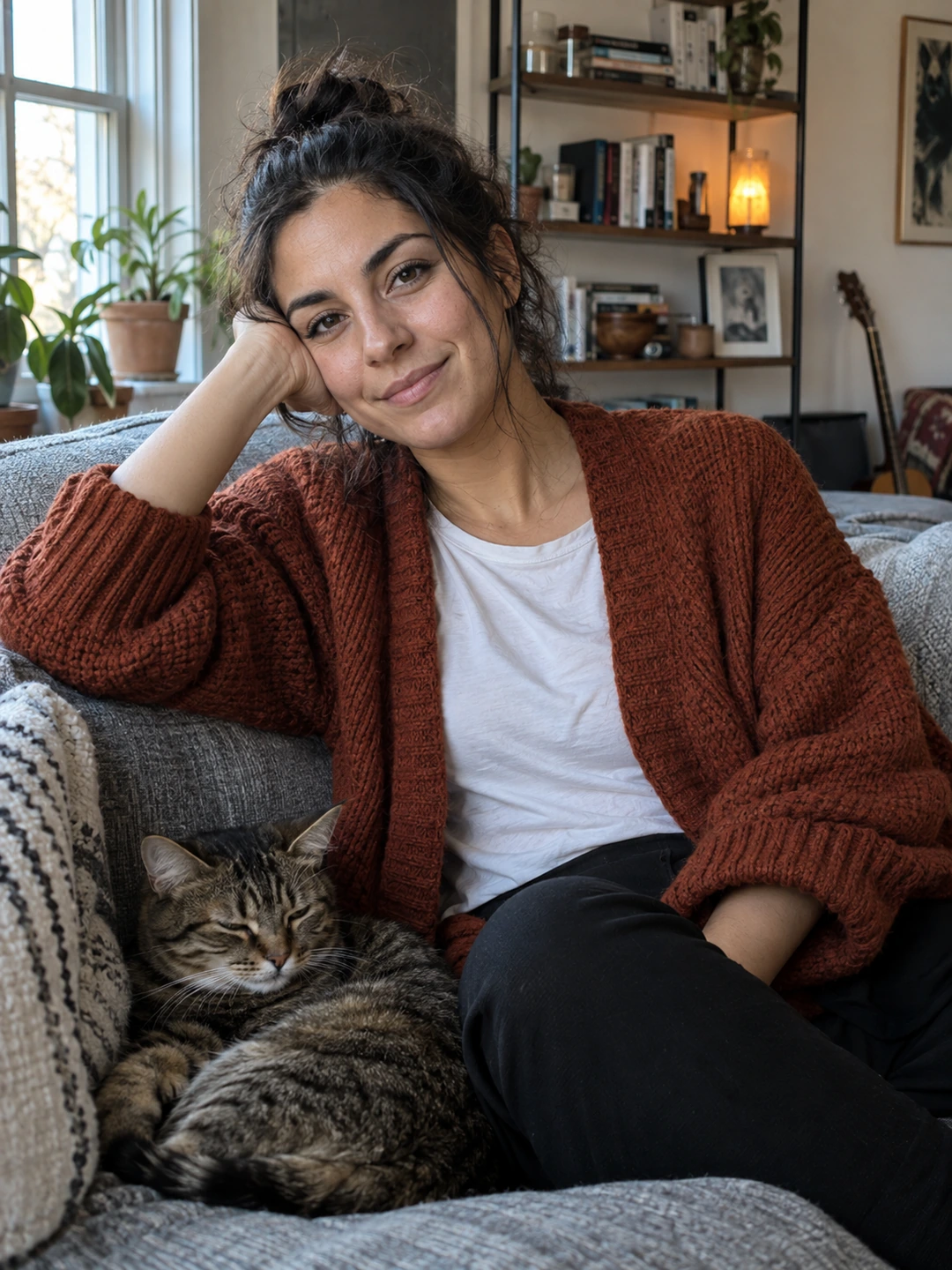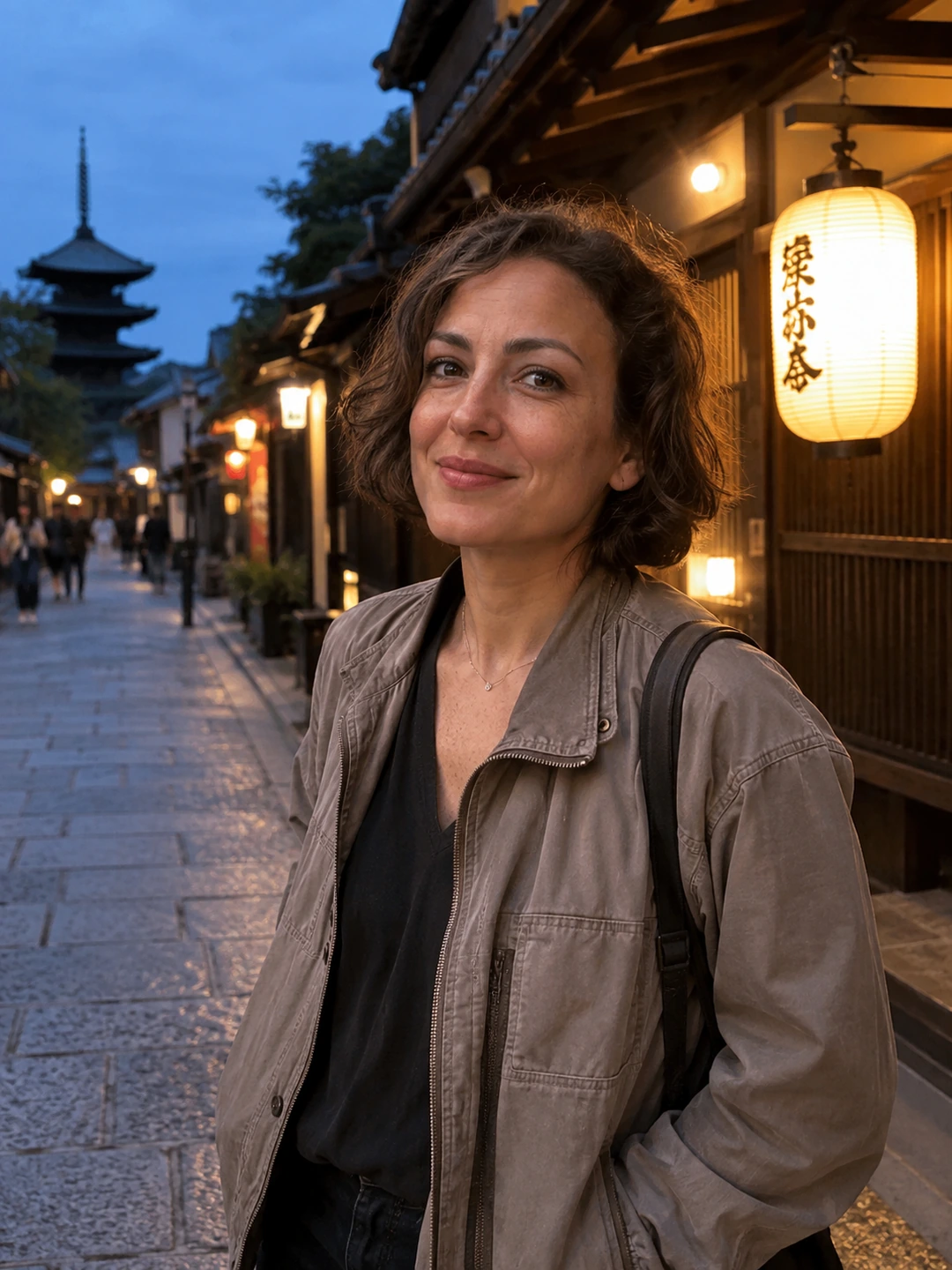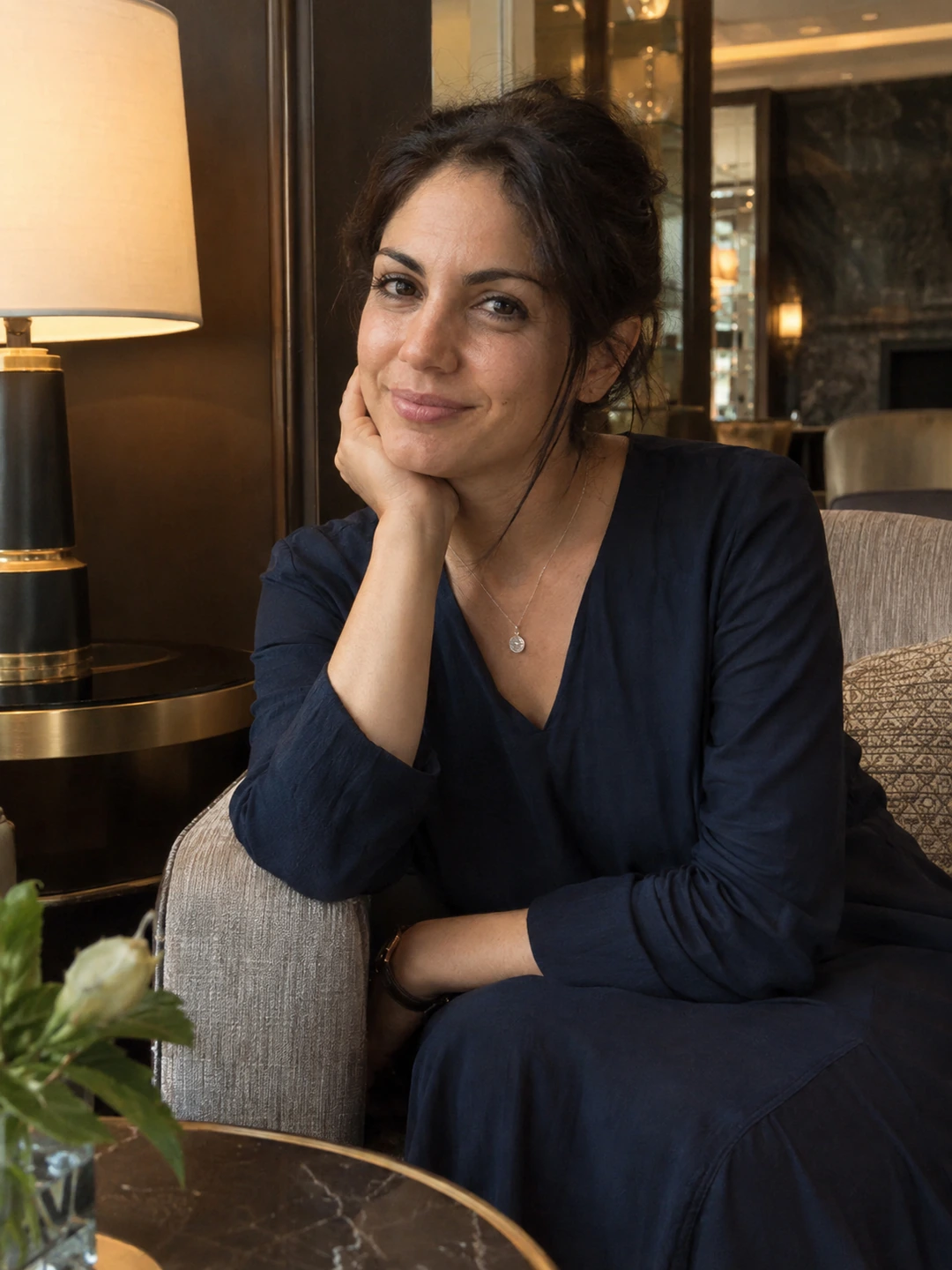
Choose a headshot background for the place the image will appear. A portrait on a white company page, a dark speaker card and a small circular avatar may need different treatment. Start with the destination and any supplied brief, then compare how the background separates your face, hair and clothing. There is no single colour that is automatically professional for every use.
Read the destination before choosing the backdrop
Ask whether the image will appear beside other staff portraits, over a coloured page or inside a tight crop. If an organisation has a headshot specification, use it before making stylistic decisions. If you control the page, place a candidate image into the actual layout. A background that looks appealing full-screen may compete with headings or disappear into the surrounding design.
- Light neutral. Compare whether the edge of your clothing and hair remains clear and whether the portrait blends comfortably with the page.
- Mid-tone neutral. Check that the face remains the focus and that the result does not become visually heavy at a small size.
- Dark background. Inspect separation around dark hair and clothing, especially in a circular or tightly cropped display.
- Coloured background. Use it when it fits the actual brief or personal brand. Check that the colour does not dominate the introduction or conflict with the destination.
Compare candidates in a real layout
- 1Keep the portrait comparable. Where possible, compare similar framing and expression so a different pose does not decide the background choice for you.
- 2View at the intended size. Put the portrait in a mock card or the destination preview. Judge the face and outline, not only the large image.
- 3Check beside neighbouring content. A team page needs consistency across portraits; an individual page needs a background that works with its text and layout.
- 4Choose a restrained fallback. Keep a neutral option when a coloured version will not suit every future use. You do not need to submit multiple versions unless the recipient wants them.
Avoid solving a backdrop problem by changing the person
If the background and clothing merge, another source or a different backdrop may be a better choice than editing the body outline. Check hair edges and glasses carefully after background replacement. A clean-looking result can still have missing strands, altered frames or an unnatural boundary. Reject a version that makes the person less accurate in order to make the colour more convenient.
Write down the chosen treatment if the image belongs to a team set. ‘Mid-grey background with similar head size’ is more useful than ‘make it look corporate’. The note helps the next colleague match the presentation without needing identical clothes, faces or expressions. Consistency should come from the brief, not from making people look interchangeable.
Review portrait options in context
PhotoDating.ai headshots generates portraits from your own selfies. Check current likeness and background edges, then preview the image in its destination. Generated polish does not replace the organisation’s submission requirements.
Use the headshot crop guide for framing and the team style guide for shared standards. If you also need a personal dating profile set, use the separate dating photo guide to choose images for that different purpose.