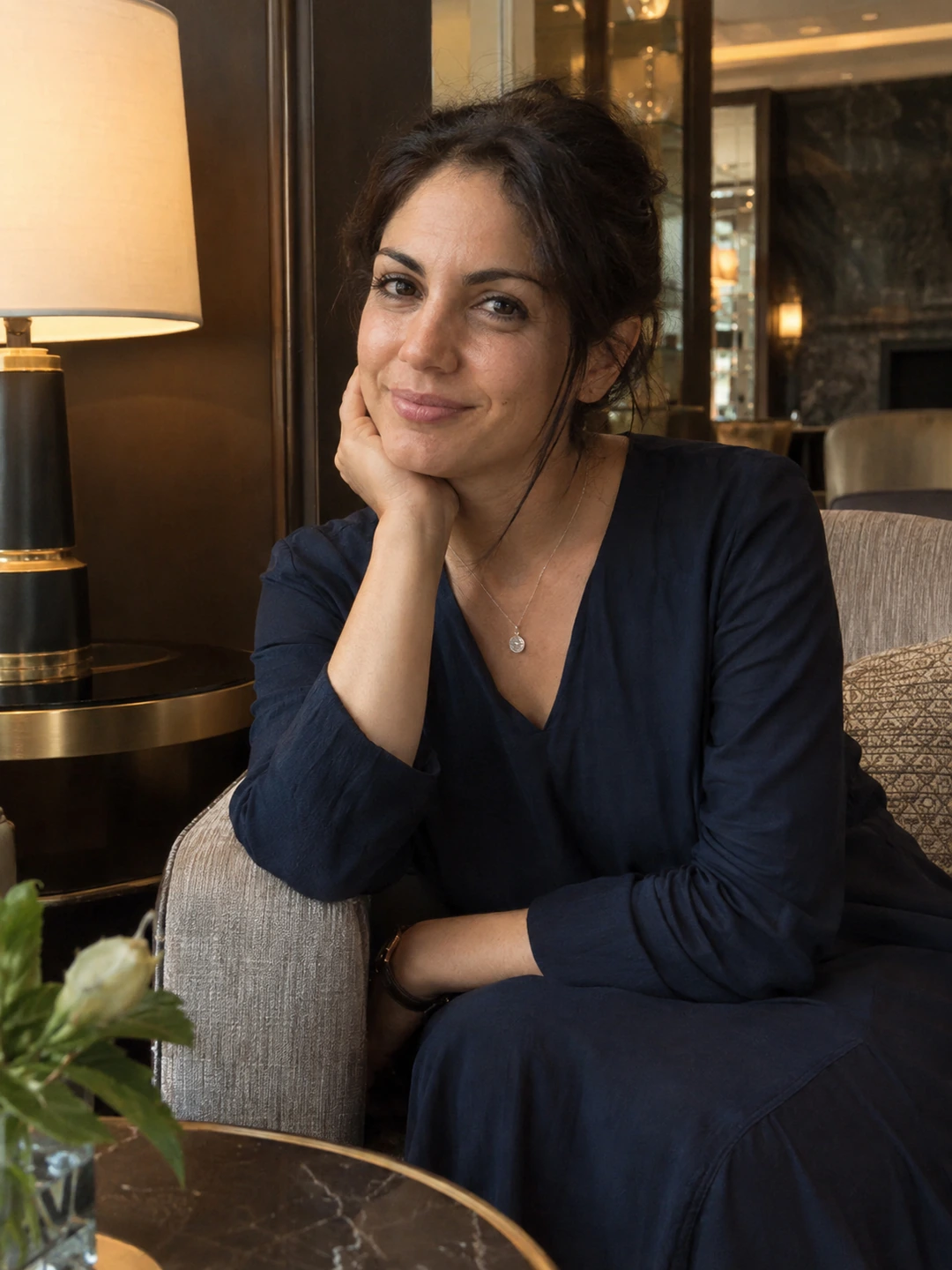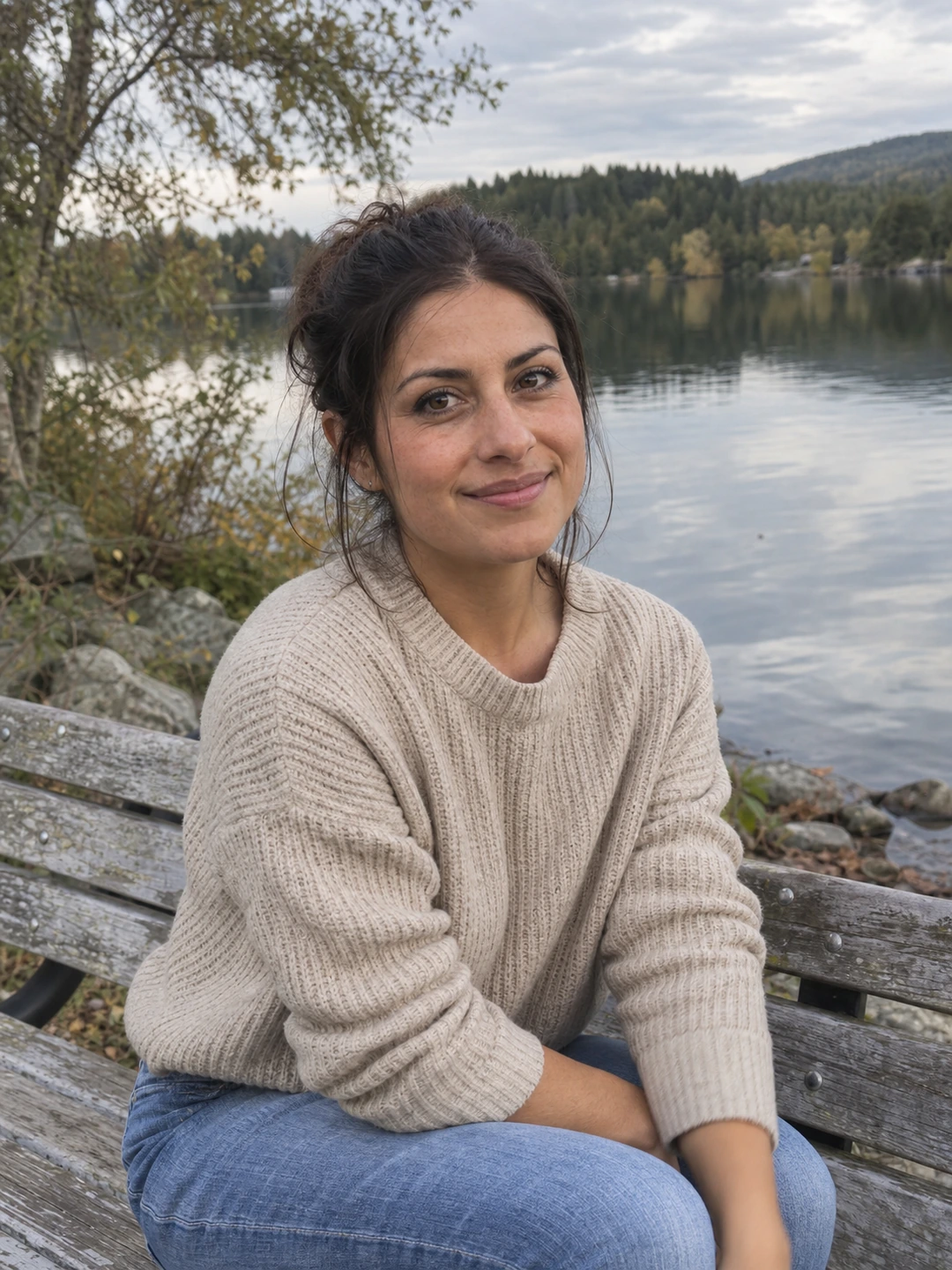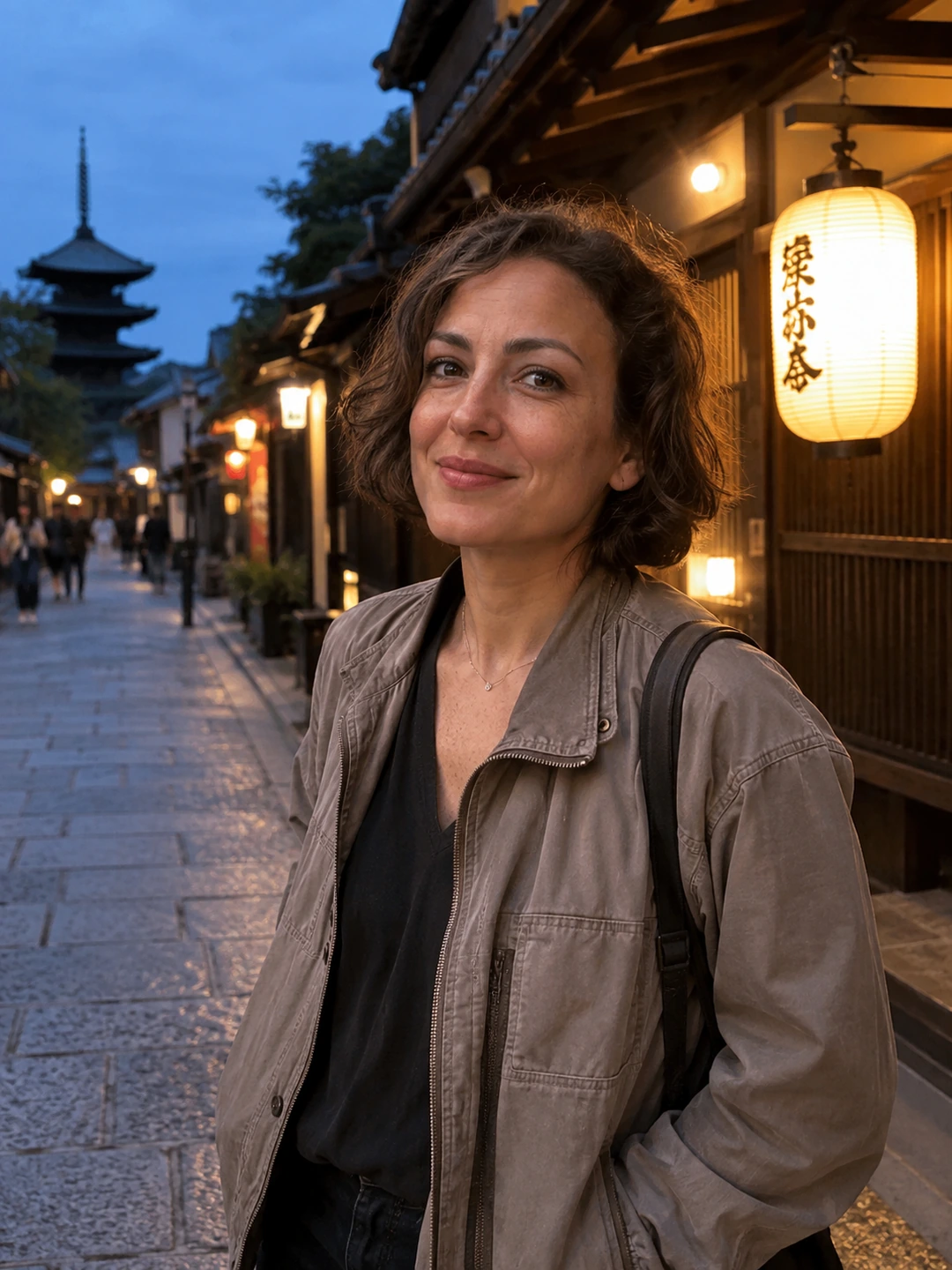
A team headshot style guide should define presentation, not prescribe everyone’s appearance. Align the crop, background treatment and delivery process while keeping people recognisable. A concise written brief is especially useful when colleagues supply images from different places or at different times. It prevents each new portrait from becoming a separate design decision.
Define the shared visual rules
- Framing. Describe the intended view and how much of the card the head should occupy. Include a layout example with room for different hairstyles and comfortable poses.
- Background. Specify the desired treatment and how it fits the page. Avoid vague instructions such as ‘something professional’.
- Expression. Ask for a natural, recognisable portrait rather than an identical smile. People should not have to perform the same expression to belong in the set.
- Clothing. Explain any actual organisational requirement and otherwise allow appropriate individual choices. Do not imply a dress rule that the organisation does not have.
- Editing. State that appearance should remain accurate. Background or crop consistency should not require changing faces, bodies or apparent age.
Use a brief colleagues can act on
A useful example might read: ‘Please provide a current head-and-shoulders portrait for the team directory. Keep space around your head for the square card, use the agreed neutral background and send the original plus your preferred crop. We will share the proposed version with you before publication.’ Add the actual file requirements and deadline from the website owner. This is an example brief, not a universal technical specification.
- 1Show the destination. Include the real card shape and surrounding page so contributors understand the purpose.
- 2Offer a route for questions. A colleague may need a seated setup, different framing or help obtaining a current image. Make it easy to ask without explaining private details.
- 3Review as a set. Compare head size, crop and clarity together. Identify specific inconsistencies and ask for a practical correction.
- 4Approve the final portrait. Let each person confirm their likeness and intended use. Keep the approved file connected to the correct name and role.
- 5Document replacements. Record who updates the directory and where future portraits should be sent. New staff should receive the same brief.
Allow exceptions that preserve the purpose
A consistent page does not require every person to occupy an identical silhouette. Head coverings, glasses, different hairstyles and comfortable seated positions can fit within a shared composition. Judge whether the portrait is clear and the layout coherent rather than treating natural variation as an error to remove.
If a supplied image cannot meet the crop, ask for a wider source or a retake. Avoid quietly extending bodies, replacing features or inventing clothing to make the grid uniform. Keep any generated portrait subject to the same individual review and organisational requirements as a real photograph. The style guide should clarify approval, not bypass it.
Individual options within a shared brief
PhotoDating.ai headshots generates portraits from a person’s own selfies. Each colleague should review their own likeness and the organisation’s requirements. Do not treat the product as a managed team-photo or approval service.
Use the company website headshot guide for collection and publication, and the file-delivery checklist for assets. A personal dating profile has a different purpose; use the dating photo guide for that setting.