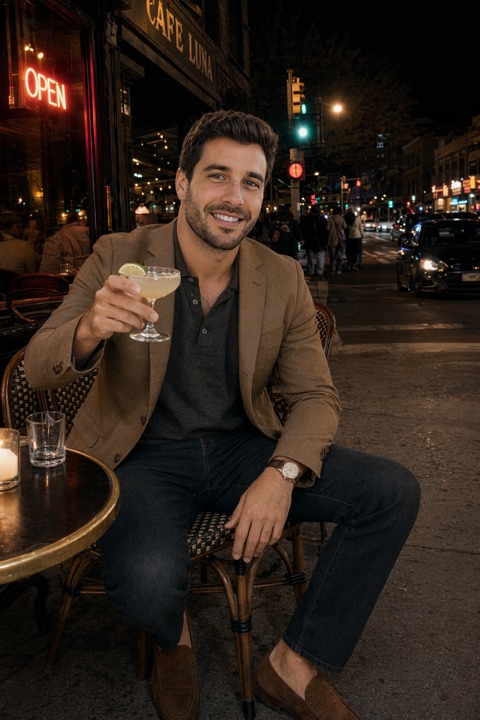
Every major dating app now has some form of photo verification, and it's the first thing people ask about before using generated photos. The honest answer is more specific than either "it's fine" or "you'll get banned", so here's what each system actually does.
What verification checks
All three work the same way in principle. The app asks you to copy a set of poses or expressions on camera, live, then compares the geometry of that face against the face in your uploaded photos. Pass and you get a badge on your profile.
| App | What it asks for | What you get |
|---|---|---|
| Tinder | A short video selfie copying prompted poses; some regions also offer ID verification | Blue tick on the profile |
| Hinge | Selfie matching a set of on-screen poses | "Verified" badge, and a filter others can use |
| Bumble | A photo copying a specific gesture, historically reviewed with a human step | Verification badge |
The key point: it's a face-match check on you, live. It is not a forensic test on the image file, and it is not asking whether a photo was taken by a camera.
Where AI photos actually stand
This is where the distinction matters, and where a lot of AI photo tools are quietly dishonest.
- If the generated photos are of your face, verification is straightforward. The live check compares your face to the photos. Same face, same geometry, pass.
- If the generator changed your face, you have a problem. Plenty of tools drift towards a generically attractive average — a slimmer jaw, a different nose, larger eyes. That is a different person as far as face matching is concerned, and it's also the thing that gets you a bad reaction on a first date.
- Detection of AI images is a separate question from verification. Apps do run integrity systems, and they're improving. We wrote about the state of it in can Tinder detect AI photos?.
Why we built it this way
Identity in PhotoDating.ai comes only from your uploaded selfies, never from a text prompt — so what changes is the light, setting and framing, not your face. That's a product decision made specifically so verification and the first date both hold up. See how it works.
Should you get verified?
Yes, and it's one of the highest-return two-minute jobs on a dating app. Two reasons:
- It removes the catfish worry. A visible badge answers a question your matches would otherwise be quietly holding.
- Hinge lets people filter for it. Unverified profiles are simply not shown to some users.
There's no ranking penalty for skipping it, but there's a clear conversion benefit to having it, and there is no downside if your photos are genuinely you.
If verification fails
A failure is usually mundane rather than an accusation. In order of likelihood:
- 1Poor light on the live check. The camera can't read your face properly. Redo it facing a window.
- 2Heavy obstruction in your photos. Sunglasses, hats and hair across the face all reduce the number of comparable landmarks. Have at least one clear, unobstructed face shot in the set — which you want anyway, per photos to avoid.
- 3Photos that are genuinely old. A face from eight years and a different weight ago is a harder match, and a worse profile regardless.
- 4Filters and beauty smoothing. Aggressive smoothing removes exactly the detail a face match relies on.
You can retry. If it keeps failing, delete the most obstructed or oldest photo, add a plain well-lit one, and try again.
When Hinge verification won't work at all
Hinge's selfie check is the one people get stuck on most often, and it usually fails for a reason that has nothing to do with your face.
- The poses have to be copied fairly precisely. The on-screen example is the target, not a suggestion. Match the head angle and hand position rather than approximating them.
- It needs camera permission and decent bandwidth. A stalled check often reads as a failure. Check permissions in your phone settings and try on Wi-Fi.
- Backlighting defeats it. A window behind you turns your face into a silhouette. Turn around so the light is on your face.
- Glasses, hats and masks. Take them off for the check even if you wear them in your photos.
- Review can be queued rather than instant. If it neither passes nor fails, give it a day before retrying repeatedly — multiple rapid attempts do not speed it up.
If it keeps failing after all that, the likeliest cause is your photo set rather than the check: verification compares your live face to your photos, so a set of heavily filtered or years-old images gives it very little to match against. Swap in one plain, current, well-lit photo and try again.
If your reach dropped at the same time
Failed verification and reduced visibility often arrive together, and people usually blame the wrong one. Hinge shadowban: how to tell and fix it separates the two, and how the Hinge algorithm actually works covers what actually drives reach.