AI selfies for dating apps
Selfies are what you have; they're rarely what performs. Here's how to turn the selfies on your phone into photos that read as properly-shot portraits — without a camera or a photographer.
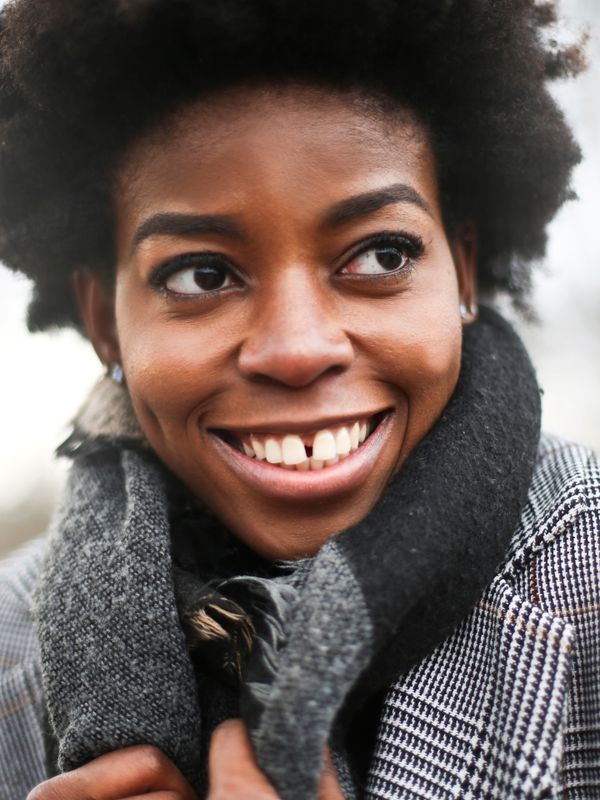
Raw selfies underperform on dating apps for predictable reasons: close lens distortion, an arm's-length angle, and whatever light happened to be in the room. The face is fine — the photograph isn't.
Why raw selfies underperform
- Lens distortion at arm's length subtly exaggerates your features.
- A repeated angle — every selfie looks like the same photo.
- Indoor light that's flat, yellow or shadowed.
- No full-body or lifestyle shots, so the profile lacks range.
What to upload
- 18–12 selfies, clear and front-facing.
- 2Vary the angle slightly — not twelve of the identical pose.
- 3Mix the lighting — a few indoors, a few in daylight.
- 4Keep your face unobstructed — no sunglasses, heavy filters or hats.
Better input, better output
Likeness quality tracks input quality more than any setting. Ten good selfies beat thirty poor ones.
Curious whether they'll still look like you? See realistic AI dating photos.
Support
AI selfies for dating apps — FAQ
Can I turn my selfies into dating photos?
Yes. Upload 8–12 clear selfies and the model generates new portraits of you in varied scenes and lighting — the same face, photographed properly.
How many selfies do I need?
Eight to twelve is the sweet spot. Enough variety in angle and lighting matters more than sheer volume.
Do my selfies get stored or used for training?
Uploads are processed securely and auto-deleted after a short period, and aren't used to train models for anyone else.
Keep reading
Realistic AI dating photos
AI dating photos that read as real photographs — natural skin texture, believable light and accurate likeness. See what separates realistic results from fake-looking ones.
Dating profile picture generator
Generate a dating profile picture that gets swipes. Upload selfies and get a sharp, well-lit hero shot plus a full set of varied profile pictures.
AI dating app photos
AI photos built for how dating apps actually rank profiles. One set, correctly sized and ordered for Tinder, Hinge, Bumble and the rest.
Your best dating photos are one upload away
Turn a few selfies into a full set of dating photos and headshots.
One-time plans · No subscription · Money-back guarantee