AI dating app photos
Every dating app crops, ranks and rewards photos slightly differently. Here's how to build one set that performs across all of them — and what to tweak per app.
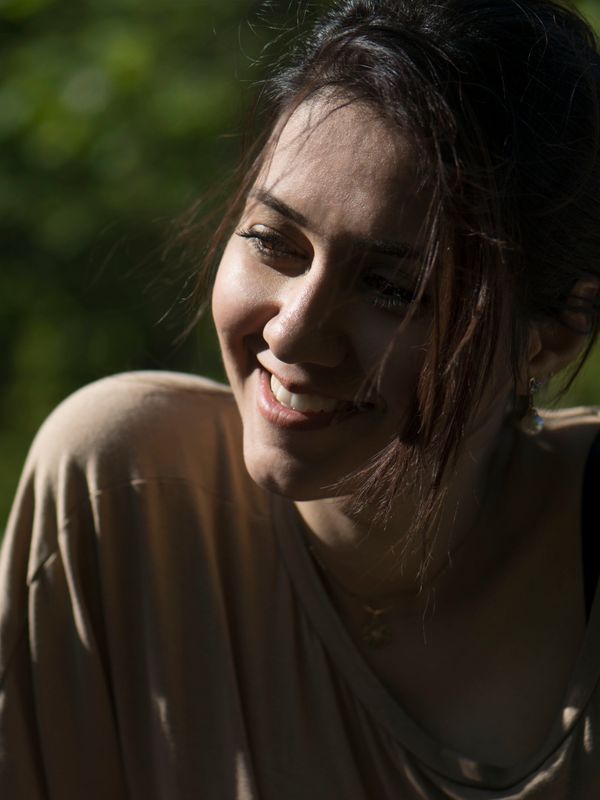
The fundamentals are universal: lead with a clear face, include a full-body shot, show range. What changes between apps is tone, crop and how people interact with your photos.
What to tweak per app
- **Tinder** — swipe-rate driven. Your first photo carries almost everything.
- **Hinge** — photos are liked individually, so give each one something to comment on.
- **Bumble** — lead brighter and warmer; approachable earns first messages.
- **Match and others** — skew slightly more polished and relationship-oriented.
Sized correctly, everywhere
Wrong aspect ratios are why heads get cropped in-feed. We export at the dimensions each app expects, and you can re-crop any shot with the free crop & resize tool.
One set, every app
Generate once and use the same set across every profile you run — with the small per-app tweaks above.
Support
AI dating app photos — FAQ
Can I use the same photos on every dating app?
Mostly yes. Keep the same core set and adjust the order and tone per app — brighter and warmer for Bumble, comment-worthy shots for Hinge, strongest-first for Tinder.
Are AI photos allowed on dating apps?
Yes, as long as the person is genuinely you. Photos generated from your own selfies keep your real identity and pass photo verification.
What size should dating app photos be?
Most apps use a portrait ratio but crop differently in-feed. We export at the right dimensions so your face stays safely inside every crop.
Keep reading
AI dating photo generator
An AI dating photo generator built for match rate. Upload selfies, get a full set of varied, natural profile photos for Tinder, Hinge and Bumble in minutes.
AI dating profile photos
Get a complete set of AI dating profile photos from your selfies — hero shot, full-body, hobby and lifestyle scenes, tuned for Tinder, Hinge and Bumble.
AI selfies for dating apps
Turn the selfies already on your phone into dating photos that don't look like selfies. Better light, better framing, real variety — still unmistakably you.
Your best dating photos are one upload away
Turn a few selfies into a full set of dating photos and headshots.
One-time plans · No subscription · Money-back guarantee