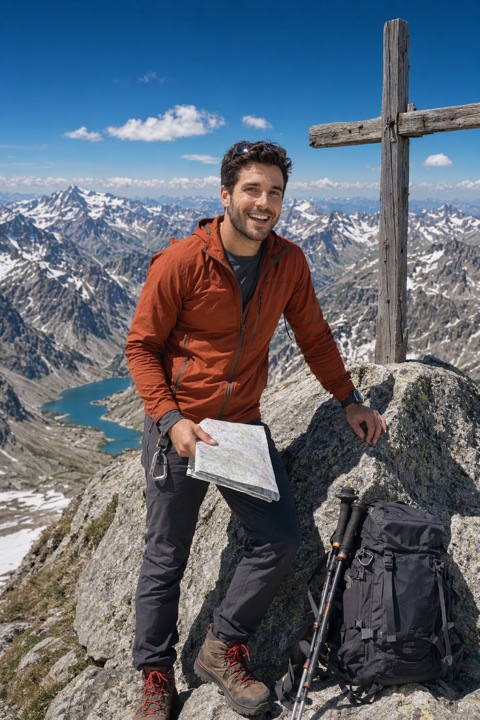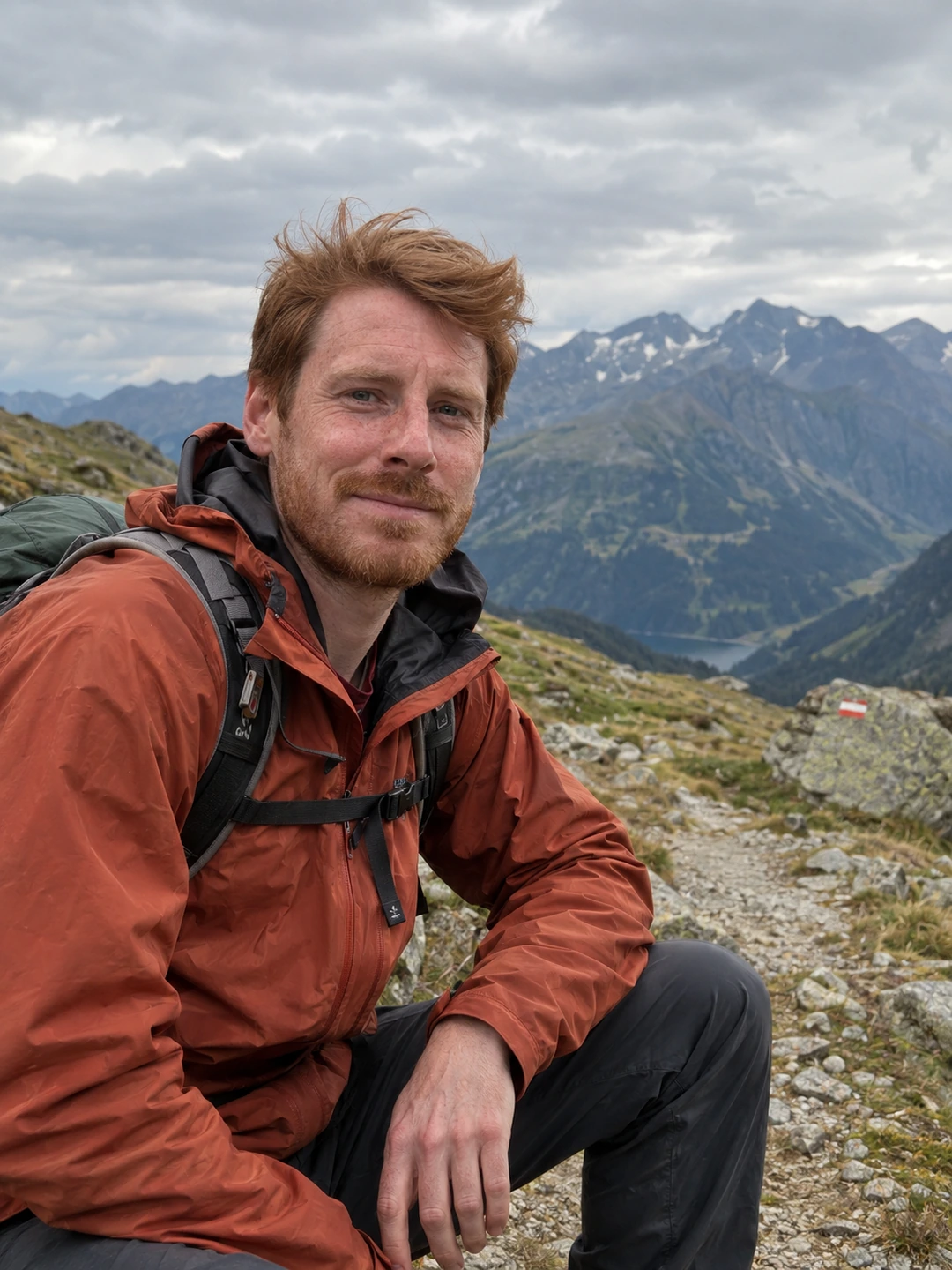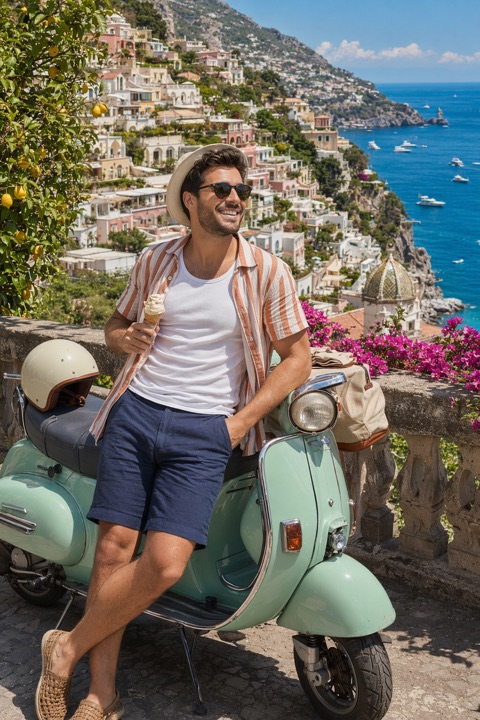
AI headshot generators turn a few selfies into professional portraits for LinkedIn, resumes and company pages — no studio booking required. The good ones are hard to distinguish from studio photography at typical web sizes. Here's how to choose one and how the leading options compare.
What separates a good AI headshot
- Professional lighting and composition that matches real studio standards.
- Accurate identity — colleagues and recruiters should see you, not an avatar.
- Clean, appropriate backgrounds for your industry (corporate, business casual, creative).
- Natural skin and detail — not plastic, over-retouched output.
- A usable set to choose from, not a single pose.
The main options compared
| Tool | Best for | Pricing model | Turnaround |
|---|---|---|---|
| PhotoDating.ai | Headshots + dating from one set of credits | One-time credit packs | Minutes |
| Aragon | Professional headshots | Packages | Up to ~1–2 hours |
| PhotoAI | General + headshots | Subscription | Varies |
| Fotor / others | Casual headshots | Freemium + credits | Minutes |
See our detailed take in PhotoDating vs Aragon AI, and if you want the headshot funnel specifically, start on our AI headshots page.
How to choose
- 1Match the style to your field. Corporate, business casual or creative — pick a tool with backgrounds and wardrobe that fit.
- 2Prioritise identity accuracy so your headshot still reads as you.
- 3Consider turnaround if you need it today.
- 4Check whether the same credits also cover dating or lifestyle photos — some tools do both.
One tool, both jobs
If you want professional headshots and better dating photos, PhotoDating.ai does both from the same credits with its best identity model on every plan.