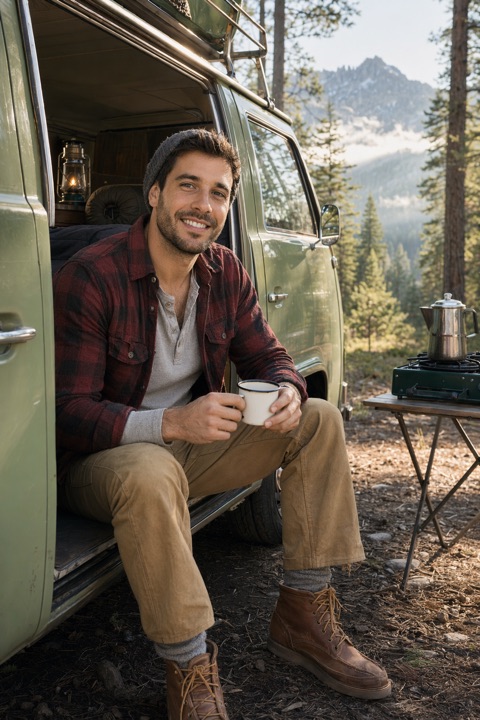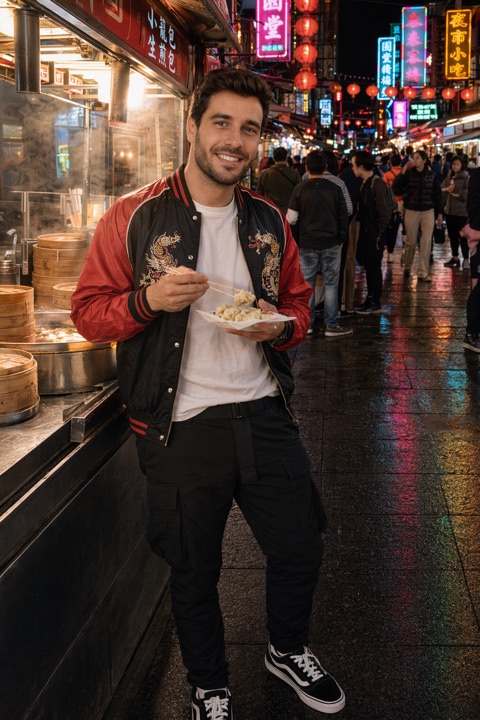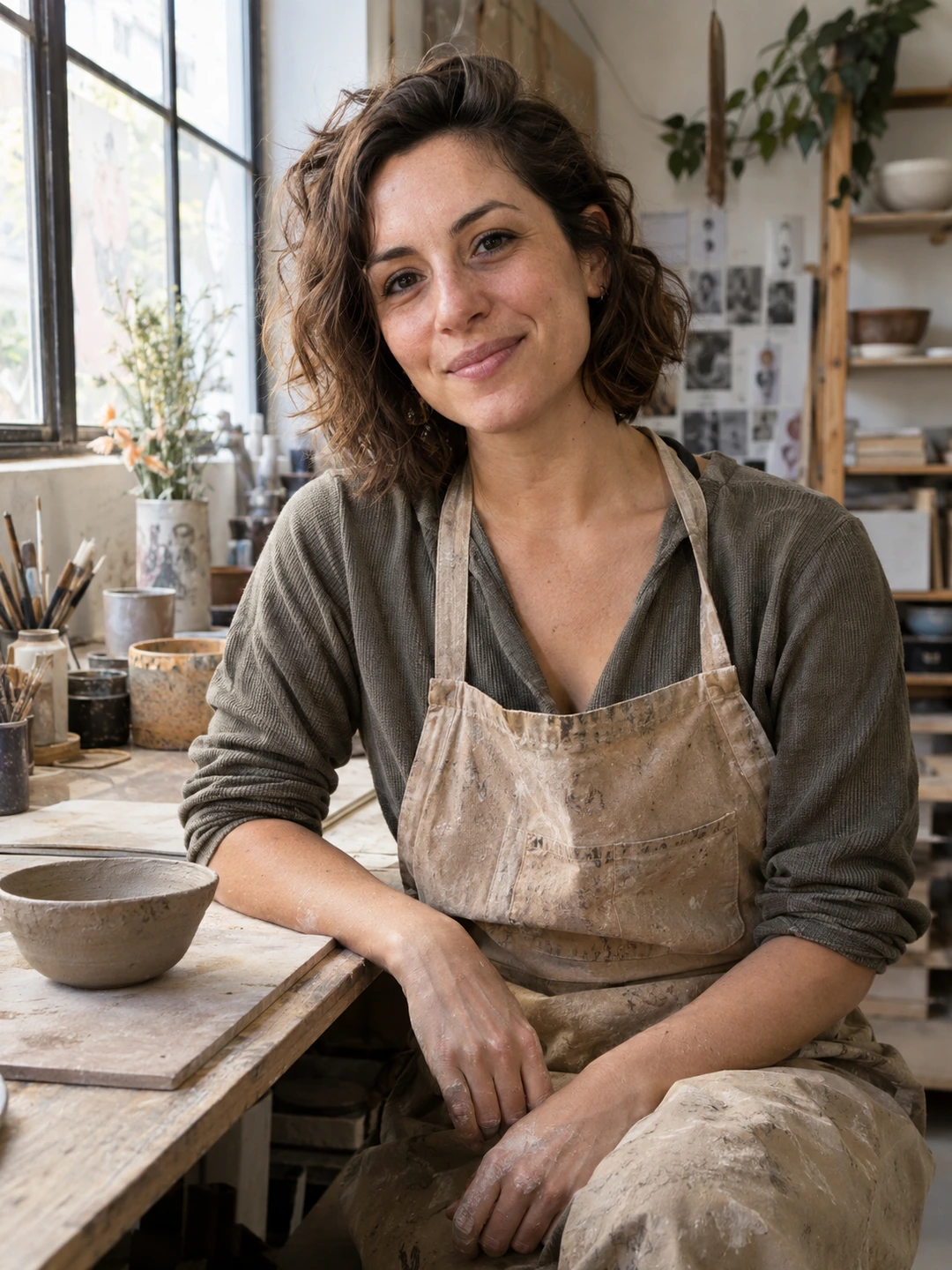
A Hinge photo prompt pairs a prompt with an image instead of a written answer. Choose the photo first, then a prompt that helps someone understand why you included it. An ordinary scene with a specific detail can give you more to talk about than an impressive image you cannot connect to your life. Below are original pairing exercises, not a list of guaranteed winners or a claim that the same prompt labels appear in every version of the app.
How to add a photo prompt
- 1Open the editor. Tap your profile photo and then the pencil icon.
- 2Select an image. Tap the photo you want to pair with a prompt, then choose Select a Prompt.
- 3Choose what fits. Browse the available options, save your edit and preview the result. Skip the prompt if none helps the photo make sense.
Hinge’s prompt editing guide describes this feature as optional. It is separate from the written answers discussed in our Hinge prompt answer guide. Think of the difference as a photograph supplying the answer, rather than needing to write another miniature bio. Use the labels in your current app when the interface differs from these instructions.
Six photo-pairing ideas you can adapt
| Photo you already have | A theme to look for in the prompt menu | A detail someone could ask about |
|---|---|---|
| You making a meal | Everyday enjoyment or a skill | The dish you keep trying to get right |
| A familiar weekend walk | A typical day or a favourite place | What makes that route worth repeating |
| You working on a hobby | An interest or a small achievement | What you are making or learning |
| A trip you can tell a story about | A memory or adventure | One moment beyond the landmark |
| Time with your own pet | Your everyday life | The animal’s personality or routine |
| An outfit for an event you enjoyed | An occasion or personal style | Why that evening mattered to you |
These themes are our suggestions for choosing from the app’s menu, not exact Hinge prompt titles. You do not need to stage six new scenes. Look through recent photos and pick one with a story you would be happy to tell on a date. If your camera roll is mostly travel, look for one everyday image as well; it gives the set a different kind of context. A photo of you doing something ordinary is enough when the detail belongs to your life.
Make the pairing specific without explaining everything
- Choose a visible connection. If a prompt suggests an interest, the image should help someone see it. A close-up portrait with no connection to the theme asks the reader to invent the story. Keep that portrait for a role it already does well, such as introducing your face.
- Keep the story true. Holding a friend’s guitar once does not have to become a claim that you are a musician. You can use a real beginner experience if you would describe it that way in conversation. The same applies to pets, trips and borrowed equipment.
- Look for a question you would enjoy. Imagine someone asks about one thing in the frame. Would you have a warm, specific answer? This exercise is more useful than trying to make every picture funny. You are looking for an easy conversation, not a punchline on demand.
- Let different slots reveal different things. If one photo already carries the travel story, use another slot for your local life, style or hobby. Your written answers can add values or preferences the pictures cannot show. Repeating the same interest across every slot leaves less room for discovery.
For example, a photograph of you rolling uneven pasta has a visible activity and a story you can explain. A suitable prompt might draw attention to learning something or spending a weekend at home, depending on the actual options available. You do not need to claim you are an accomplished cook. The point is that the image gives the other person something concrete to notice. That is an editorial example; we have not measured its effect on likes.
Keep generated portraits separate from real experiences
PhotoDating.ai generates portrait options from your own selfies. If you use them, check that they represent your appearance accurately. Use real photographs for prompts that imply you visited a place, own a pet or took part in an activity. A generated scene should not become evidence for a story that did not happen.
Check the whole profile before you save
- Read image and prompt together. Make sure the pairing makes sense to someone who was not there. An inside joke that needs several paragraphs of explanation may work better in a conversation after you know each other.
- Inspect the crop. Is the detail you want someone to notice actually visible? If the app cuts off the food, instrument or setting that supplies the answer, use a wider original or another image. Our blurry photo checklist also covers quality lost through tight crops.
- Check other people’s privacy. Ask before using a friend’s image, and avoid exposing children, private locations or identifying documents simply to make a scene feel personal. You can tell a story with a photograph centred on you.
- Leave a weak pairing unused. Optional features are useful when they add something. You do not need to fill every available space or attach a theme to a photograph that already communicates clearly on its own.
Start with one recent photo, choose a fitting prompt from the live menu and preview the pair alongside your written answers. Then check the full Hinge photo lineup and the dating profile photo guide so your opener, wider views and interests all have a clear role. If the first image keeps changing, the Top Photo explainer covers that separate setting.